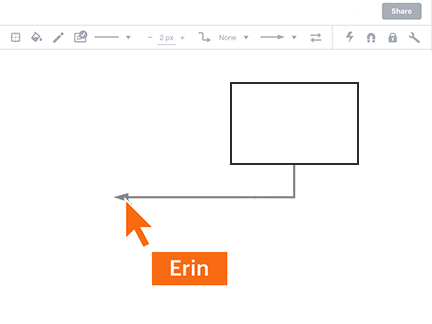
Skapa diagram över din personal, dina processer och dina system
Utnyttja kraftfulla funktioner som hjälper teamet att kommunicera komplexa idéer och samtidigt samarbeta i realtid.



Genom att registrera dig godkänner du våra användarvillkor och bekräftar att du har läst och förstår vår integritetspolicy.
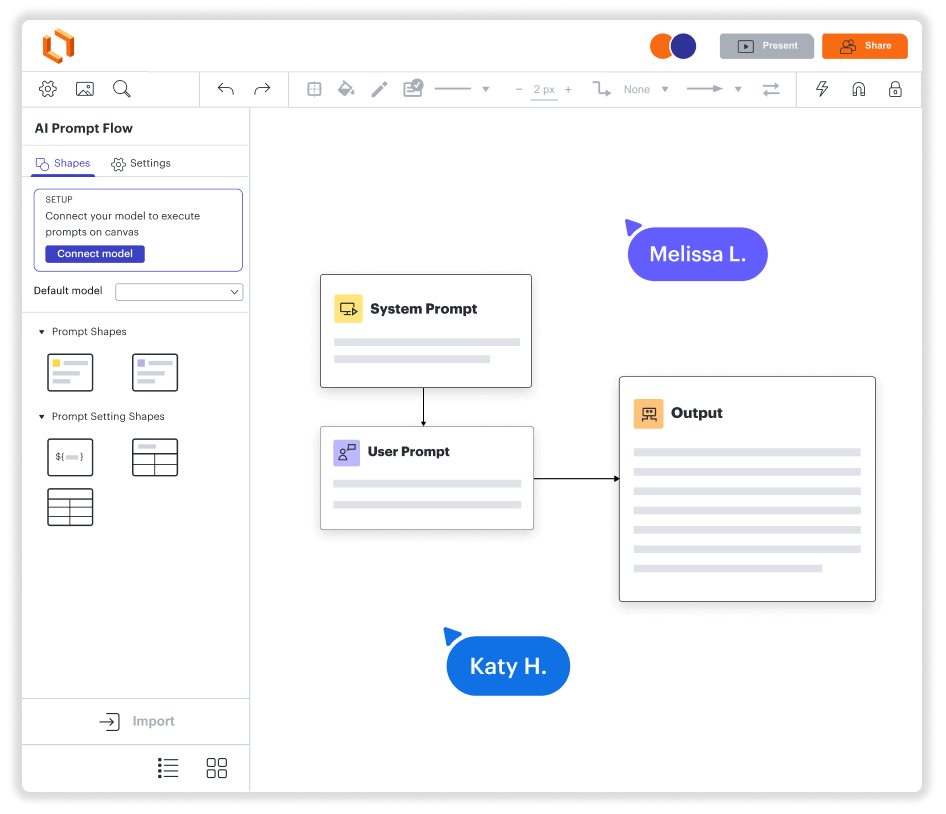
Diagram. Samarbete. Datavisualisering. Allt i en plattform.
Kom igång enkelt på PC, Mac och Linux
Skapa diagram tillsammans, var ni än är
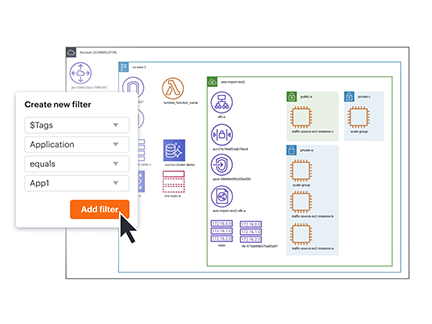
Se data i sitt sammanhang – direkt
Integrera med dina mest använda appar
En lösning som växer med ditt företag
Se hur Lucidchart förbättrar ditt sätt att arbeta
- Optimera affärsprocesser.
- Visualisera tekniska system.
- Brainstorma med team på distans.
- Designa en bättre användarupplevelse.
- Planera och implementera nya funktioner snabbare.
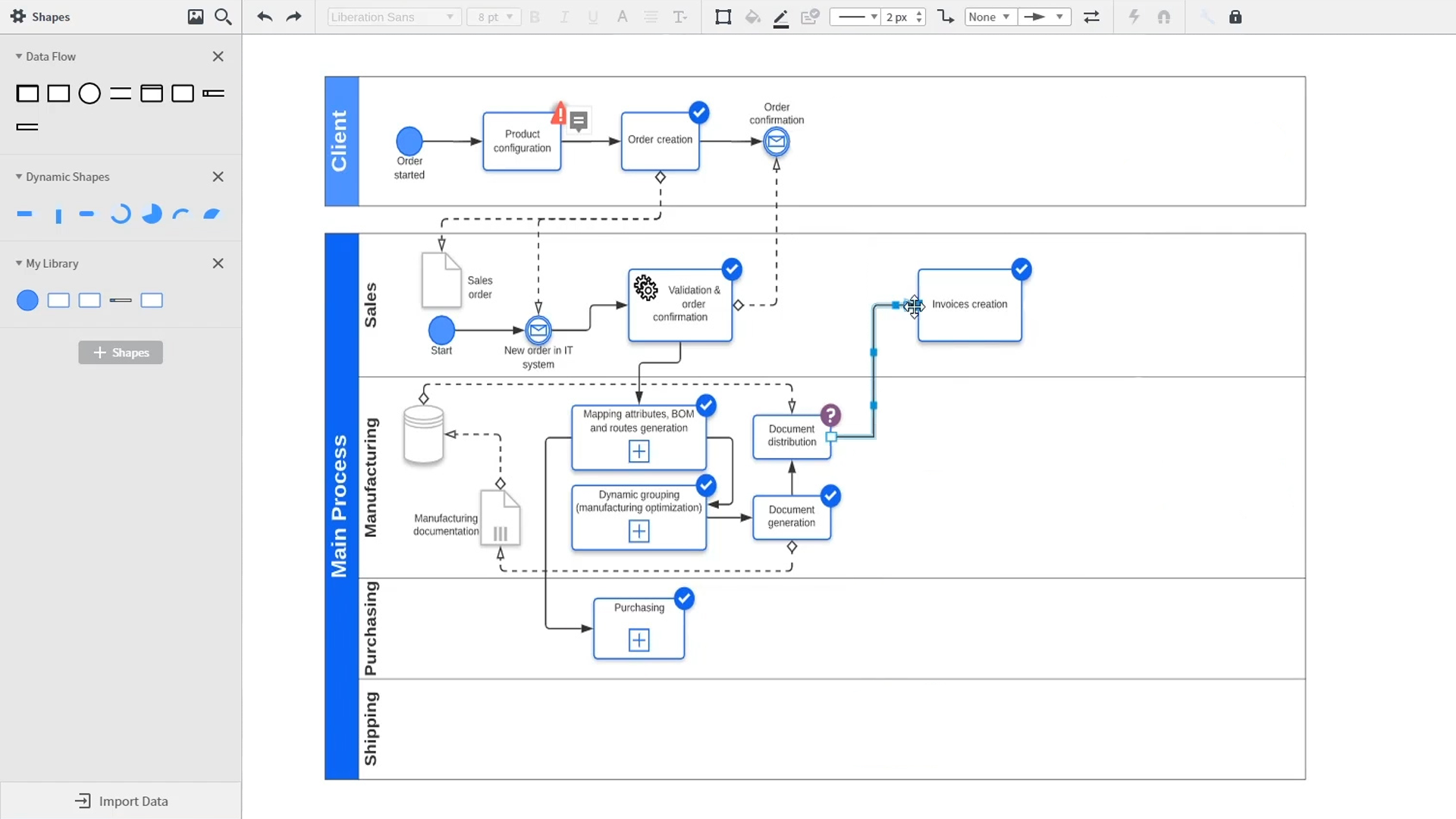
An introduction to intelligent diagramming in Lucidchart that demos key features like templates, shapes, integrations, conditional formatting, and commenting. Robyn, a Lucidchart user, adds shapes to her diagram and uses connectors to outline her processes. She then opens the embedded template library to look for templates that will give her a head start on her work. From network diagrams, to process maps, org charts and mind maps, the Lucidchart template library gives her many options to work with and insert into her canvas. Samalia, a second user, enters the shape library and looks through an extensive options list that includes shapes for floor plans, UML diagrams, entity relationships and more. She selects the UML diagram shape library and adds swimlanes to her document that highlight the various parties responsible for each part of the ordering process she is outlining. Lucidchart integrates with many of the applications you use in your daily work, including Salesforce, Microsoft Office 365, Jira, Confluence, AWS, Azure, Google Cloud, and Google Workplace. With close to 100 integrations available, the Lucid suite is made to work where you do. Connecting integrations is easy in the Lucid marketplace. The video returns to Robyn, who is sharing her document with a co-worker named Bill. They use the built-in commenting feature to review the instance she has created and toggle between the current and future state outlines of their workflow to bring clarity to the changes they will be making. Sam, Bill, Robyn and Samalia then add more shapes and connectors to their UML diagrams and mind maps to finish building out the future state architecture and stay aligned on their next steps. The video closes with an invitation to try Lucidchart for free by clicking the ‘Try it now’ button on the page.

Lucidchart hjälper oss att visuellt lösa komplexa problem genom att skapa tydliga arkitekturdiagram och flödesscheman som hjälper vårt utspridda team att snabbt komma igång med kodbas och system. … det gör att flera teammedlemmar kan samarbeta på en och samma gång, vilket förenklar arbetet i vårt utspridda team.
- Toptal opt