Online floor plan maker
Everything you need to create a floor plan



By registering, you agree to our Terms of Service and you acknowledge that you have read and understand our Privacy Policy.


See why teams choose Lucidchart
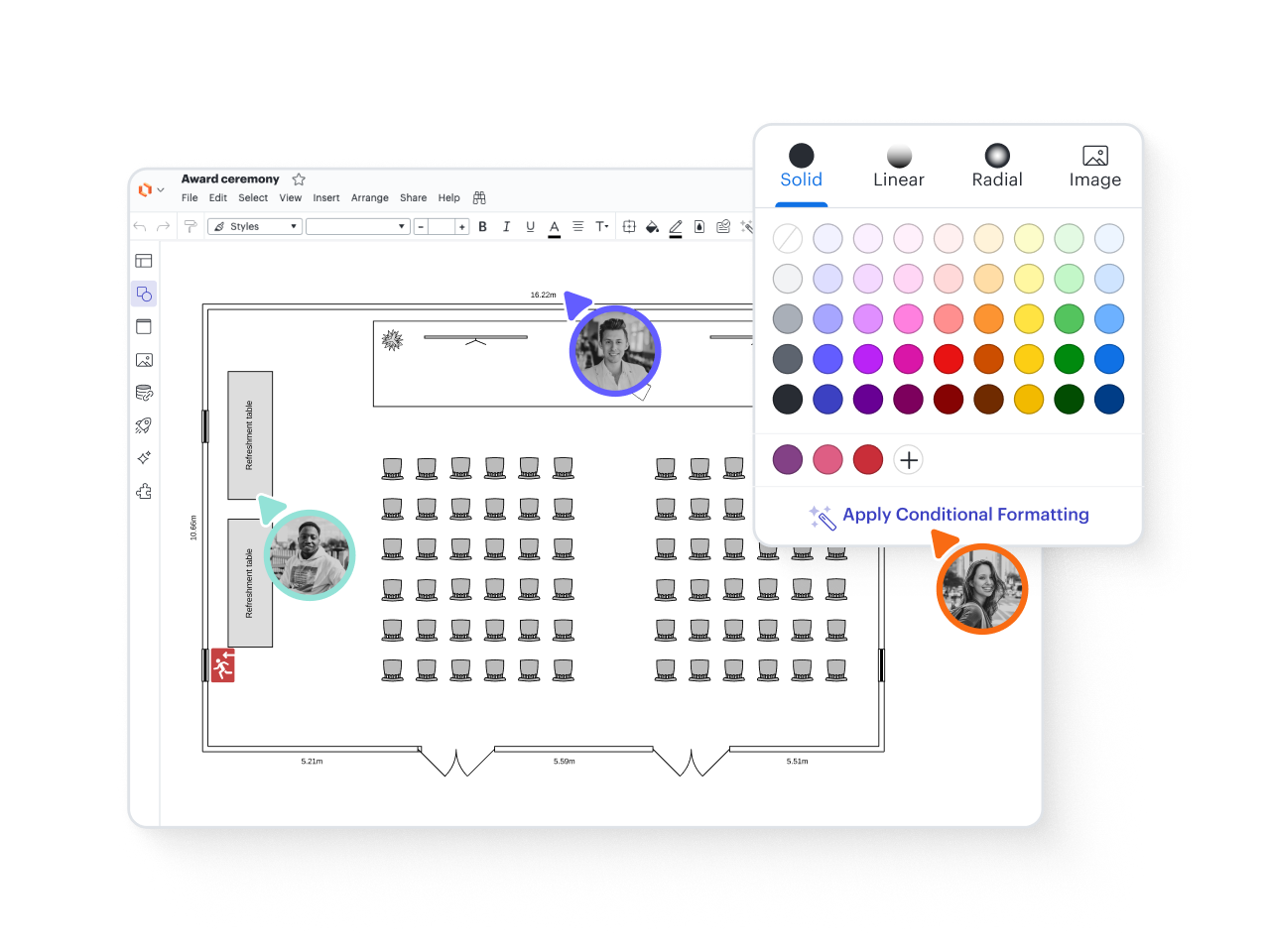
Easy-to-use floorplan tools
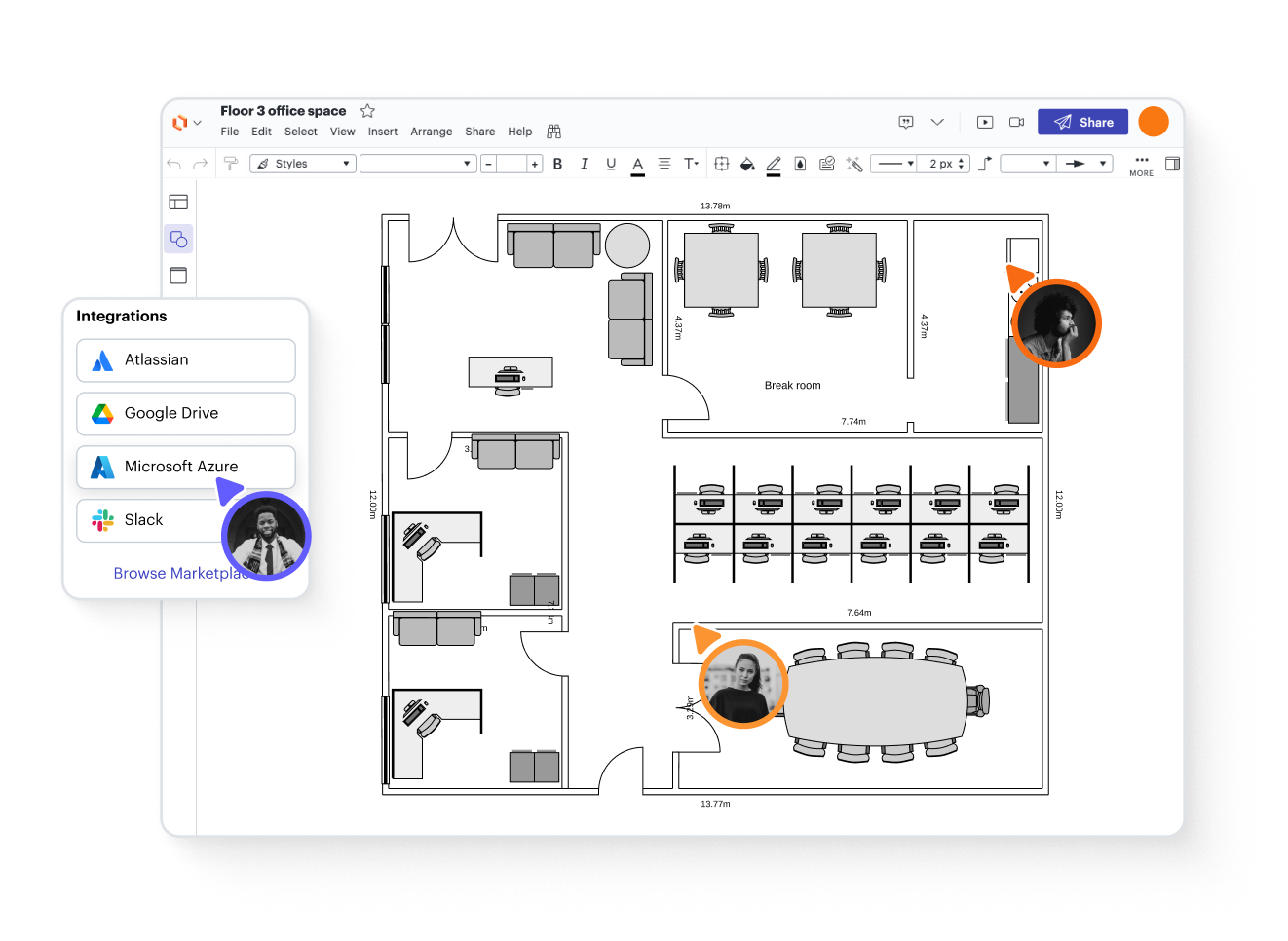
100+ integrations with leading apps
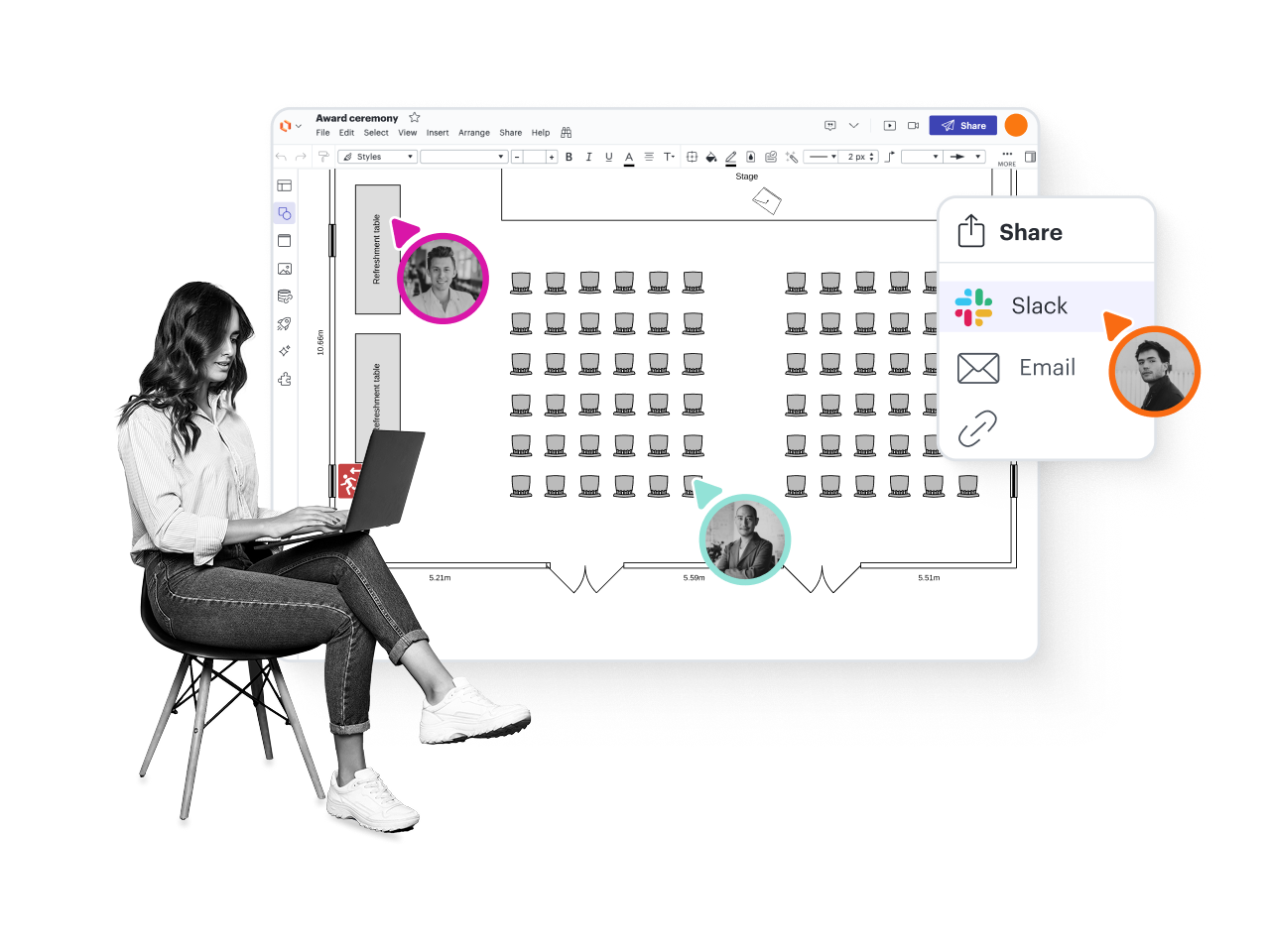
Real-time or anytime collaboration
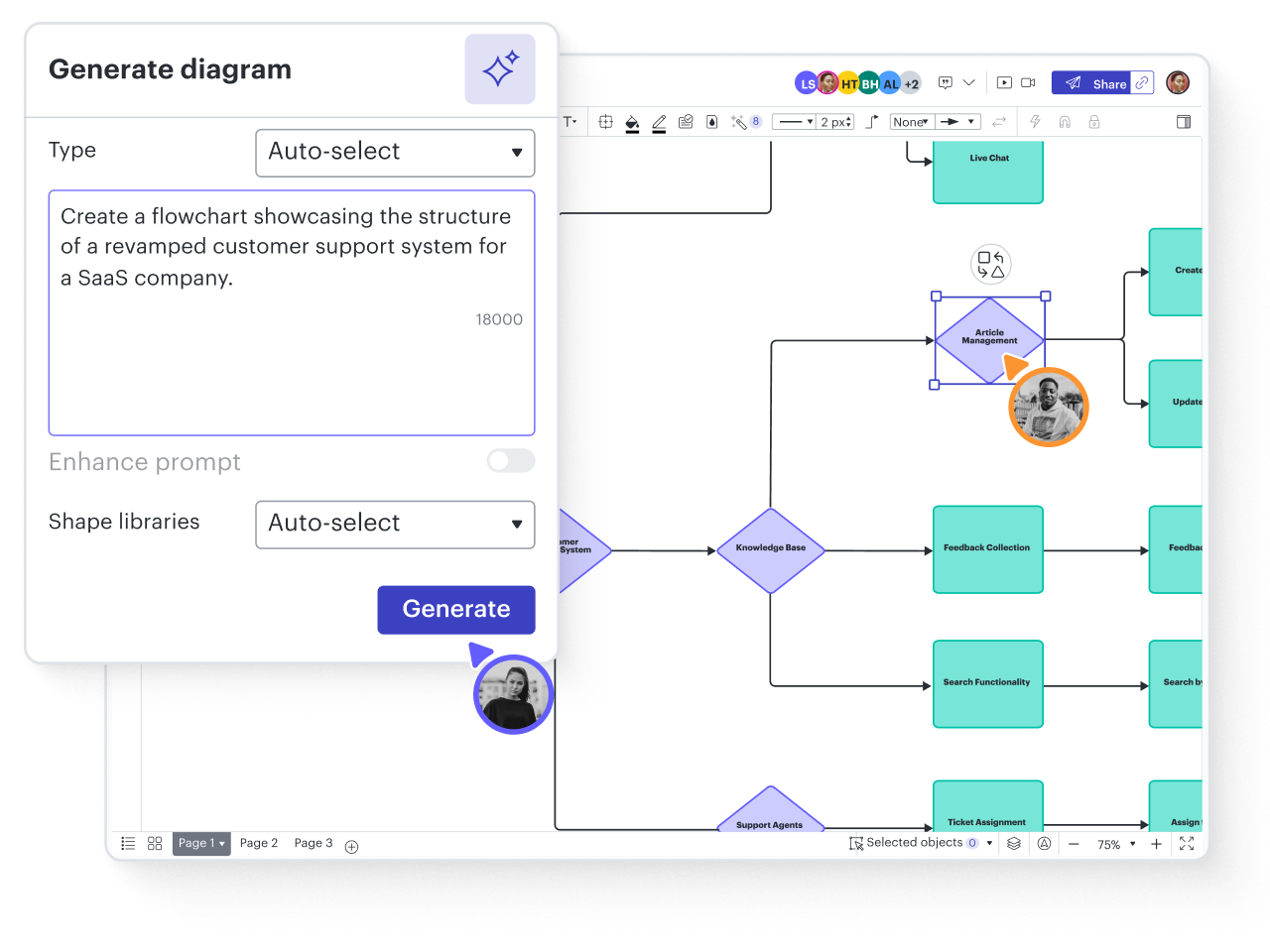
Powerful AI functionality
Get started faster with templates
Explore hundreds of Lucidchart templates to kickstart your floor plan.
Explore nowOffice floor plan
Office floor plan
Mind map
Mind map
Event floor plan
Event floor plan
Event floor plan
Event floor plan
Warehouse floor plan
Warehouse floor plan
Blank Floor Plan
Blank Floor Plan
Gantt chart
Gantt chart
Kanban template
Kanban template
Taskboard with Smart Containers
Taskboard with Smart Containers
Timeline with colored intervals
Timeline with colored intervals
Flowchart
Flowchart
Mind map
Mind map
See how Lucidchart improves the way you work
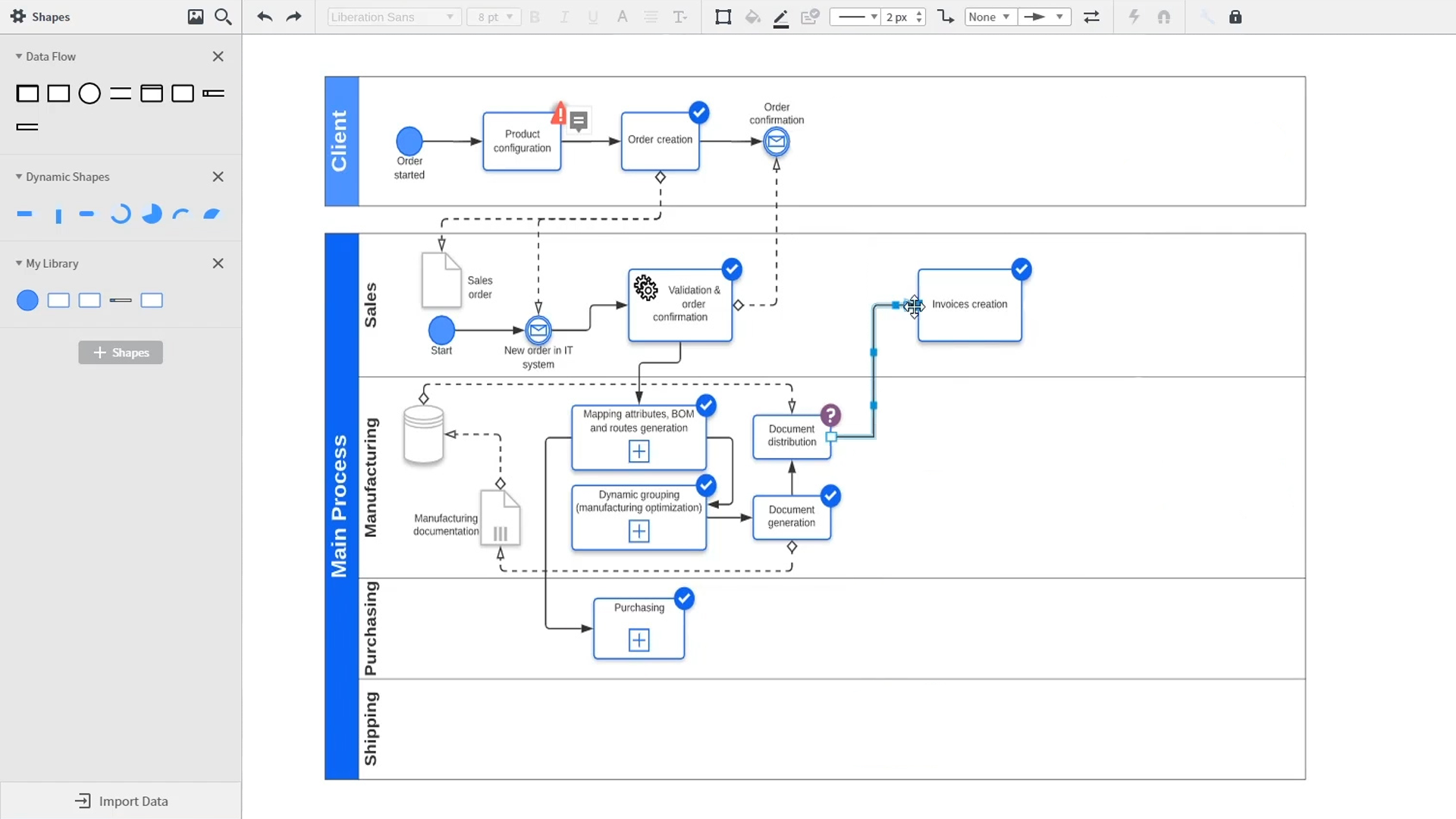
An introduction to intelligent diagramming in Lucidchart that demos key features like templates, shapes, integrations, conditional formatting, and commenting. Robyn, a Lucidchart user, adds shapes to her diagram and uses connectors to outline her processes. She then opens the embedded template library to look for templates that will give her a head start on her work. From network diagrams, to process maps, org charts and mind maps, the Lucidchart template library gives her many options to work with and insert into her canvas. Samalia, a second user, enters the shape library and looks through an extensive options list that includes shapes for floor plans, UML diagrams, entity relationships and more. She selects the UML diagram shape library and adds swimlanes to her document that highlight the various parties responsible for each part of the ordering process she is outlining. Lucidchart integrates with many of the applications you use in your daily work, including Salesforce, Microsoft Office 365, Jira, Confluence, AWS, Azure, Google Cloud, and Google Workplace. With close to 100 integrations available, the Lucid suite is made to work where you do. Connecting integrations is easy in the Lucid marketplace. The video returns to Robyn, who is sharing her document with a co-worker named Bill. They use the built-in commenting feature to review the instance she has created and toggle between the current and future state outlines of their workflow to bring clarity to the changes they will be making. Sam, Bill, Robyn and Samalia then add more shapes and connectors to their UML diagrams and mind maps to finish building out the future state architecture and stay aligned on their next steps. The video closes with an invitation to try Lucidchart for free by clicking the ‘Try it now’ button on the page.