Gantt chart maker
Lucidchart is a visual workspace that combines diagramming, data visualization, and collaboration to accelerate understanding and drive innovation.

Gantt chart software designed to simplify, not complicate
Manage project timelines effectively with Gantt charts
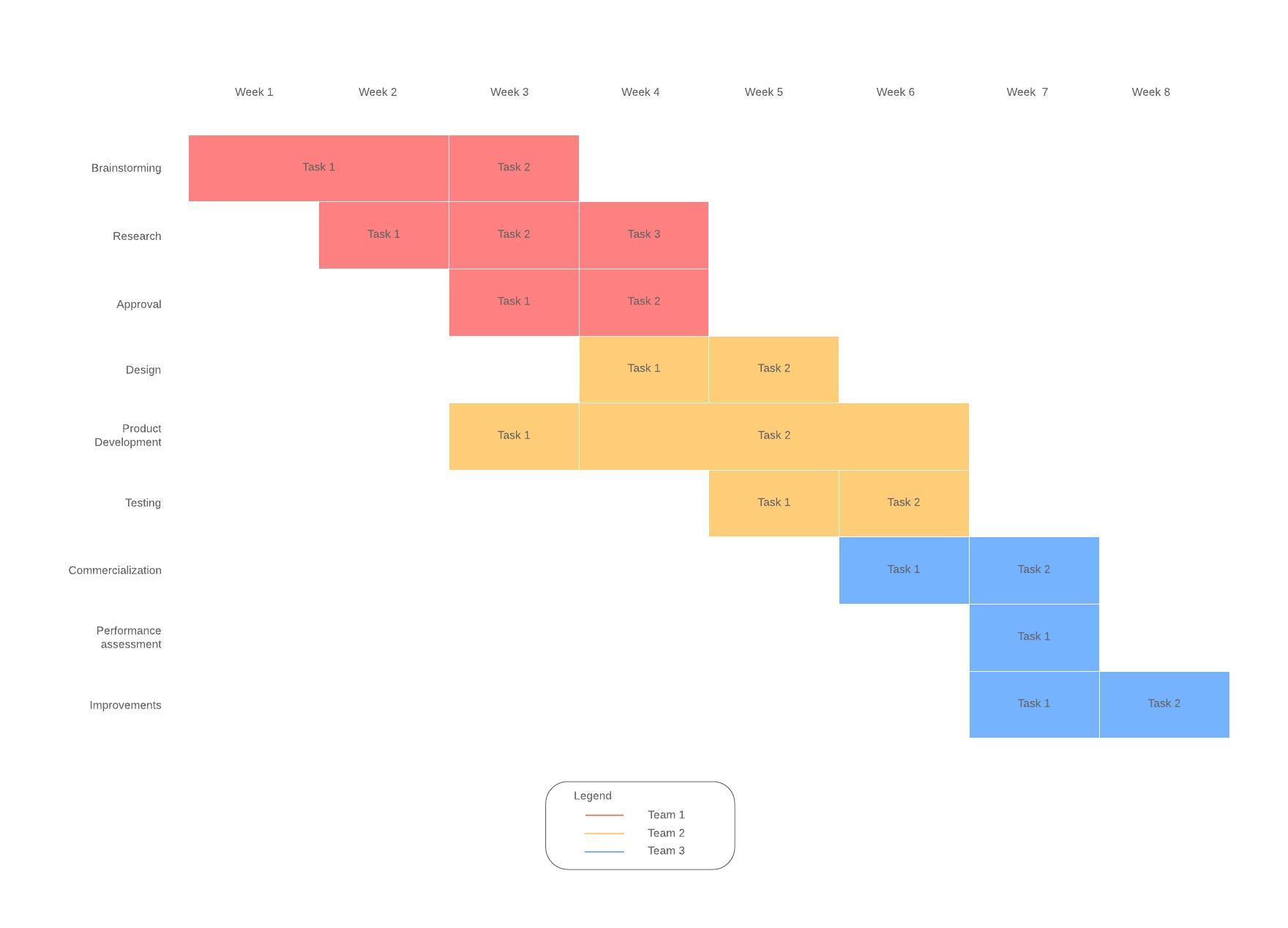
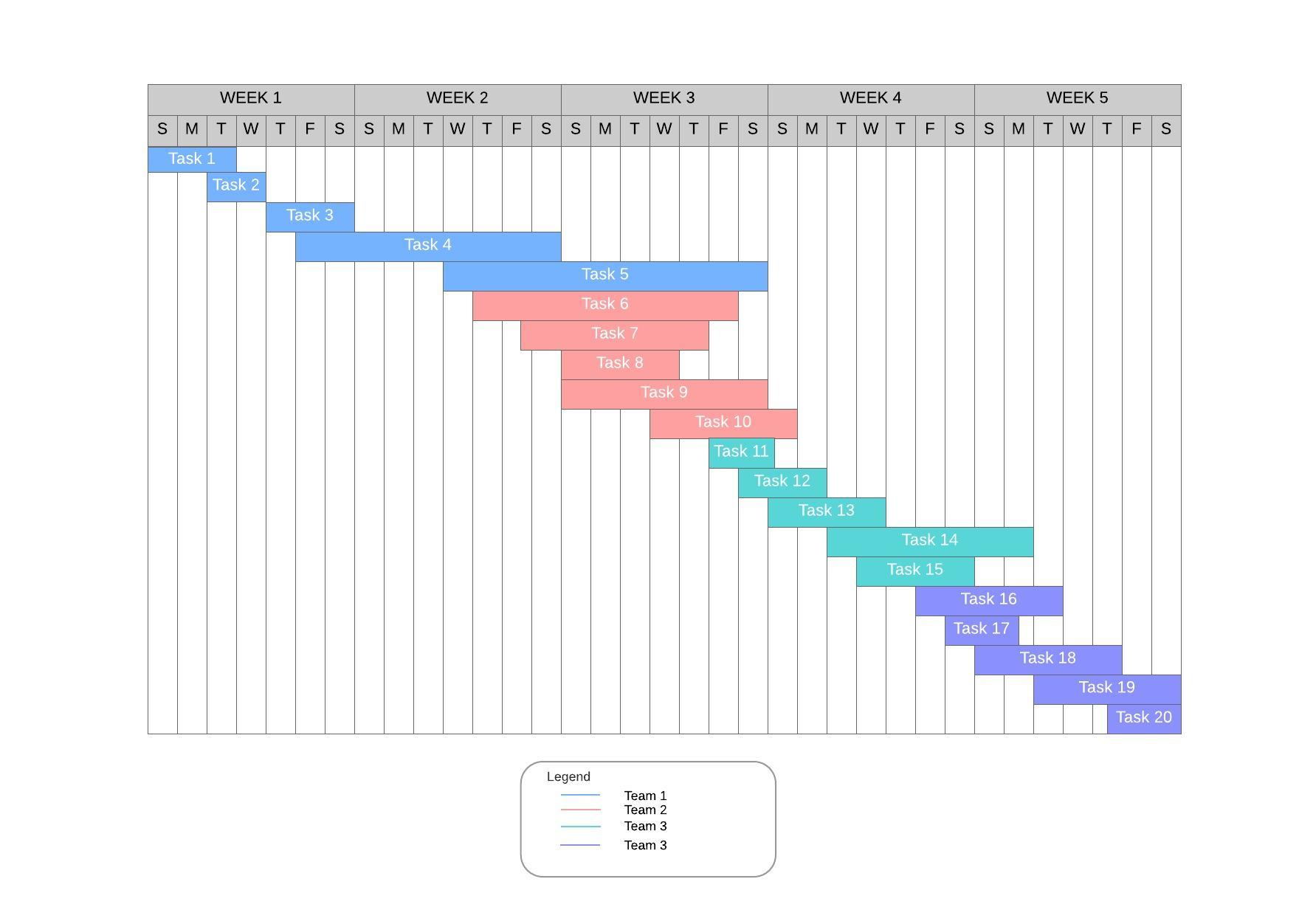
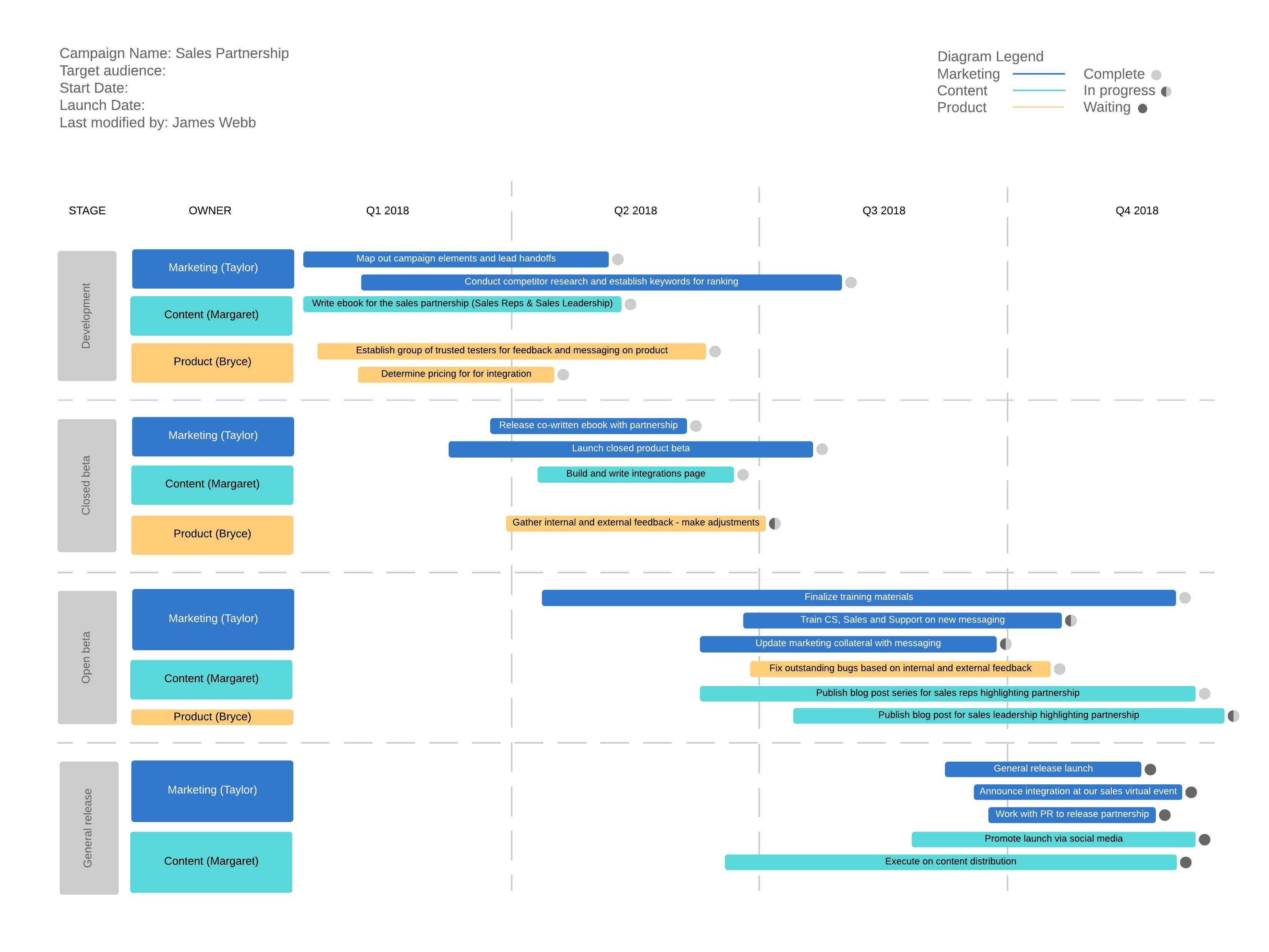
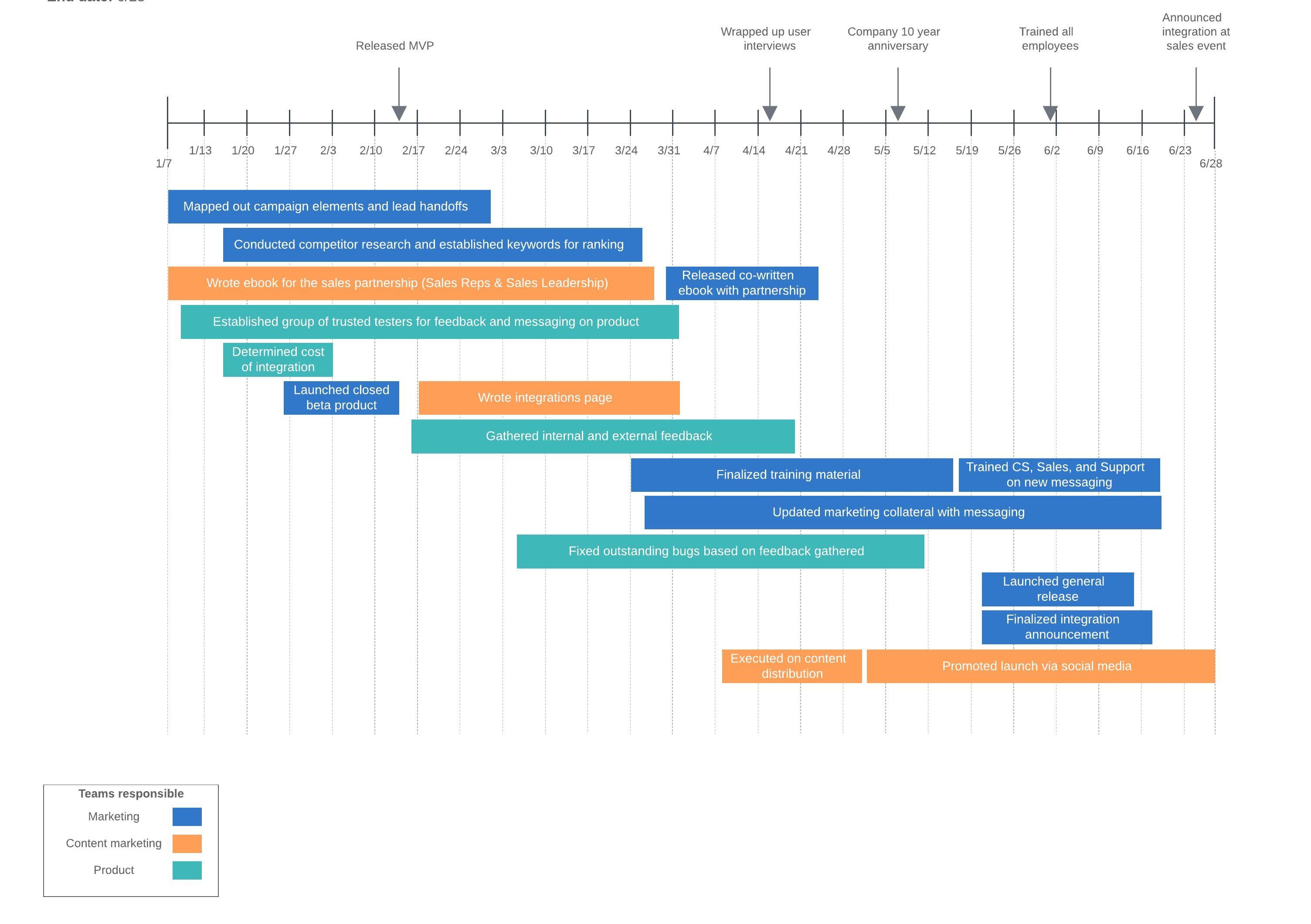
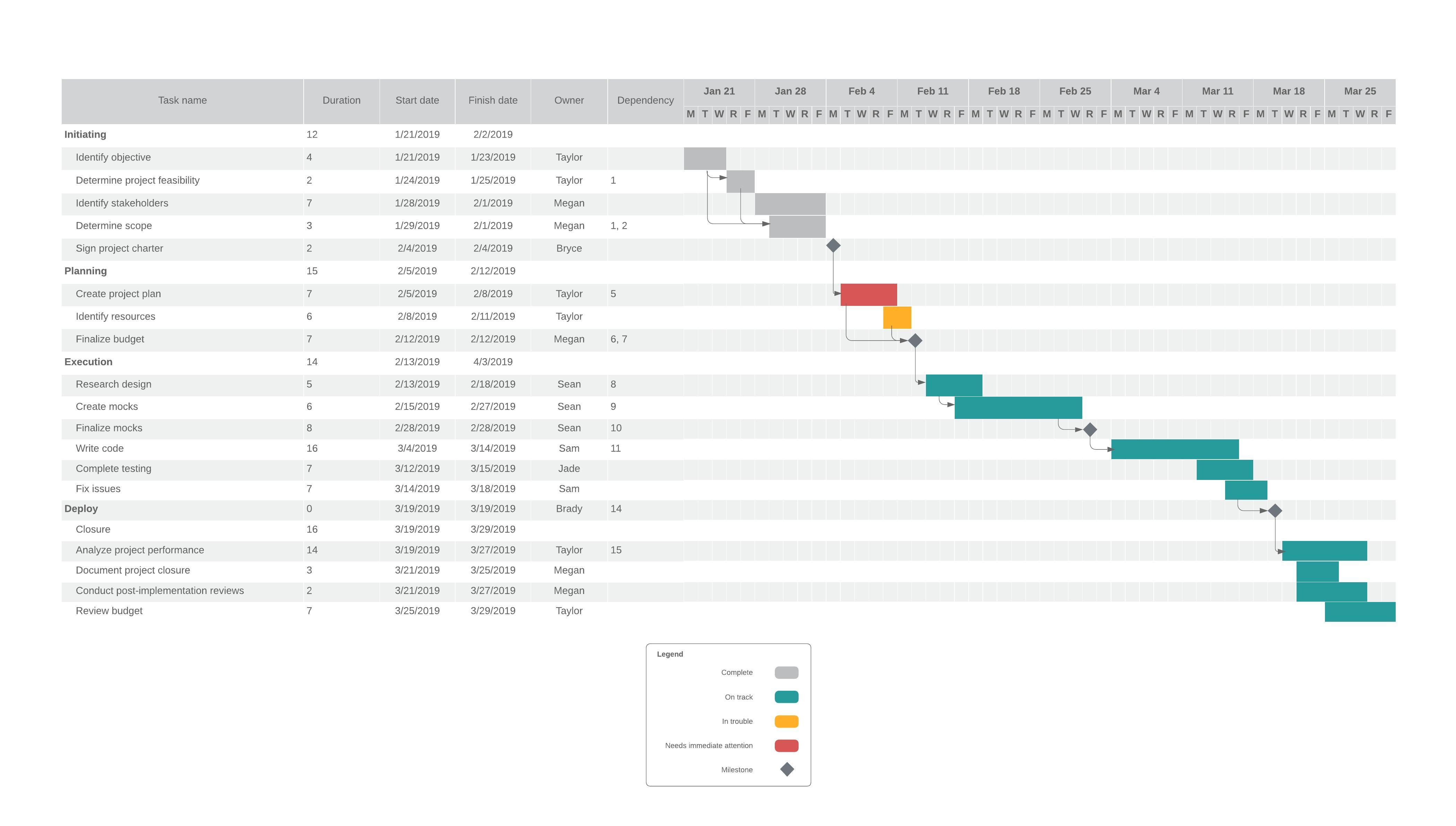
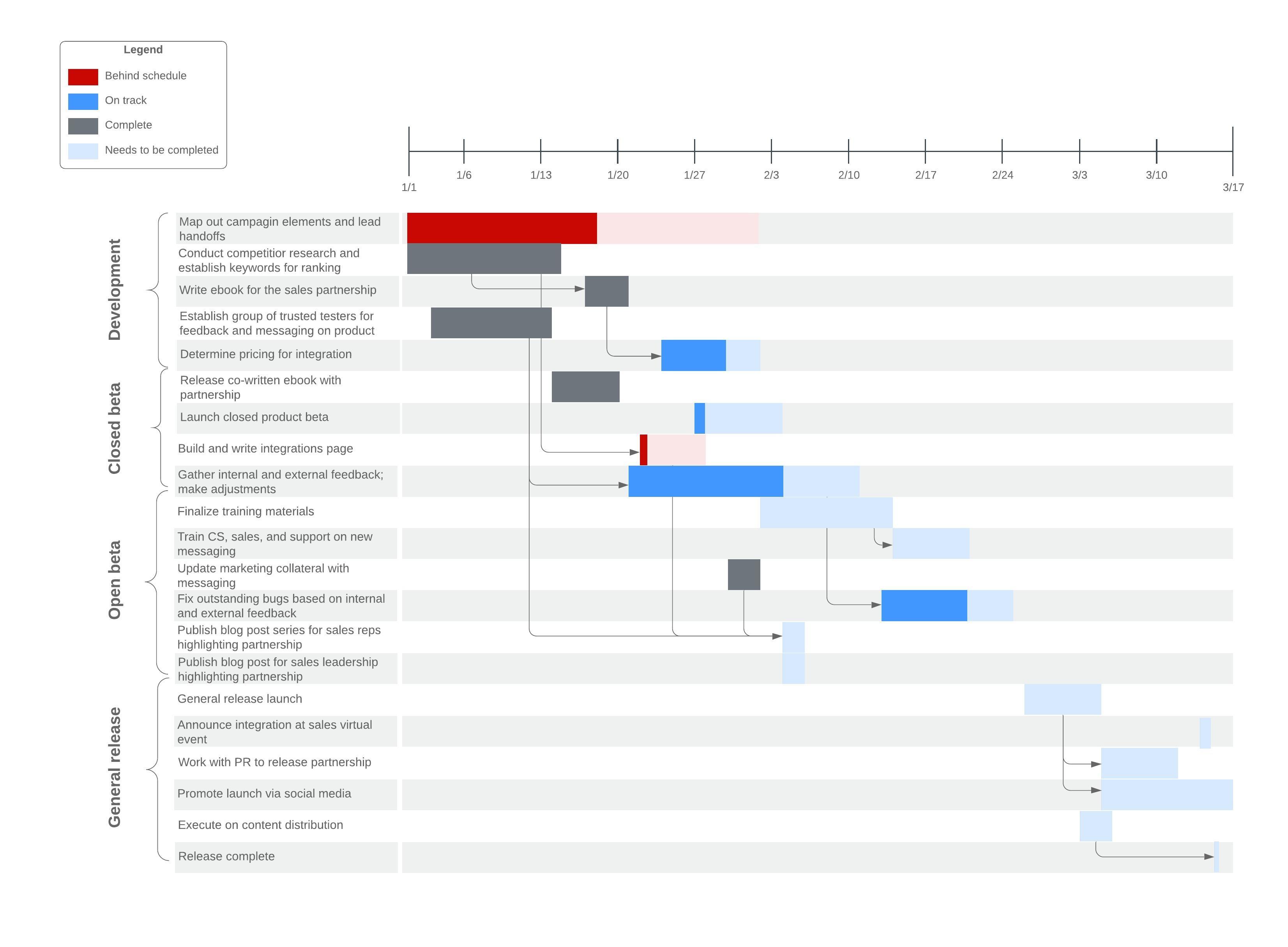
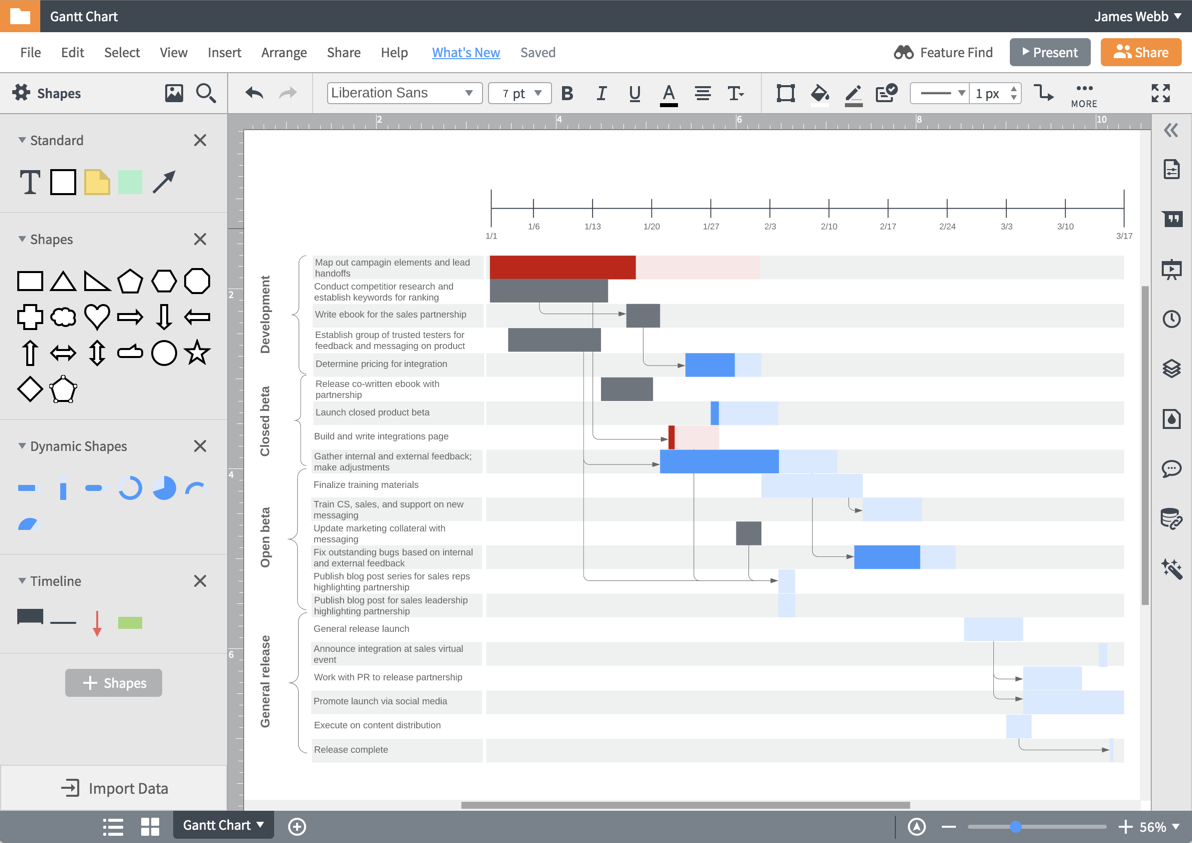
Condense all of the tasks and deadlines involved in your next project into a single document with our Gantt chart creator. Whether you need support in effectively allocating resources, facilitating coordination between groups, or managing multiple deadlines, our diagramming platform makes it easy to visualize the who, what, and when of your project. Use Lucidchart to create and customize a Gantt chart that will help you complete your project on time and on budget.
Select a specialized Gantt chart template from our gallery
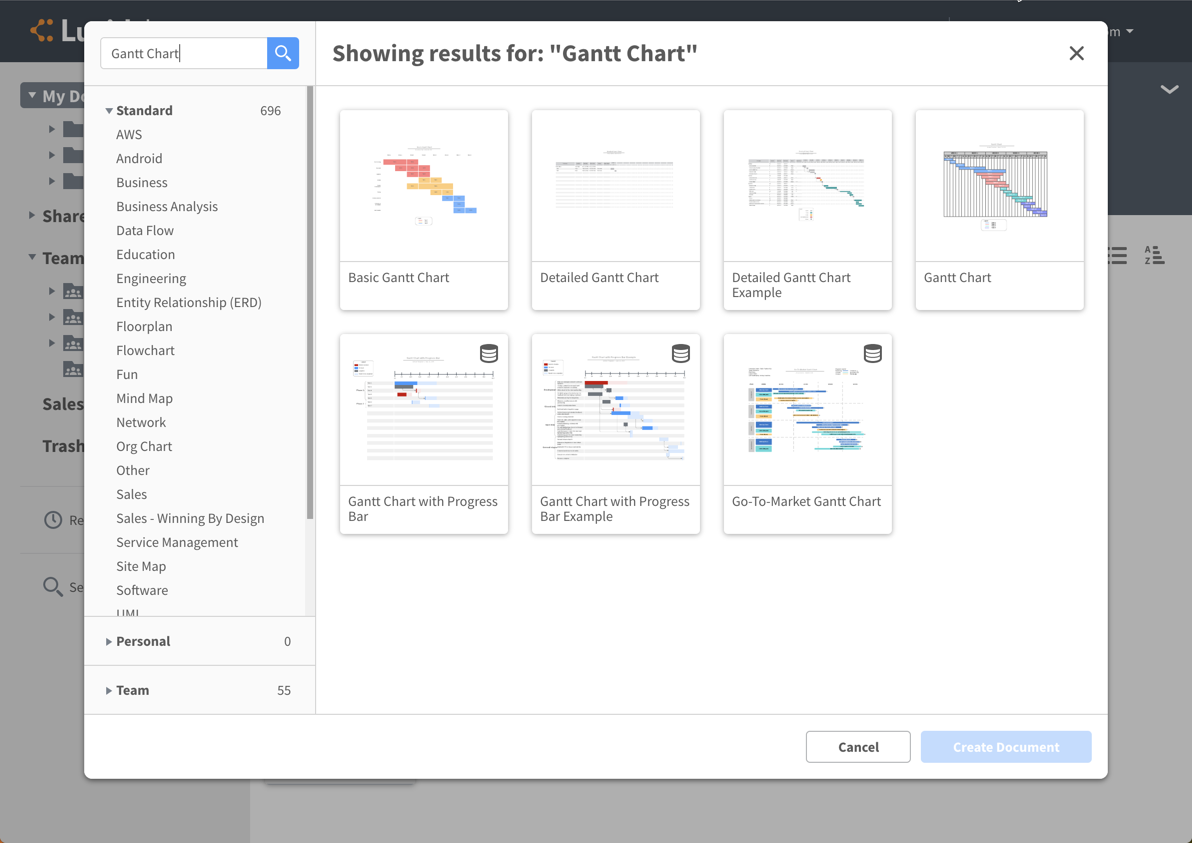
While traditional Gantt charts can appear cumbersome and disorganized, our template gallery helps you create structured diagrams that streamline your project from start to finish. Choose a Gantt chart template from our template gallery to create a detailed, tailored diagram that meets your exact needs. Compared to other Gantt chart tools, Lucidchart makes it easy to modify your diagram with drag-and-drop shapes, including swimlanes, formatting options, and customizable colors to clearly define important tasks, teams, and resources.
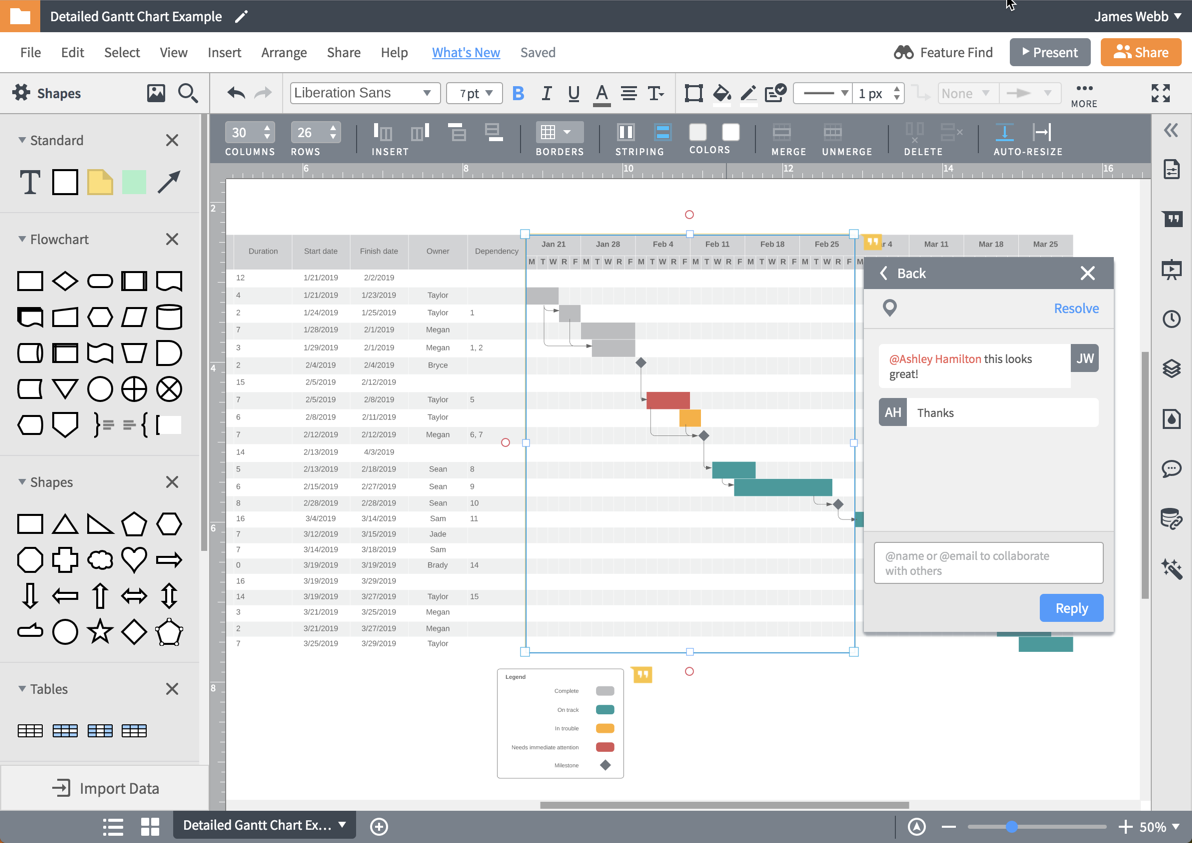
Collaborate quickly in apps you already use
While other project management software makes it difficult to update or collaborate on Gantt charts, our Gantt chart software encourages real-time collaboration to allow input from all of your stakeholders. Conveniently chat, leave notes, or distribute your diagram directly from Lucidchart. Work in the same document simultaneously with other collaborators—anytime, anywhere. Share your work via Slack, Confluence, Jira, or other collaborative platforms knowing that your team will always have the most up-to-date version of your Gantt chart.
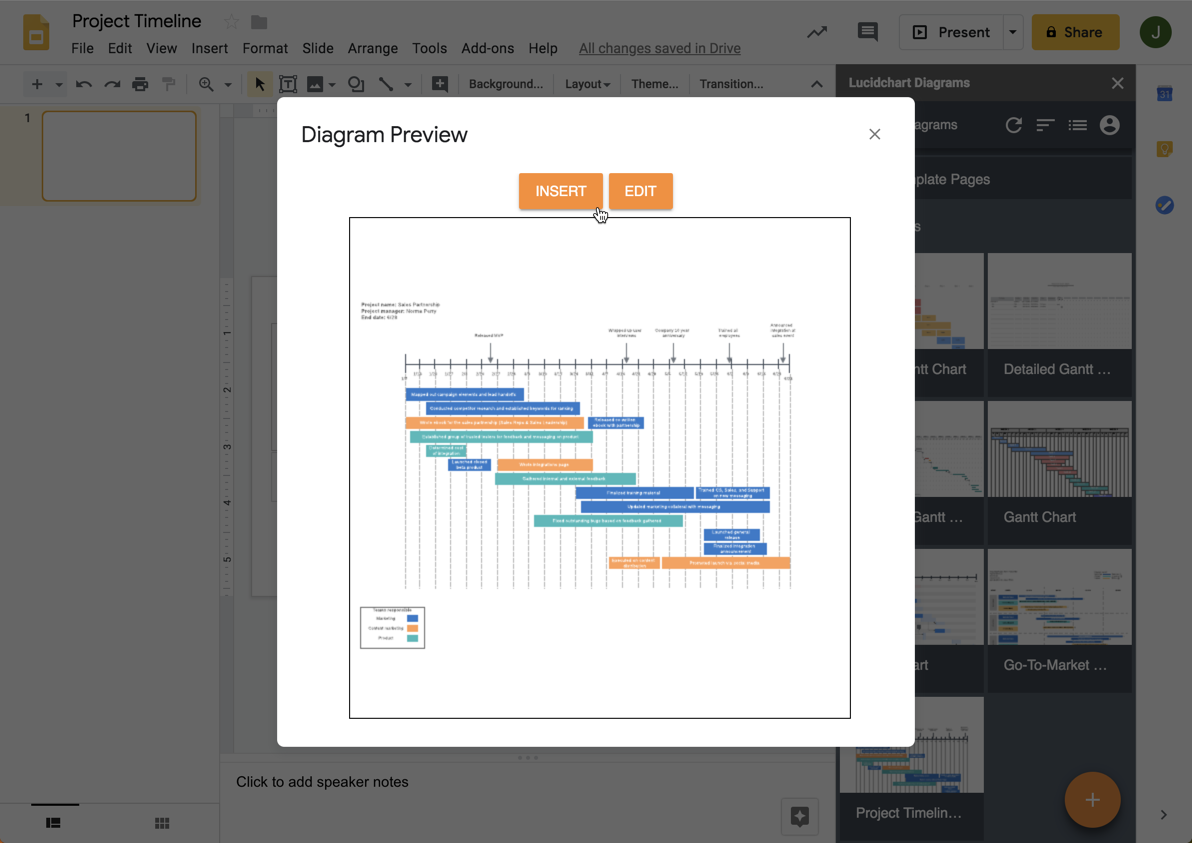
Share your Gantt chart in G Suite
Our powerful G Suite integrations give you added flexibility as you edit, share, and collaborate to create your Gantt chart online. With our Google Drive integration, you can take advantage of automatic synchronization and backup, making it easy to store, open, and update all of your files in one central location. Share and present your Lucidchart documents with ease and alongside other important documentation—with our free add-ons, you can insert your Gantt charts directly into Google Docs, Slides, and Sheets.
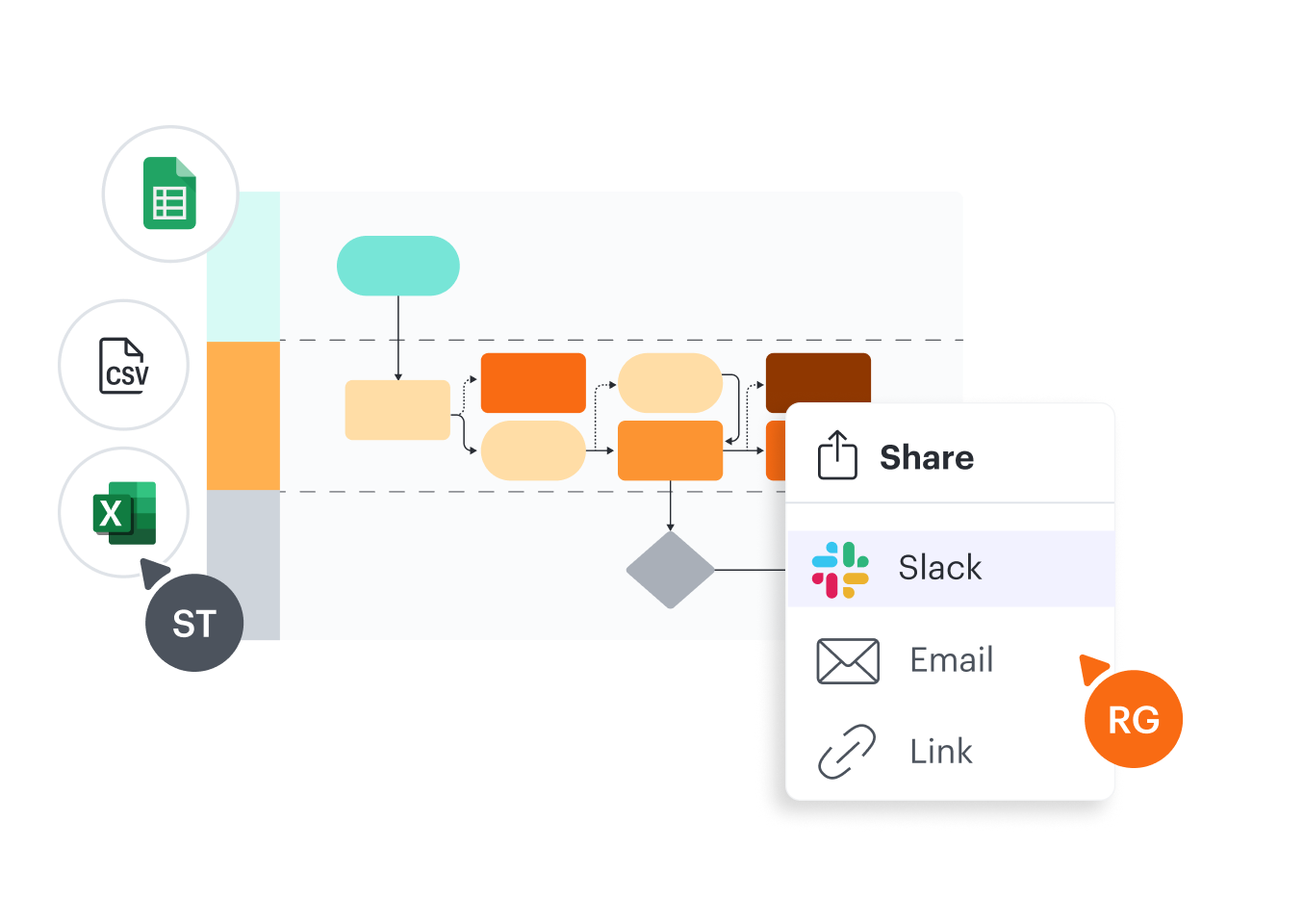
Leverage Word, Excel, and PowerPoint for more powerful presentations
Create more engaging word documents, PowerPoint presentations, and spreadsheets with our Microsoft integrations for Lucidchart. Insert your Lucidchart diagram into any Word, Excel, or Powerpoint file to break up text-heavy documents, support data with corresponding visuals, or add an interactive diagram to a presentation. Easily collaborate in Microsoft Teams by inserting your diagram as a tab in your team channel. Through an embedded editor, you and your team can build out your Gantt chart and give feedback without ever leaving Teams.
How to create a Gantt chart online
Gather the information needed for your project
Compile a list of timeline information, stakeholders, and resources to ensure that your Gantt chart is as thorough as possible.
Select a Gantt chart template or open a blank canvas in our editor
To simplify the diagramming process, select a Gantt chart template from our template gallery and modify your diagram according to your team’s needs.
Customize the template to fit your needs
Input each of your project’s milestones and deadlines, and adjust each bar to visually correspond with the expected duration for each.
Insert the chart into MS Office or G Suite document for presentation
Use our integrations to easily export your Gantt chart to Google Drive, Microsoft Office, or Microsoft Teams for editing and sharing.
Collaborate, analyze, improve, and share with your team members
Share the most up-to-date version of your diagram with stakeholders to analyze potential pain points, make updates, and recognize progress as your projects move forward.
Frequently asked questions about our Gantt chart creator
I want to make my Gantt chart in Excel before diagramming it into a more visual format. How do I make a Gantt chart in Excel?
Do you have examples of Gantt Charts made in Lucidchart?
How can I present my Gantt chart?
I have a hard time working with Gantt charts. Are there other diagrams I could use to fulfill the same purpose?
Descubre Lucidchart en menos de 5 minutos
Used by millions across the globe
"I'd highly recommend Lucidchart to any team that has a need for process optimization, infrastructure mapping, project planning, etc. It’s a fantastic tool!"

4.5/5 stars 650+ reviews