
Visio for Mac
Lucidchart is an intelligent diagramming application that makes creating diagrams on Mac or PC easy with drag-and-drop shapes, ready-to-use templates, real time collaboration, and more.



By registering, you agree to our Terms of Service and you acknowledge that you have read and understand our Privacy Policy.


The smarter, faster, more inclusive Visio alternative for Mac
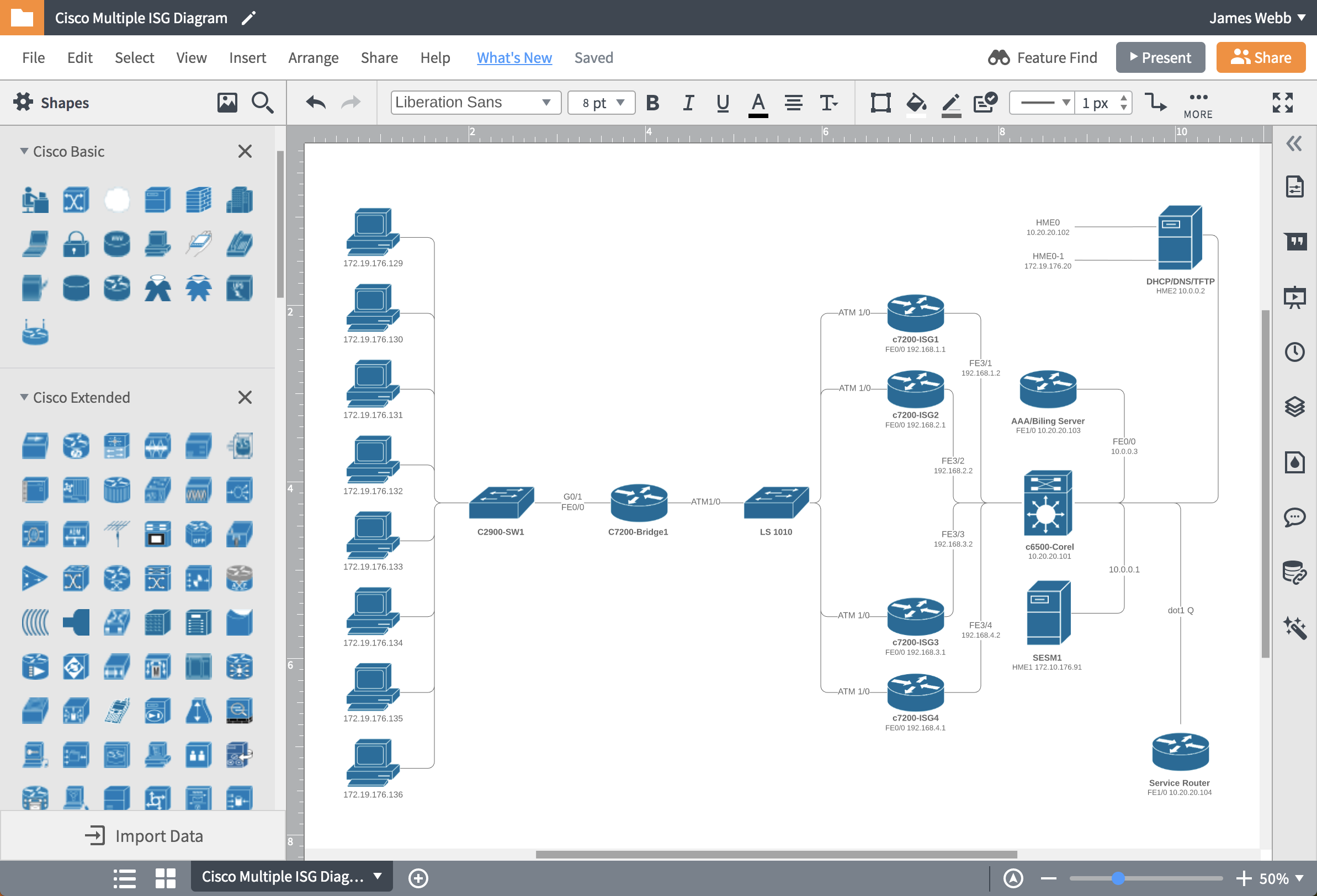
Work on any device—no downloads or virtual machines necessary
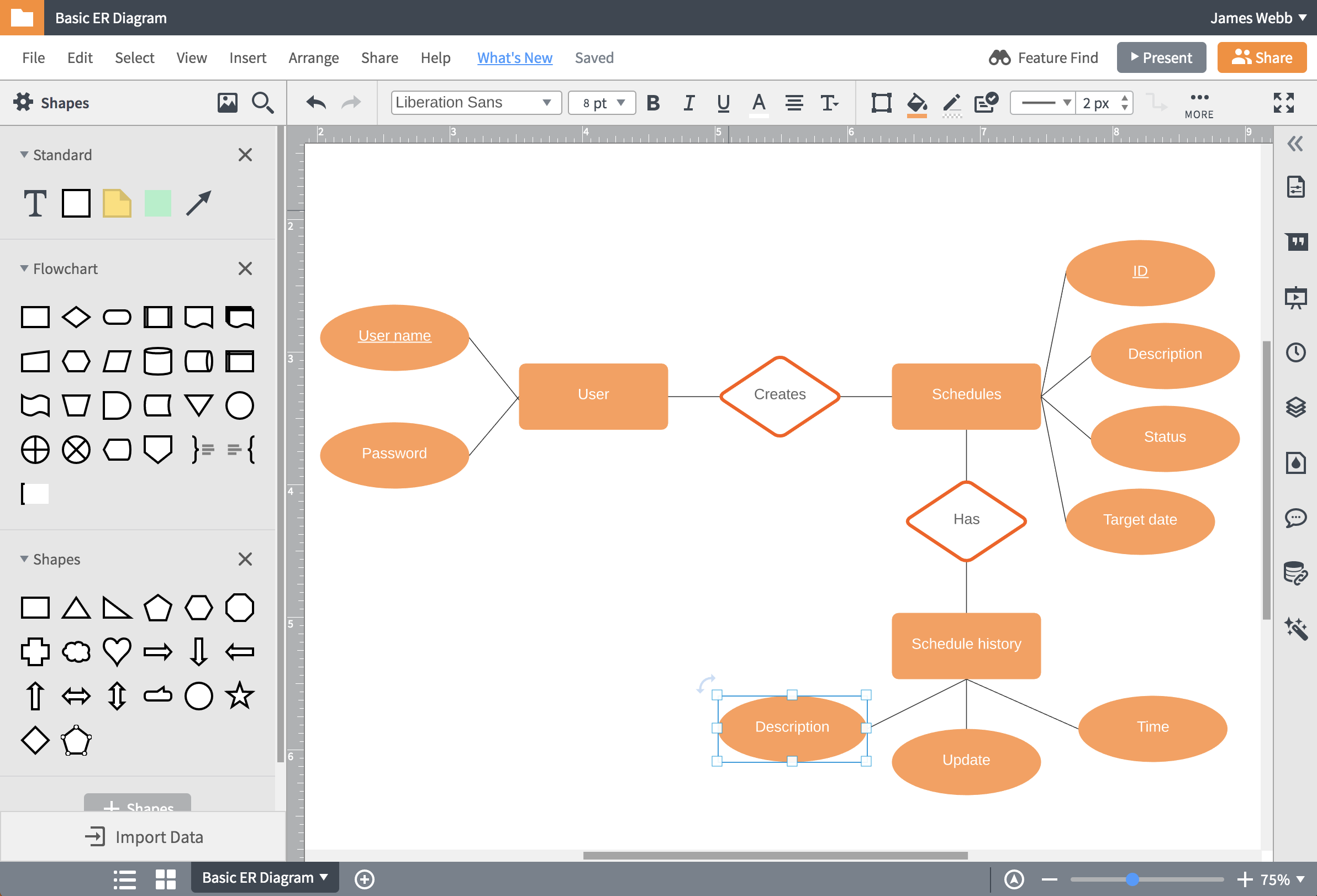
Stop training and start creating with Lucidchart
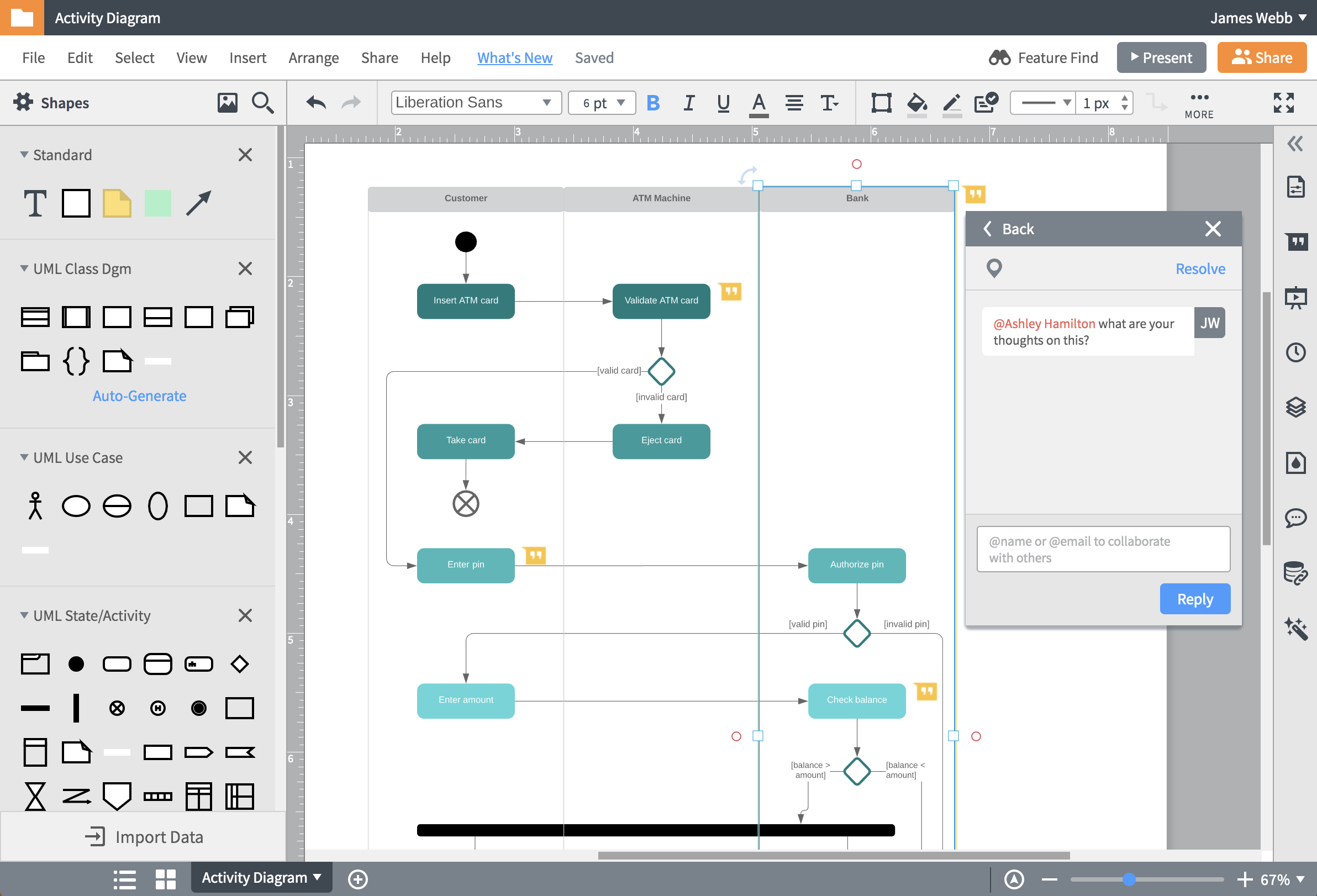
Collaborate instantly with stakeholders—anywhere, anytime
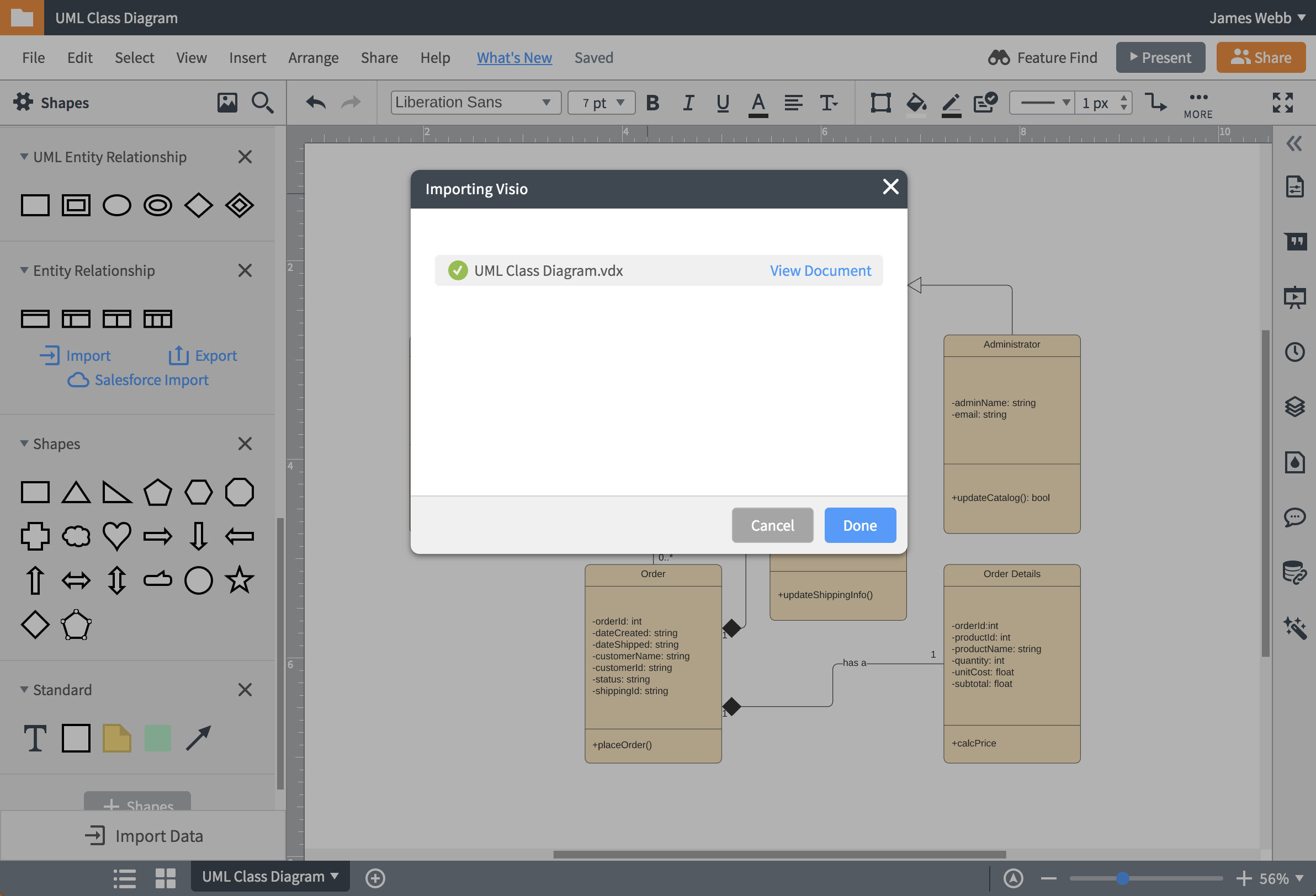
Improve, don’t lose, your Visio Mac diagrams
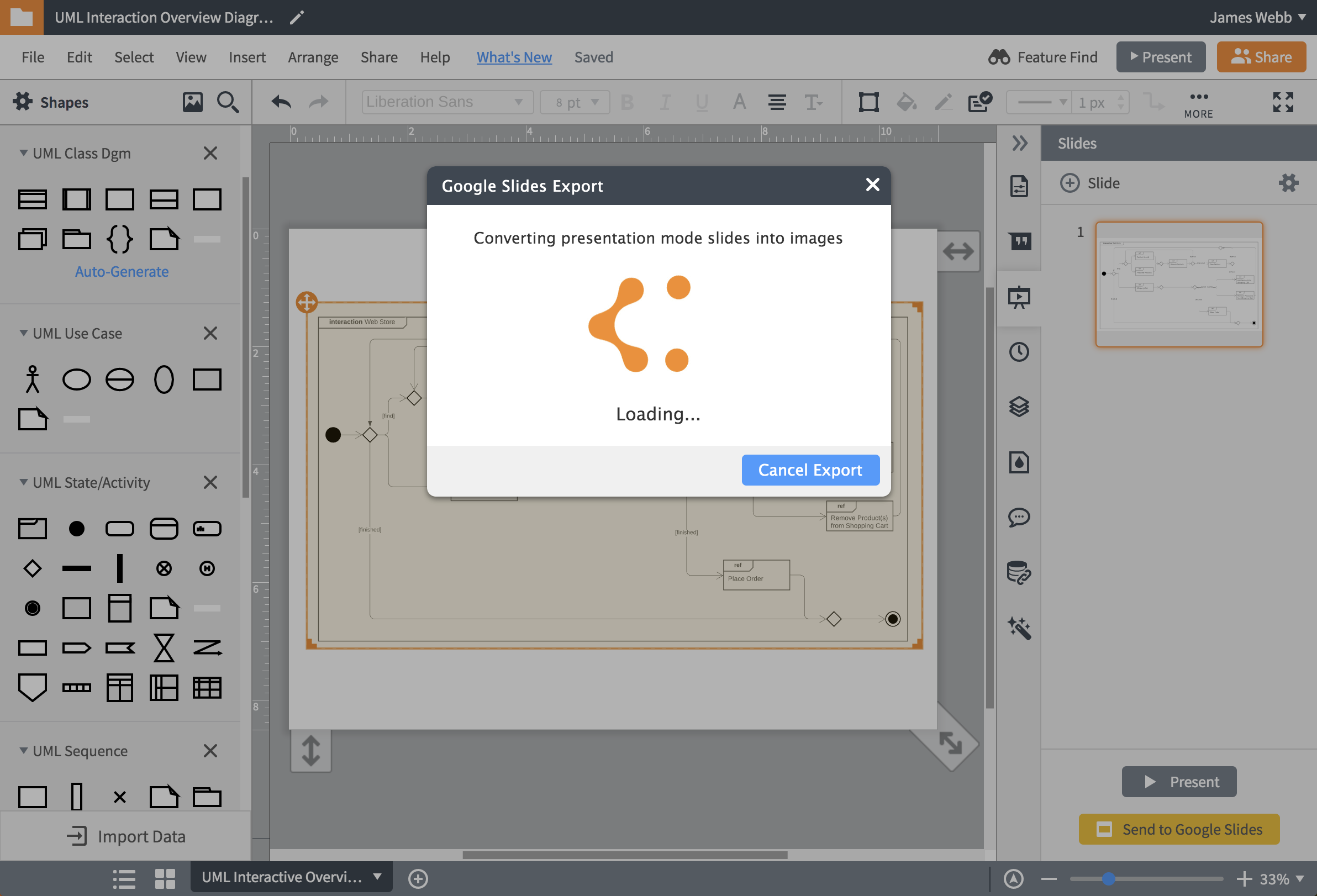
Access, edit, and share your diagrams with powerful integrations
Master the basics of Lucidchart in 3 minutes
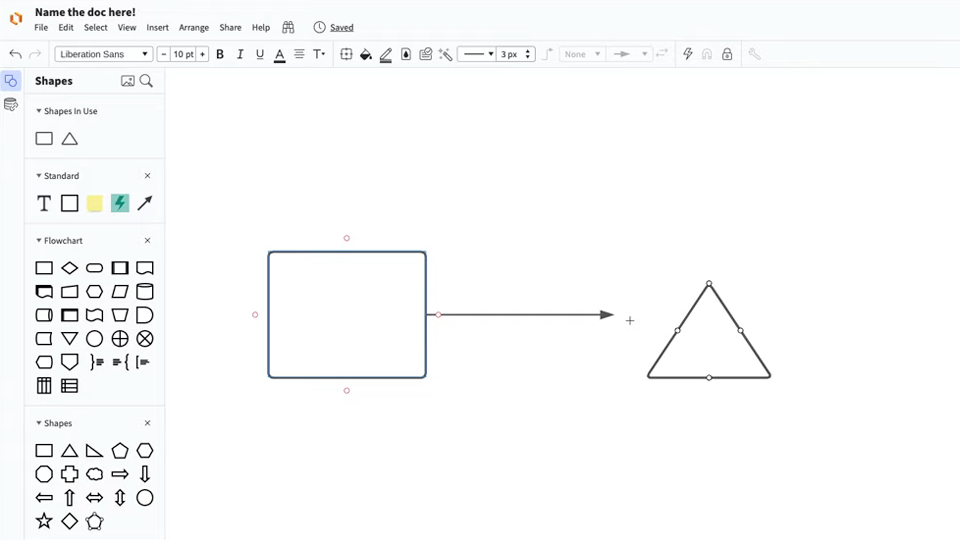
master the basics of Lucidchart in 5 minutes
- Create your first online diagram from a template or blank canvas or import a document.
- Add text, shapes, and lines to customize your diagram.
- Learn how to adjust styling and formatting.
- Locate what you need with Feature Find.
- Share your diagram with your team to start collaborating.
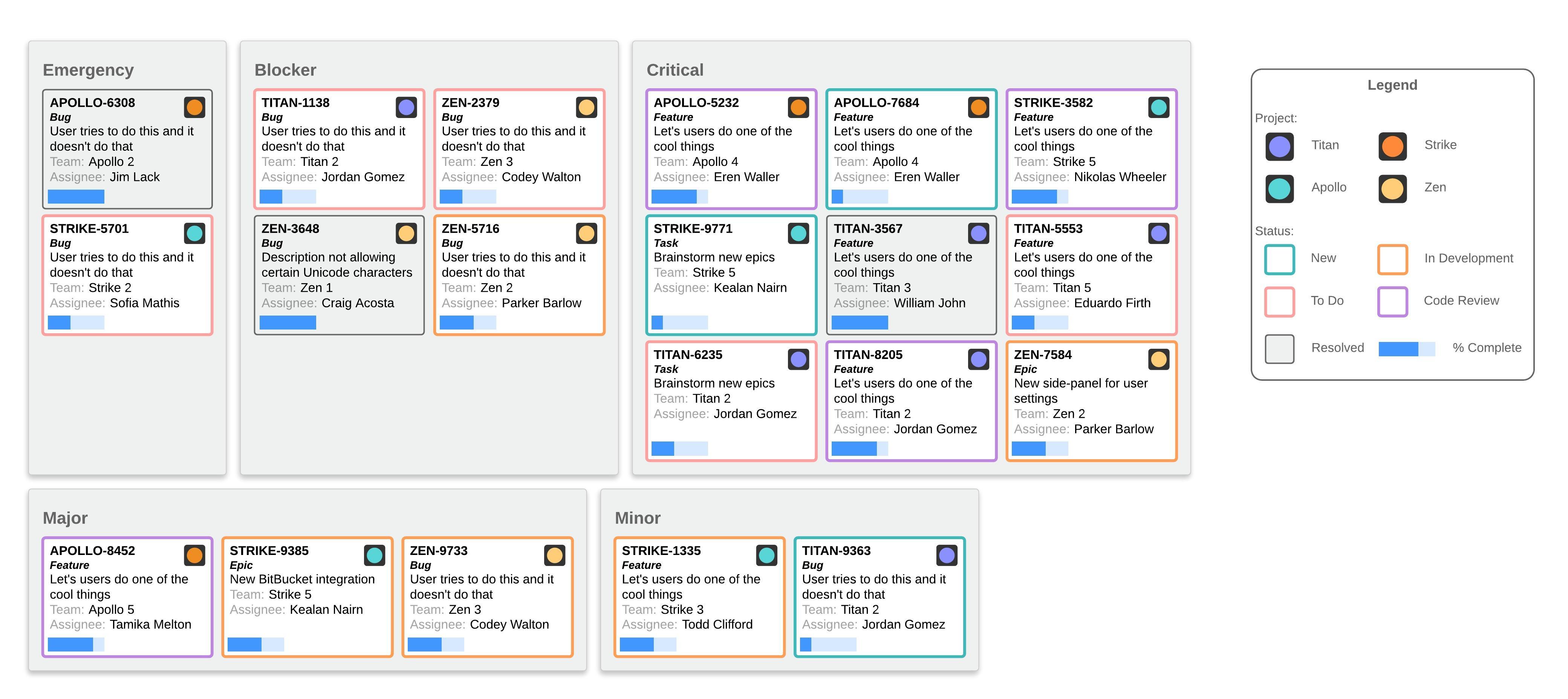
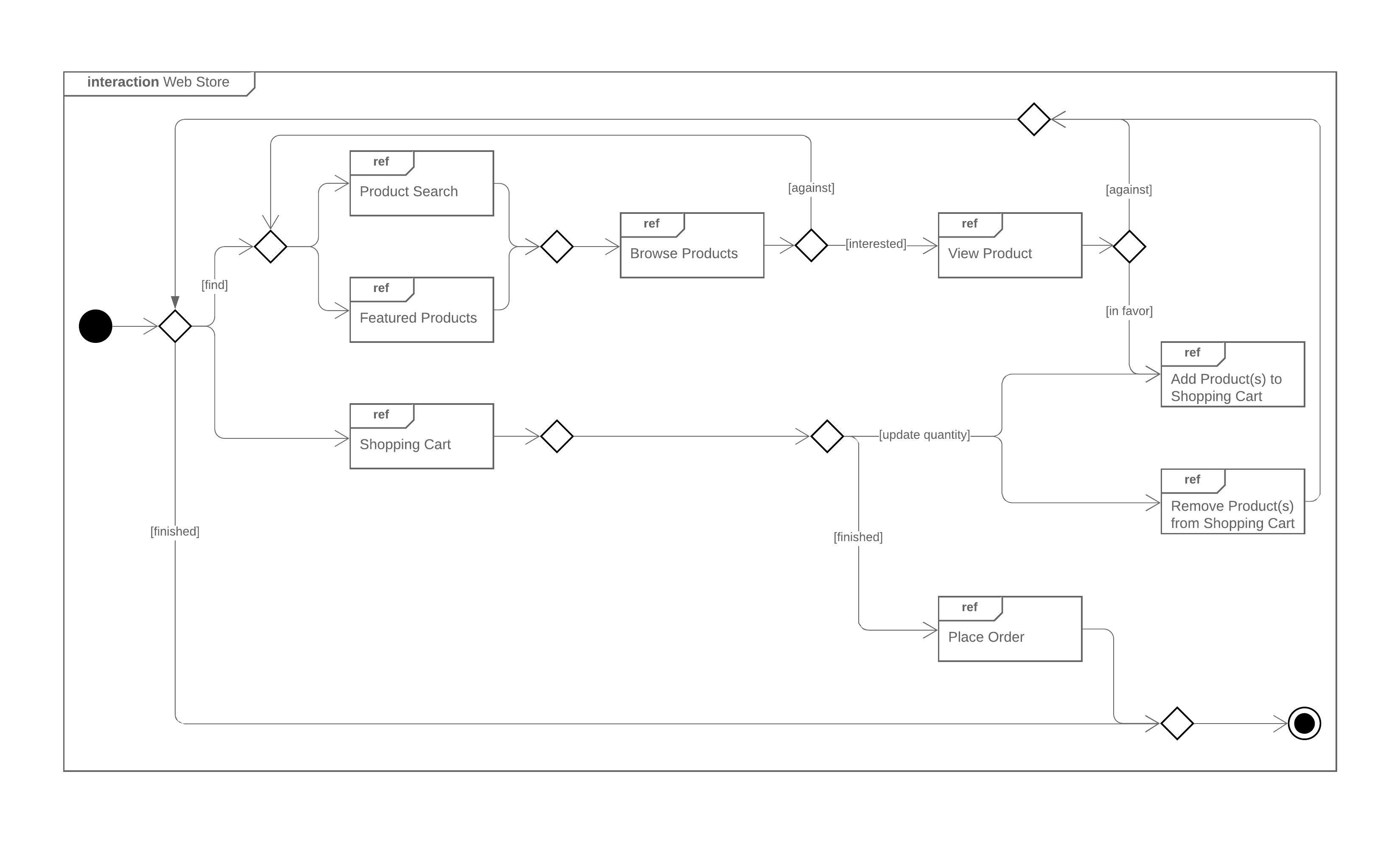
Free diagramming templates
Lucidchart integrations
Connect Lucidchart to your favorite industry-leading apps.

See why teams choose Lucidchart
Diagram, visualize data, and collaborate all in one platform.

Collaboration

Clarity

Alignment

Better Together
What is Microsoft Visio
Microsoft Visio is software for drawing a variety of diagrams. These include flowcharts, org charts, building plans, floor plans, data flow diagrams, process flow diagrams, business process modeling, swimlane diagrams, 3D maps, and many more. It’s a Microsoft product, sold as an addition to MS Office.
How to open and view Visio files in Lucidchart
Open our Visio import feature
To use Lucidchart as a Visio viewer, navigate to the My Documents page and open the Import dialog box. Select “Import Visio” from the list of options.
Select and import your Visio file
Select the Visio file you wish to open from your computer. Our online Visio viewer lets you view and edit VDX, VSD, or VSDX file types.
Open our export feature
To export your document as a Visio file, open the document you wish to export. Once the document is opened, select File > Export.
Select your Visio file type and download
From the drop-down menu, select either Visio (VSDX) (Beta) or Visio 2010 (VDX), depending on your desired file type. Then, download the document and share it as a Visio file.
Frequently asked questions about our Visio for Mac tools
Can I work on my Visio diagrams in Lucidchart?
Yes! Lucidchart allows you to import and continue working on your Visio files (VDX, VSDX, and VSD) in Lucidchart.
What are some benefits to using Lucidchart instead of Visio?
Lucidchart’s collaborative capabilities and intuitive features make it a more versatile and team-friendly diagramming software than Visio. It’s also much easier on your wallet.
Can I embed Lucidchart documents in Word, Excel, or PowerPoint?
Lucidchart integrates with the programs our users work with every day, which means you can embed powerful visuals in your Microsoft documents and in other popular apps.