
Fishbone diagram maker
Lucidchart is an intelligent diagramming application that makes creating a fishbone diagram easy with drag-and-drop shapes, ready-to-use templates, and more.



By registering, you agree to our Terms of Service and you acknowledge that you have read and understand our Privacy Policy.


Analyze cause and effect with our fishbone diagram creator
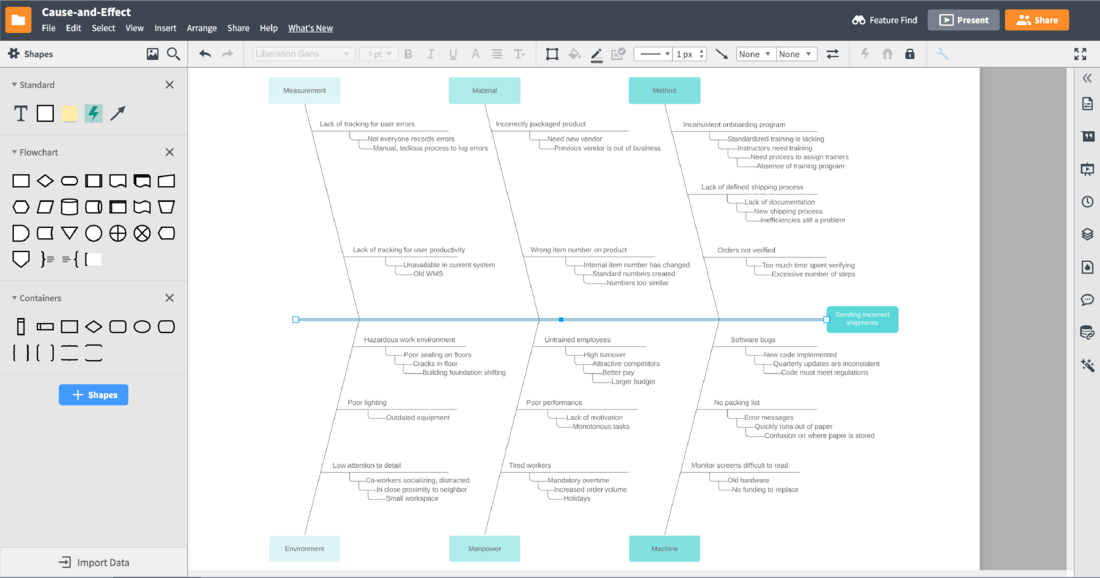
Find the cause of any business problem with effective visuals
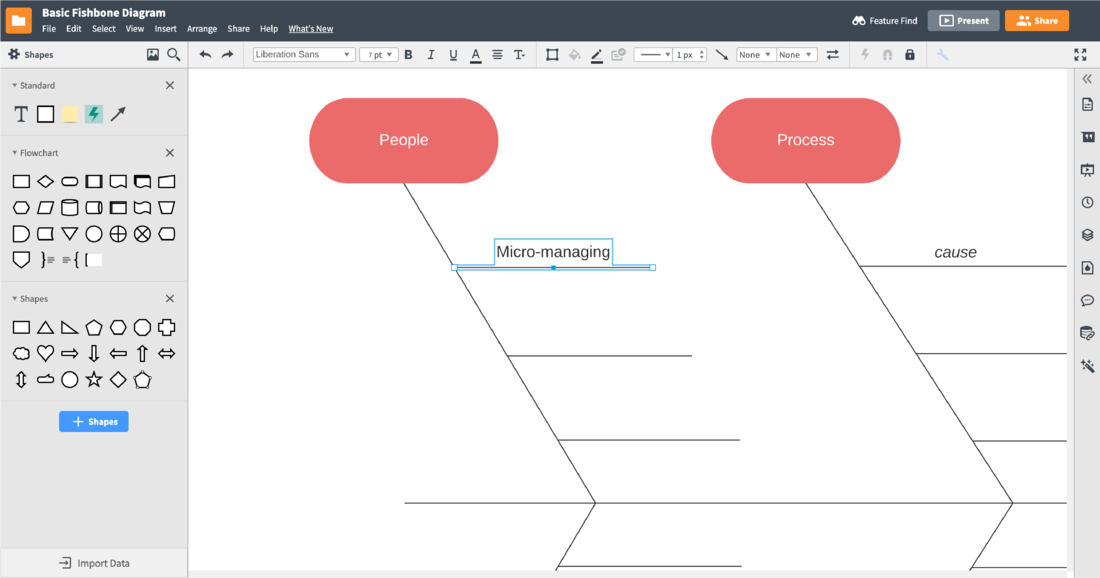
Turn problems into organized solutions
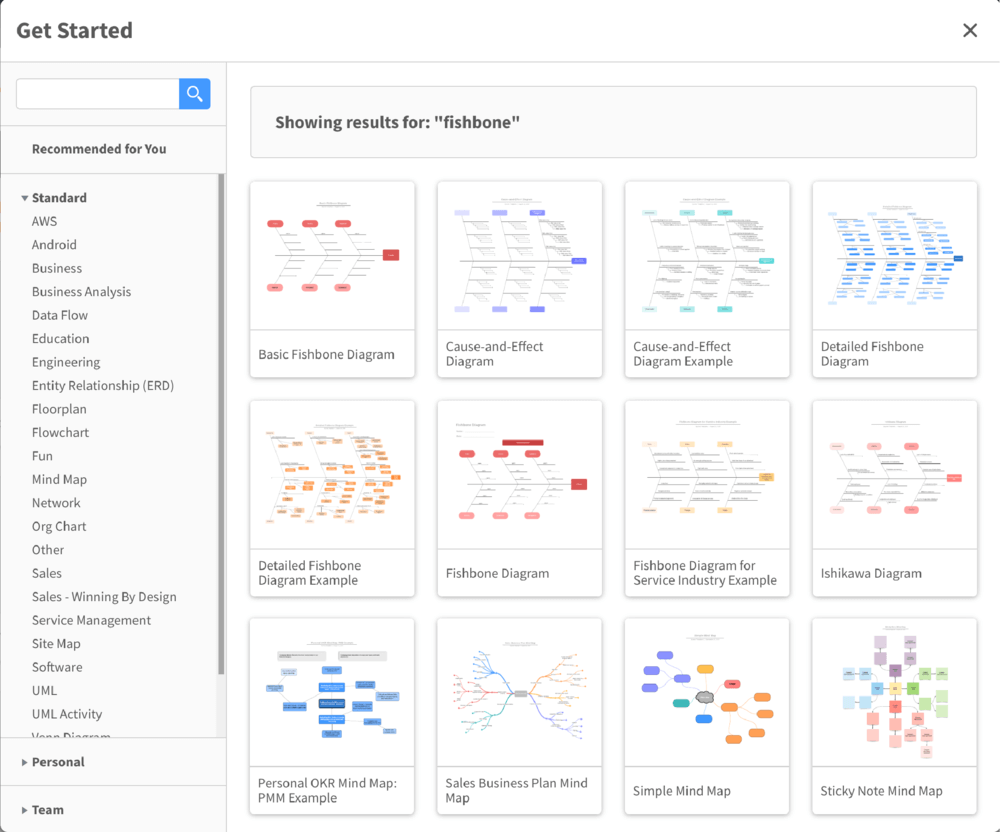
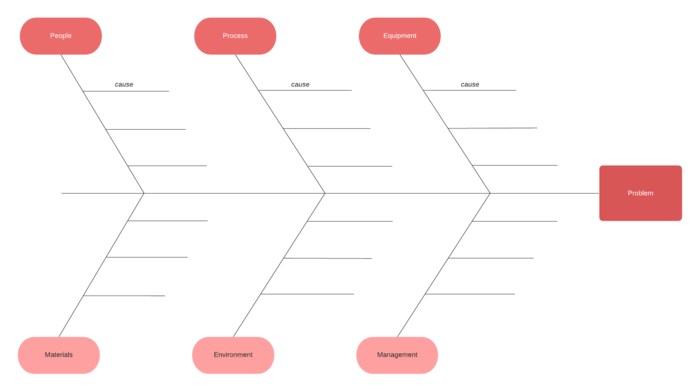
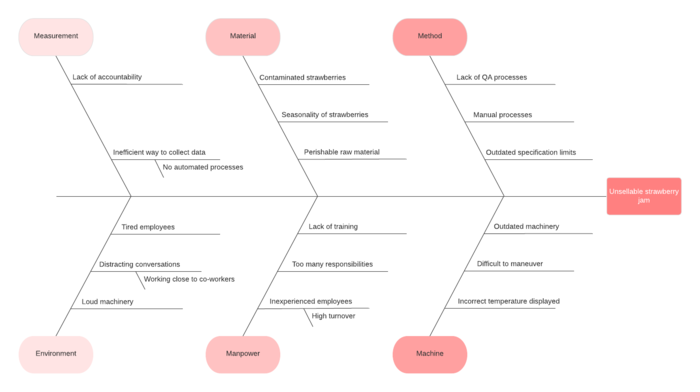
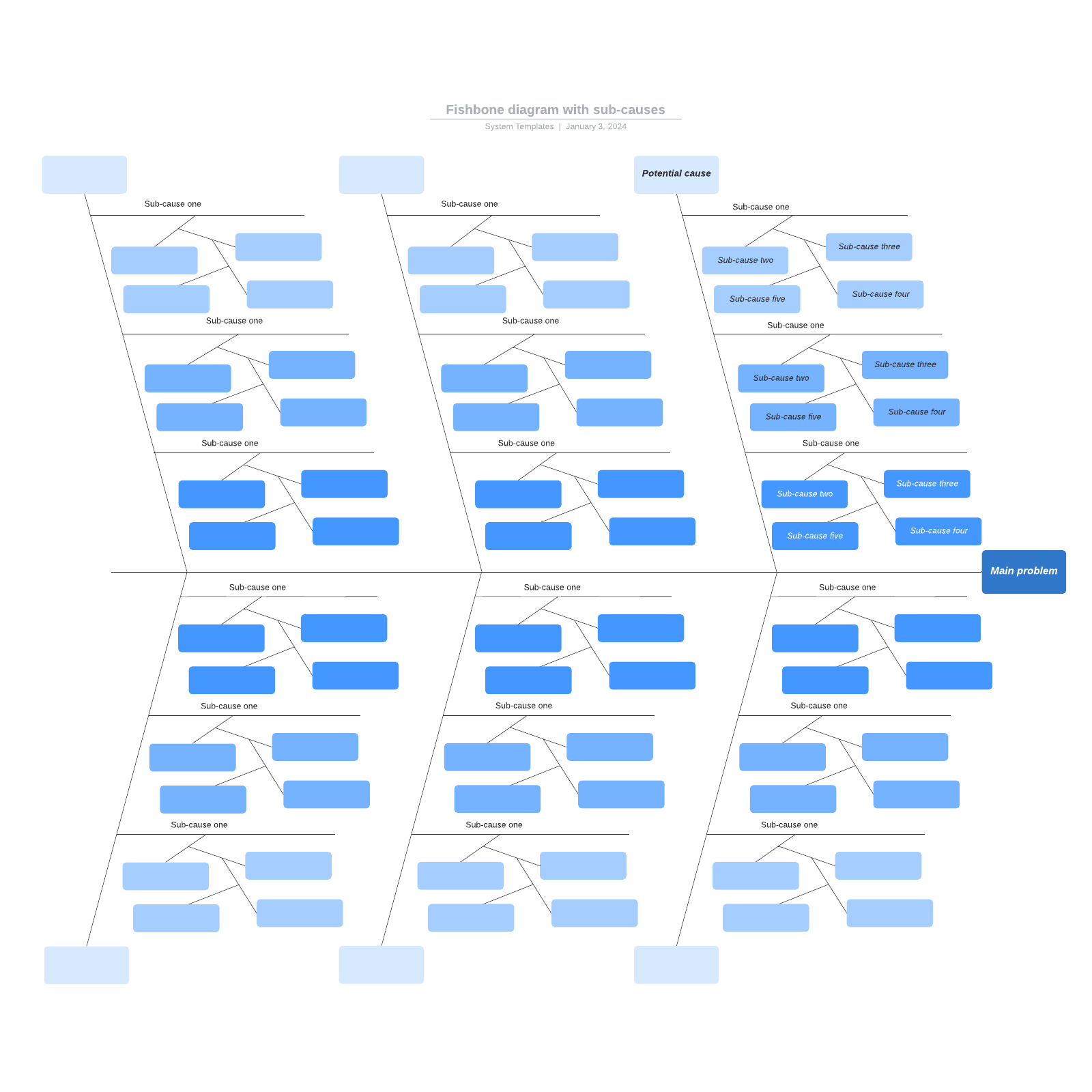
Choose a template to jump-start your brainstorming session
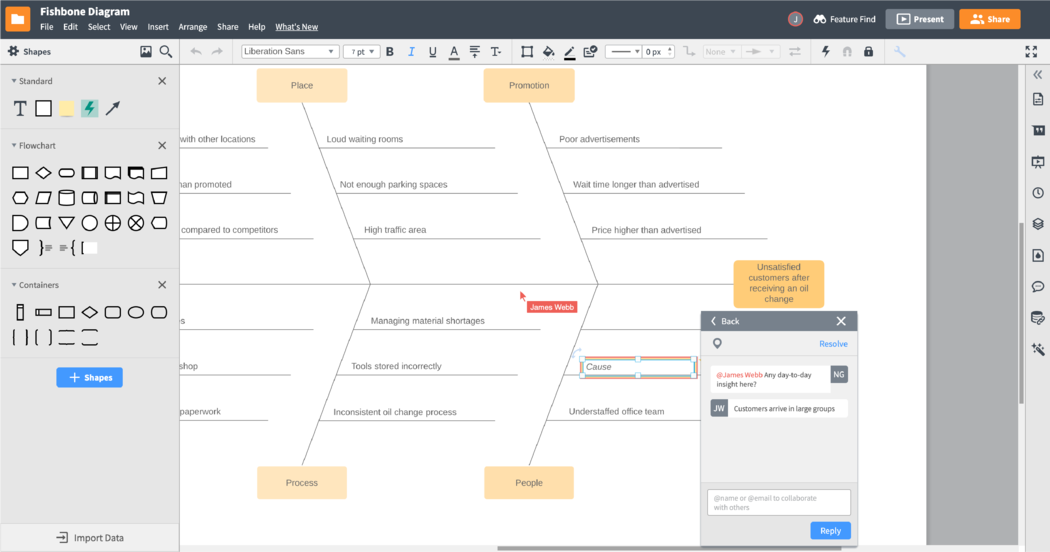
Brainstorm causes as a group in real time
Master the basics of Lucidchart in 3 minutes
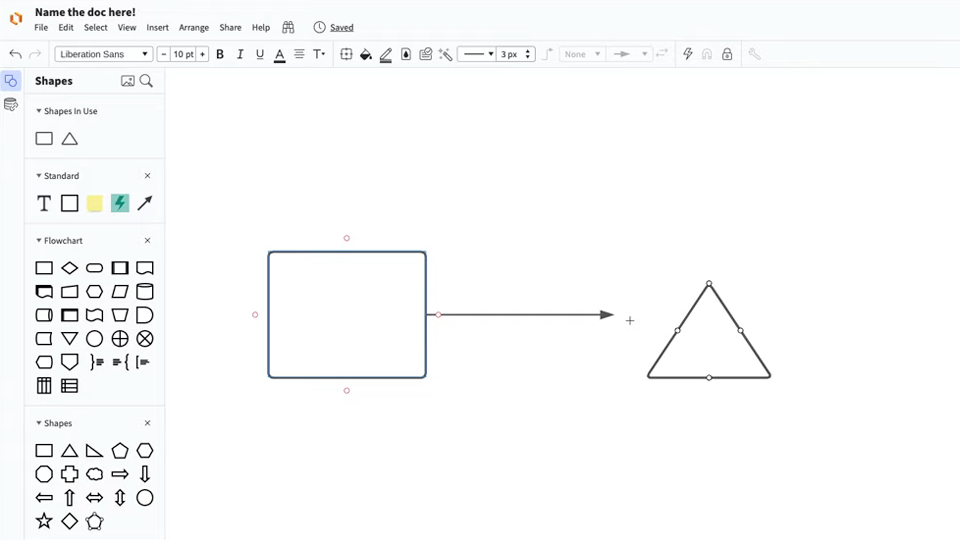
master the basics of Lucidchart in 5 minutes
- Create your first fishbone diagram from a template or blank canvas or import a document.
- Add text, shapes, and lines to customize your diagram.
- Learn how to adjust styling and formatting.
- Locate what you need with Feature Find.
- Share your diagram with your team to start collaborating.
Templates to create a Fishbone diagram
Lucidchart integrations
Connect Lucidchart to your favorite industry-leading apps.
See why teams choose Lucidchart
Diagram, visualize data, and collaborate all in one platform.

Collaboration
Clarity
Alignment

Better Together
What is a fishbone diagram?
A fishbone diagram is also known as an Ishikawa diagram, herringbone diagram, or cause-and-effect diagram. This is because it describes the potential causes of a given problem or outcome. The diagram resembles an actual fish bone, with a long line running down the center pointing to the main outcome, also called the "problem statement". The other bones branch out from the middle bone and represent different categories of causes.