Log in

Lucidchart vs. Gliffy

Compare Gliffy diagramming software with Lucidchart, the intelligent diagramming application. See how Lucidchart beats Gliffy on advanced diagramming, collaboration, and more.

Sign up free
Sign in with GoogleGoogleSign in with MicrosoftMicrosoftSign in with SlackSlack
  • Amazon logo
  • Google logo
  • Intel logo
  • Nvidia logo
  • Siemens logo
  • Volkswagen logo
  • Philips logo
  • Braun logo

The most-used visual collaboration platform, Lucid empowers over 70 million users worldwide to collaborate more effectively. Gliffy lacks deeper collaboration features.

Learn more

Why teams choose Lucidchart

The most intelligent diagramming solution
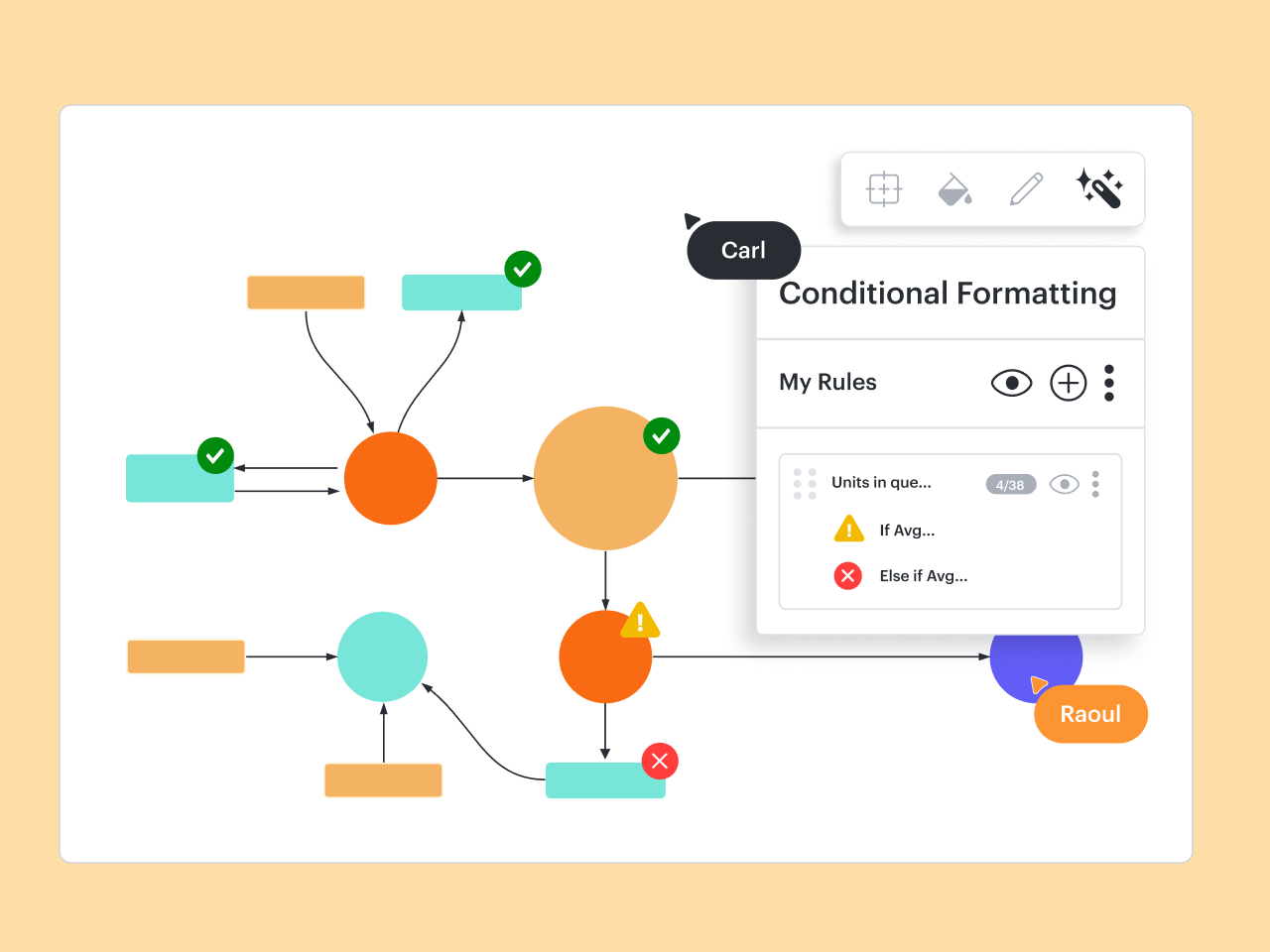
With advanced data and automation capabilities, Lucidchart allows you to create visualizations that capture greater complexity and depth. For example, you can use data linking to connect the steps of a process to actual data, or use formulas with custom data fields for calculations. Gliffy, in comparison, has limited features for advanced diagramming.

Integrations that go beyond Atlassian
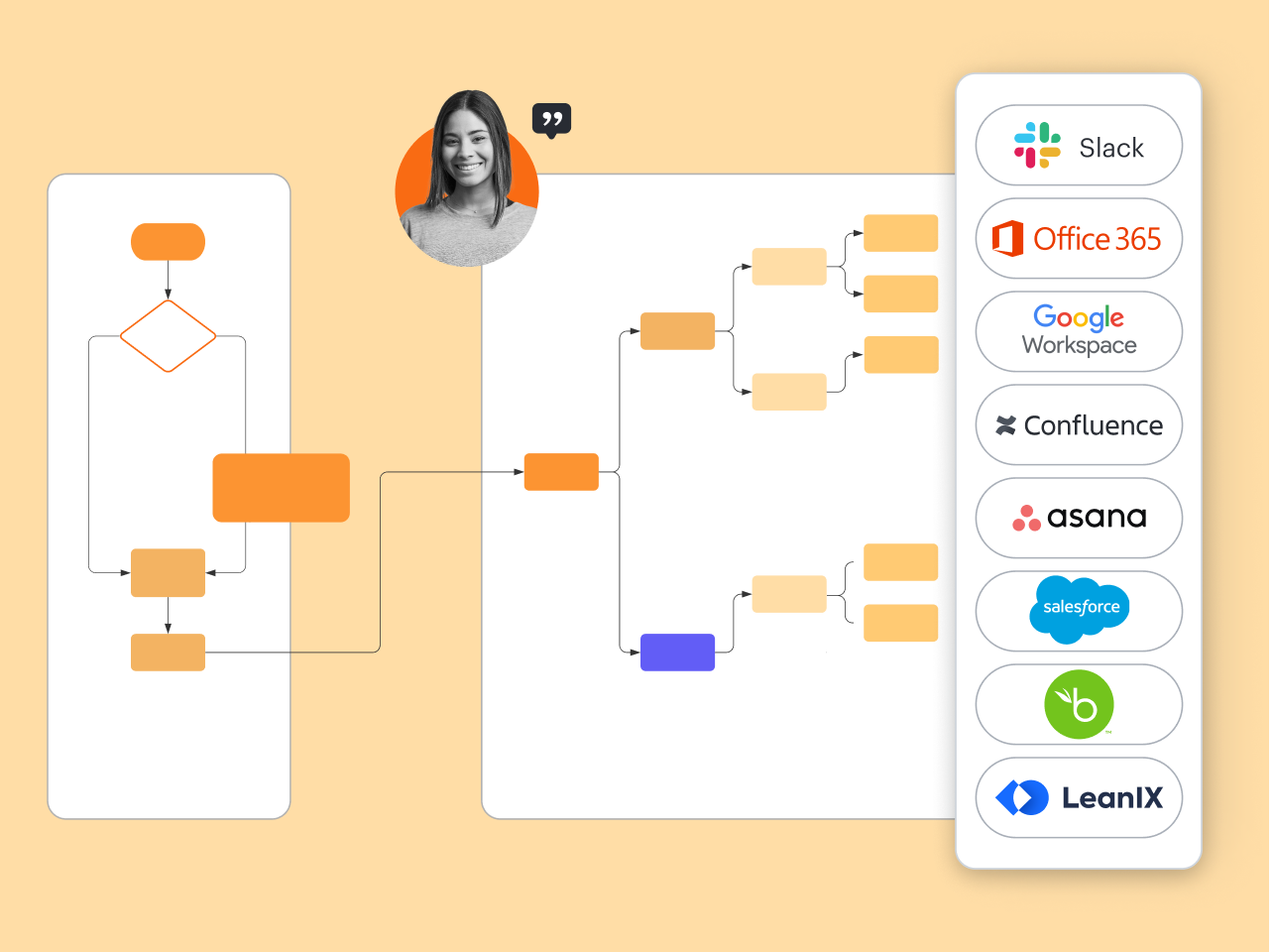
Like Gliffy, Lucidchart integrates seamlessly with Confluence and Jira to help make building and maintaining documentation effortless. But Lucidchart integrates with a number of other apps that support broader use cases, such as BambooHR, LeanIX, Salesforce, and ServiceNow. Its open API also enables developers to build custom integrations, so opportunities are endless.

Fully functional anytime, anywhere

Lucidchart is cloud-based and built to work across devices, browsers, and operating systems—including Linux, Mac, and Windows. Lucidchart Android and iOS apps allow you to create and access diagrams on the go. Gliffy’s full functionality is limited to the desktop, and it’s more difficult to build diagrams outside of Atlassian products.

Designed to help teams work together

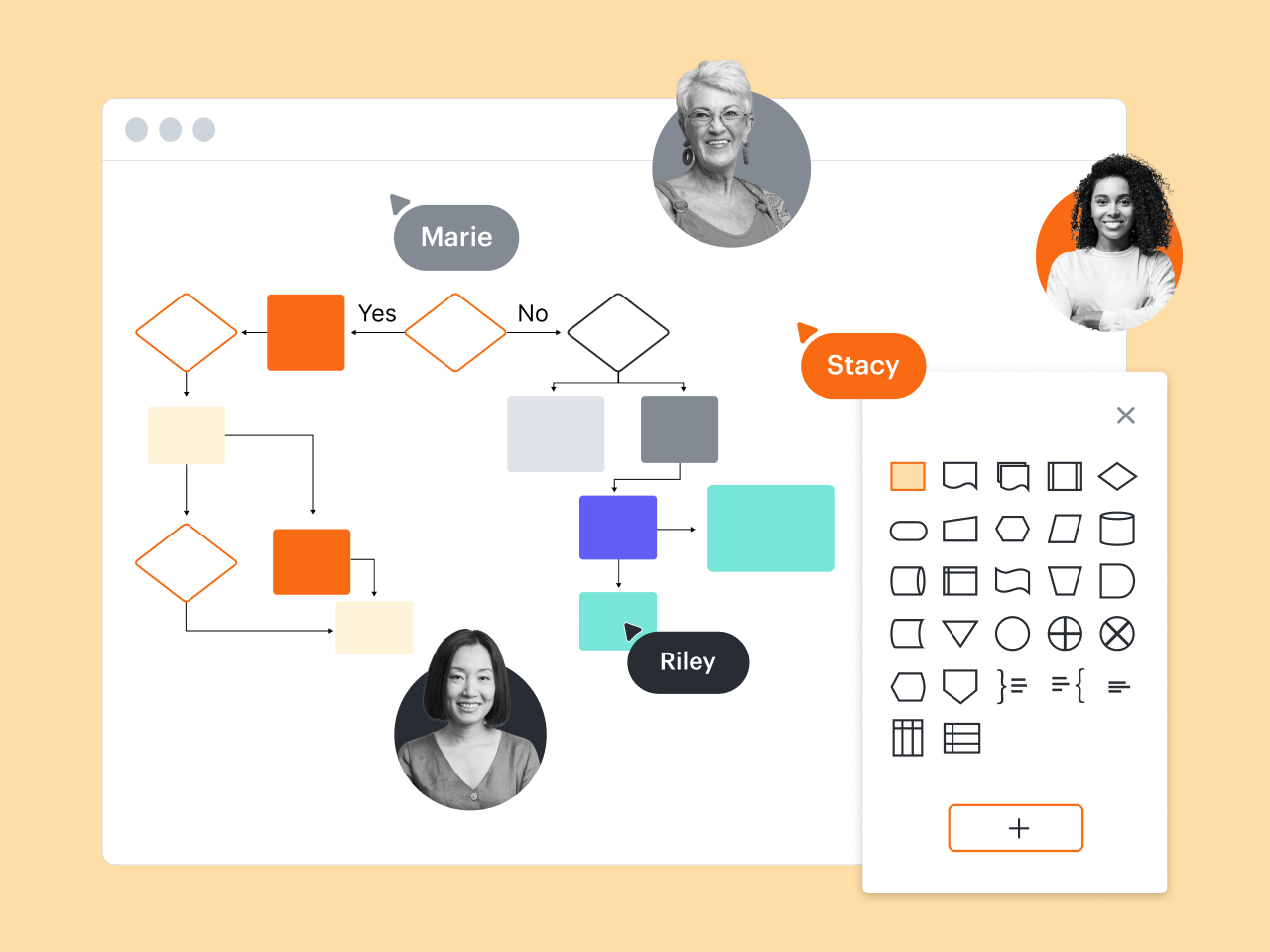
Lucidchart boosts collaboration by allowing entire teams to create and update diagrams simultaneously. With @mention comments and automatic sharing, it’s easy to keep your team on the same page, even when you’re working across zip codes and time zones. Gliffy’s collaborative features are far more basic, especially outside of Confluence and Jira.

“Lucidchart allows us to display content in real time in Confluence. With other software programs, you have to export a diagram and then add and manage it on another file server. With Lucidchart, there is none of that. Utilizing Lucidchart’s integration with Confluence enables us to work very efficiently.”

Byeongok Ha — BP3 Team

“I like that Lucidchart allows me to properly align and join objects. There’s a lot of flexibility, and I can create a diagram that looks very nice but was still very easy to make."

Rahul Amin — Fintech Product Manager at Uber

“I think organizations realize that Lucidchart is the tool of choice because of its visual modeling, layering, math functions, and collaboration capabilities. Nothing comes close.”

Dennis Jones — Agile Coach

FeaturesLucidchartGliffy
Advanced diagramming features
Process diagram

Feature is included

Feature is included

Hyperlinking

Feature is included

Feature is not included

Templates

Feature is included

Feature is included

Layers

Feature is included

Feature is included

Tasks

Feature is included

Feature is not included

Shape actions

Feature is included

Feature is not included

Sticky notes

Feature is included

Feature is not included

Org chart shapes with data and photos

Feature is included

Feature is not included

Org chart group view

Feature is included

Feature is not included

Compare versions

Feature is included

Feature is not included

Compare docs

Feature is included

Feature is not included

Revision history with versioning

Feature is included

Feature is not included

Data overlay

Feature is included

Feature is not included

Data refresh

Feature is included

Feature is not included

Mobile (iOS/Android) mockup shape libraries

Feature is included

Feature is included

Data and automation features
Shape libraries

Feature is included

Feature is included

Basic swimlanes

Feature is included

Feature is included

Formulas

Feature is included

Feature is not included

Custom shape data fields

Feature is included

Feature is not included

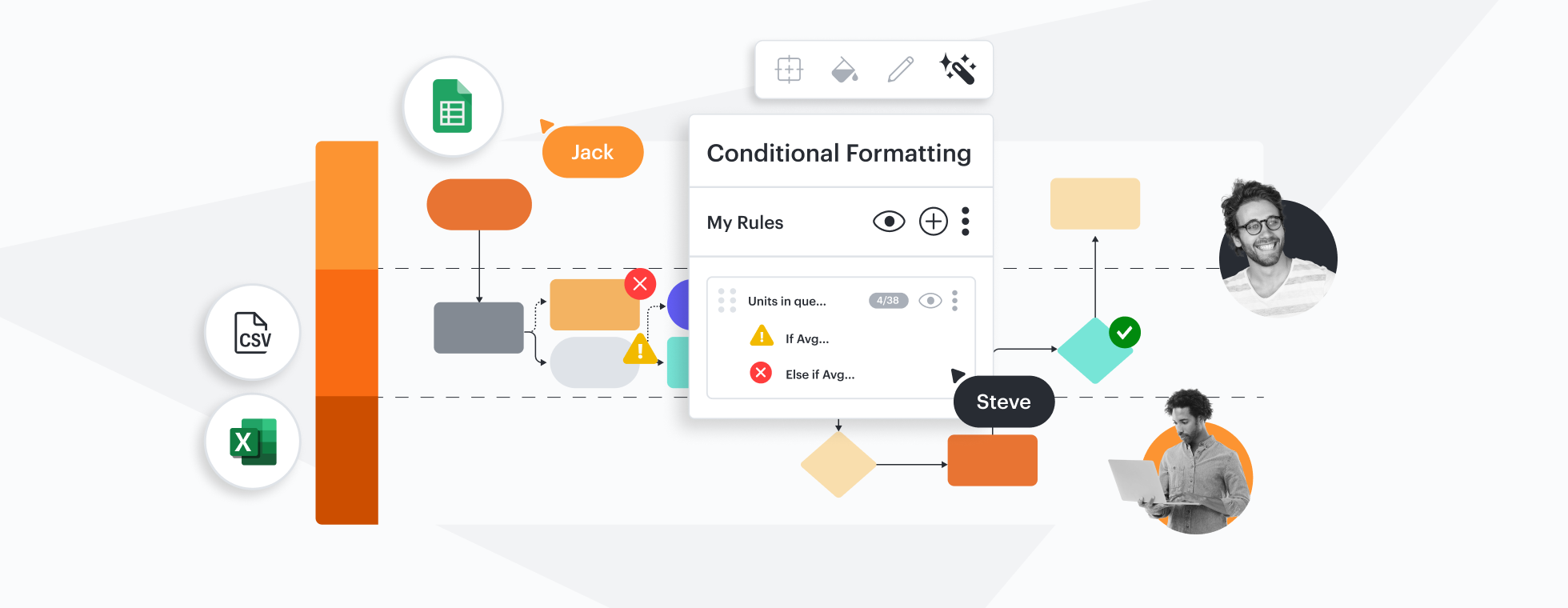
Conditional formatting

Feature is included

Feature is not included

Data linking

Feature is included

Feature is not included

Data-linked dashboards and reports

Feature is included

Feature is not included

Dynamic shapes

Feature is included

Feature is not included

Smart containers

Feature is included

Feature is not included

Integrations for advanced diagramming use cases
BambooHR

Feature is included

Feature is not included

ERD import and export from SQL

Feature is included

Feature is not included

Salesforce shape library or template

Feature is included

Feature is not included

ServiceNow integration

Feature is included

Feature is not included

LeanIX integration

Feature is included

Feature is not included

Sharing and collaboration
Download

Feature is included

Feature is not included

Commenting

Feature is included

Feature is not included

Email and link sharing

Feature is included

Feature is not included

Join ID

Feature is included

Feature is not included

Add passcode / expiration date to share links

Feature is included

Feature is not included

Publish without password

Feature is included

Feature is not included

Print

Feature is included

Feature is not included

Offline mode

Feature is included

Feature is not included

Presentation mode

Feature is included

Feature is not included

More resources to help you compare Lucidchart vs. Gliffy

Lucidchart checks all the boxes for visualizations that support brainstorming and building.

Why Lucidchart is the best Gliffy alternative

Learn how your team can take diagrams and flowcharts to the next level by making the switch from Gliffy to Lucidchart.

Read more

What is intelligent diagramming?

See how advanced Lucidchart features, such as data linking, enable teams to see, align, and take action on their best ideas.

Lucidchart template gallery

Explore templates

How Lucidchart compares to other competitors

See for yourself why Lucidchart is the best choice across the board.

ConceptDrawCreatelydraw.io

Lucidchart FAQ

Can I convert my diagrams in Confluence from Gliffy to Lucidchart?
Yes, you can use either space or page migration to convert Gliffy files inserted into a Confluence page or added as an attachment to Lucidchart files.
  • Learn more
Can I import existing Gliffy files into Lucidchart?
Yes, you can import any GXML or GLIFFY file directly into Lucidchart using our import feature. Use the step-by-step guide linked below to import your files.
How does Lucidchart integrate with Atlassian products?
Lucidchart offers a web-based integration with both Confluence Cloud and Server that allows you to make, edit, and embed diagrams within the wiki environment. Additionally, Lucidchart integrates with Jira so you can attach diagrams directly to issues or use Presentation Mode to attach slide decks to issues.
Which other apps integrate with Lucidchart?
Lucidchart integrates with the industry-leading apps teams use most, such as Asana, Figma, Google Workspace, Microsoft 365, Notion, Slack, and many more. Visit the link below for a complete list of Lucidchart integrations.
How does Lucidchart pricing compare to Gliffy pricing?
Lucidchart Individual plans offer more value at a lower price per license than the lowest-tier Gliffy Professional plan. We also offer Team plans and the Lucid Visual Collaboration Suite, an Enterprise offering that enables customers to bundle and save an average of one-third on licensing costs. The Lucid Suite includes Lucidchart for diagramming and Lucidspark for whiteboarding. Bundling allows organizations to consolidate with one vendor to replace multiple, incomplete collaboration tools.

Start your free trial, and start building the future faster with the best choice for intelligent diagramming.

Sign up free

Get started

  • Pricing
  • Individual
  • Team
  • Enterprise
  • Contact sales

Product

  • Lucidchart overview
  • Integrations
  • Security
PrivacyLegalCookie privacy choicesCookie policyYour privacy choices iconYour privacy choices

© 2026 Lucid Software Inc.