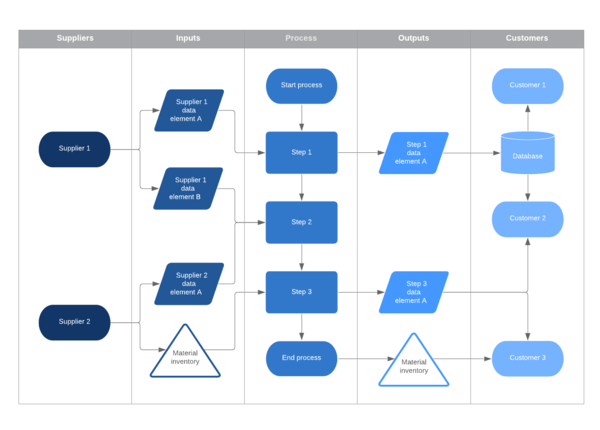
Swimlane diagram software
Lucidchart is a visual workspace that combines diagramming, data visualization, and collaboration to accelerate understanding and drive innovation.

Make process management easier with our swimlane diagram tool
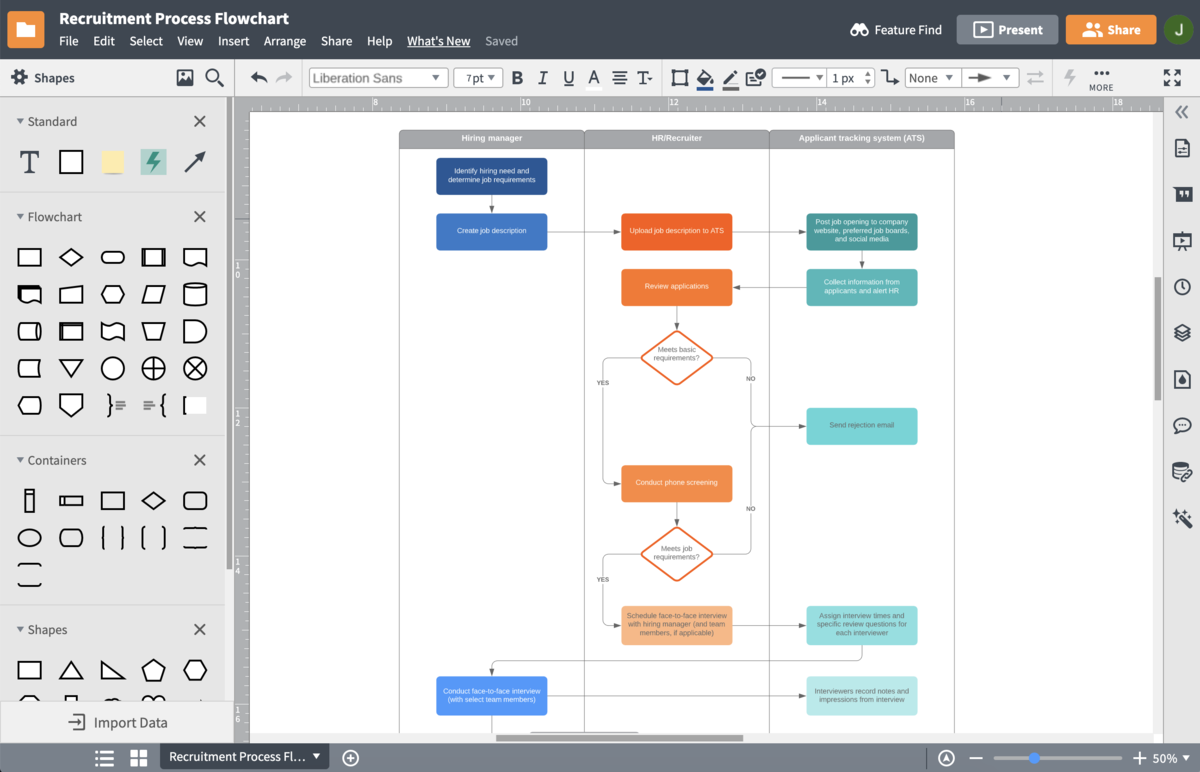
Clarify complex processes with swimlane diagrams
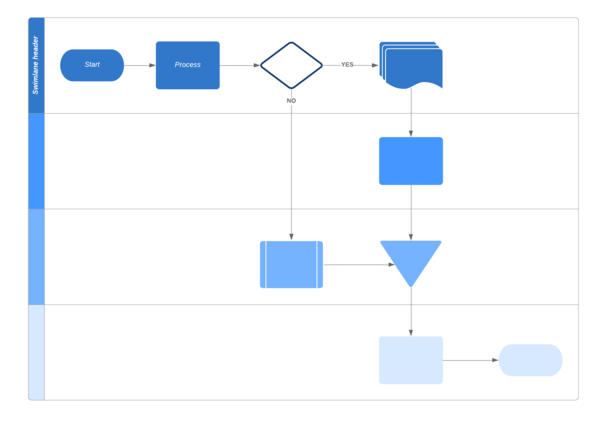
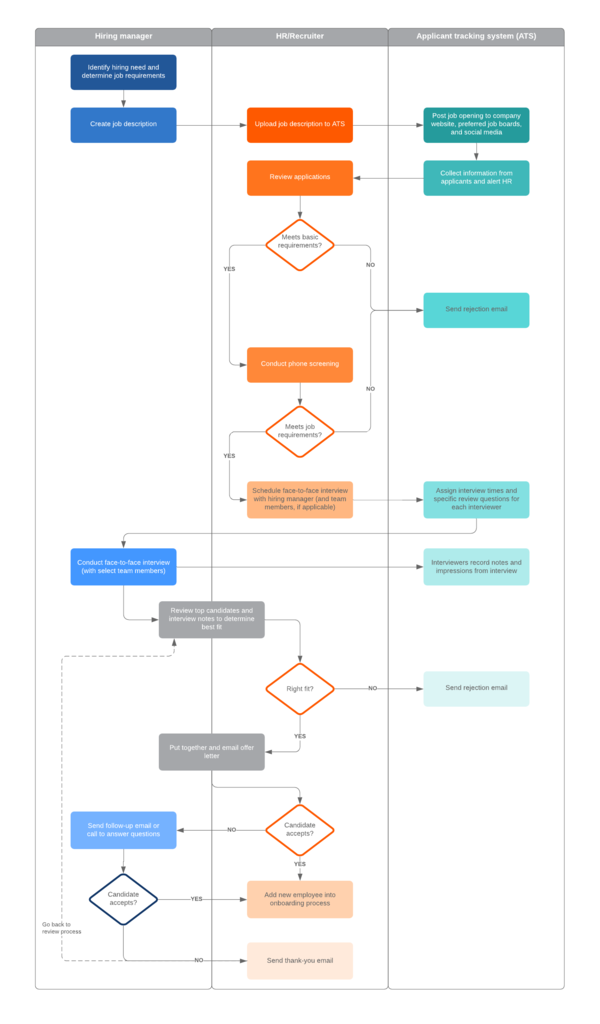
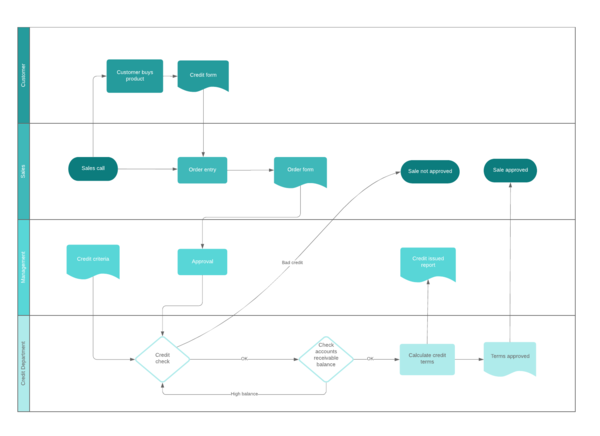
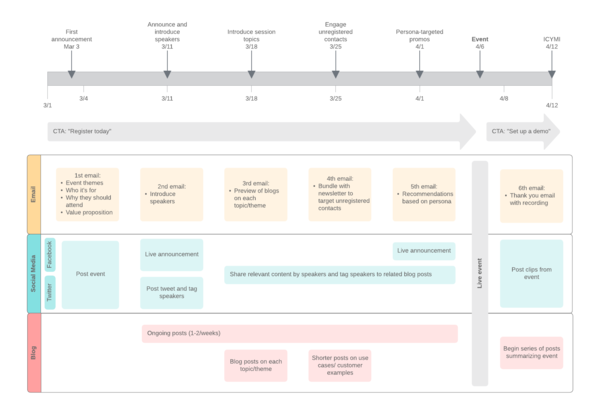
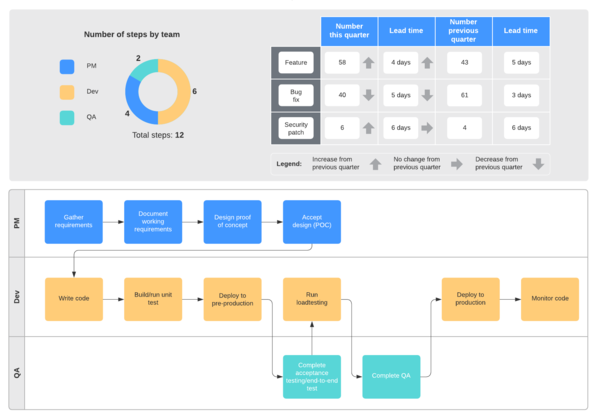
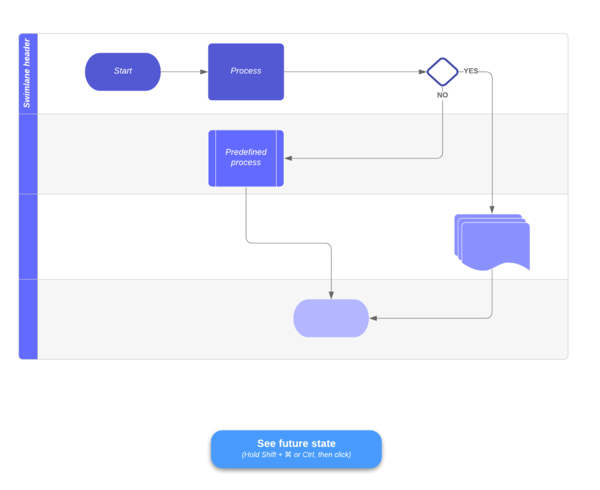
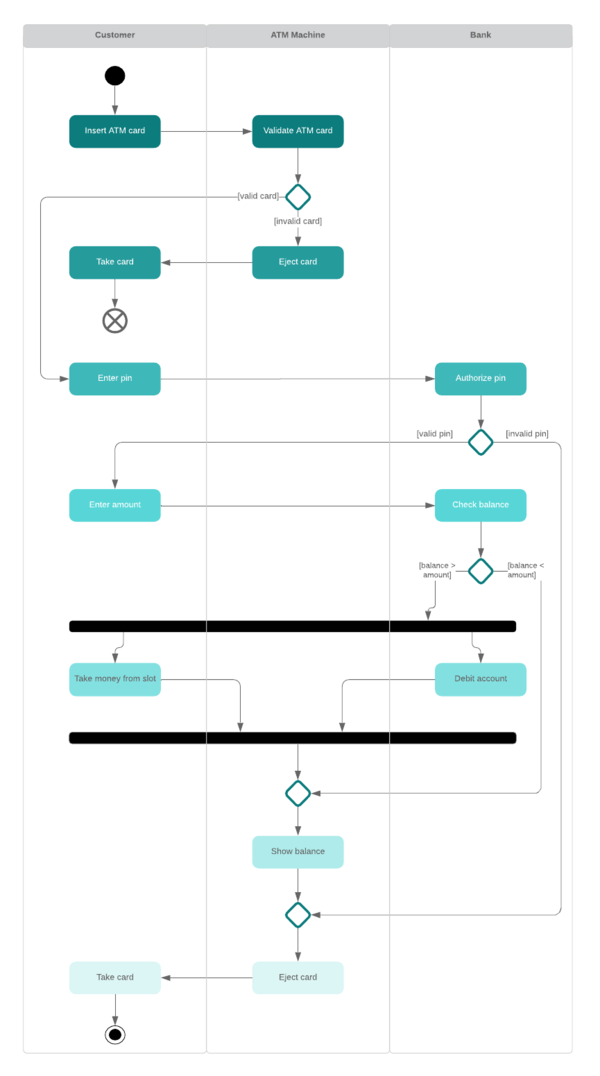
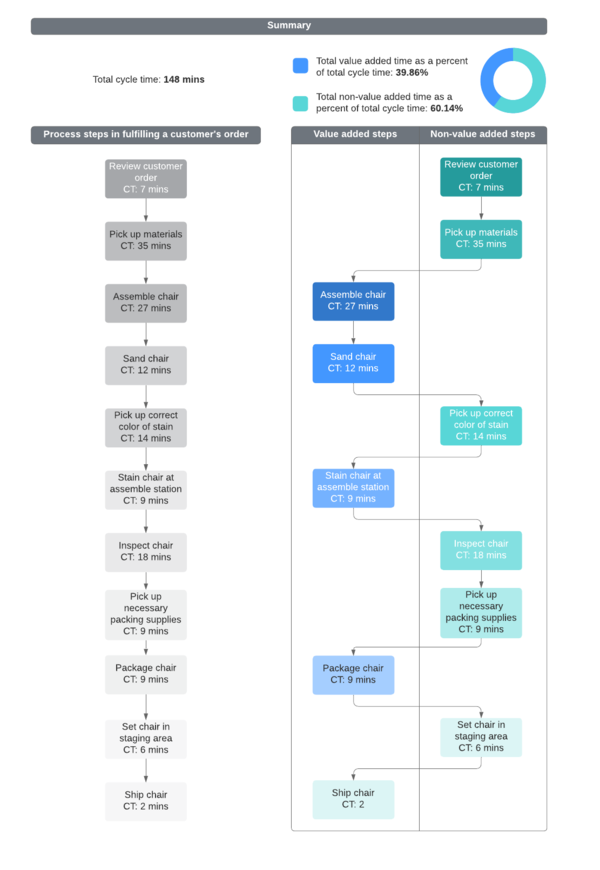
Improve your workflows by clearly defining who does what and when with expertly constructed swimlane diagrams. The ultimate project management tool, these versatile diagrams can help you communicate complex concepts, processes, and responsibilities to your entire team without having to define each in lengthy text. Our swimlane diagram software allows you to create clear flowcharts that let you visualize how different people, departments, and systems interact—all in a matter of a few clicks.
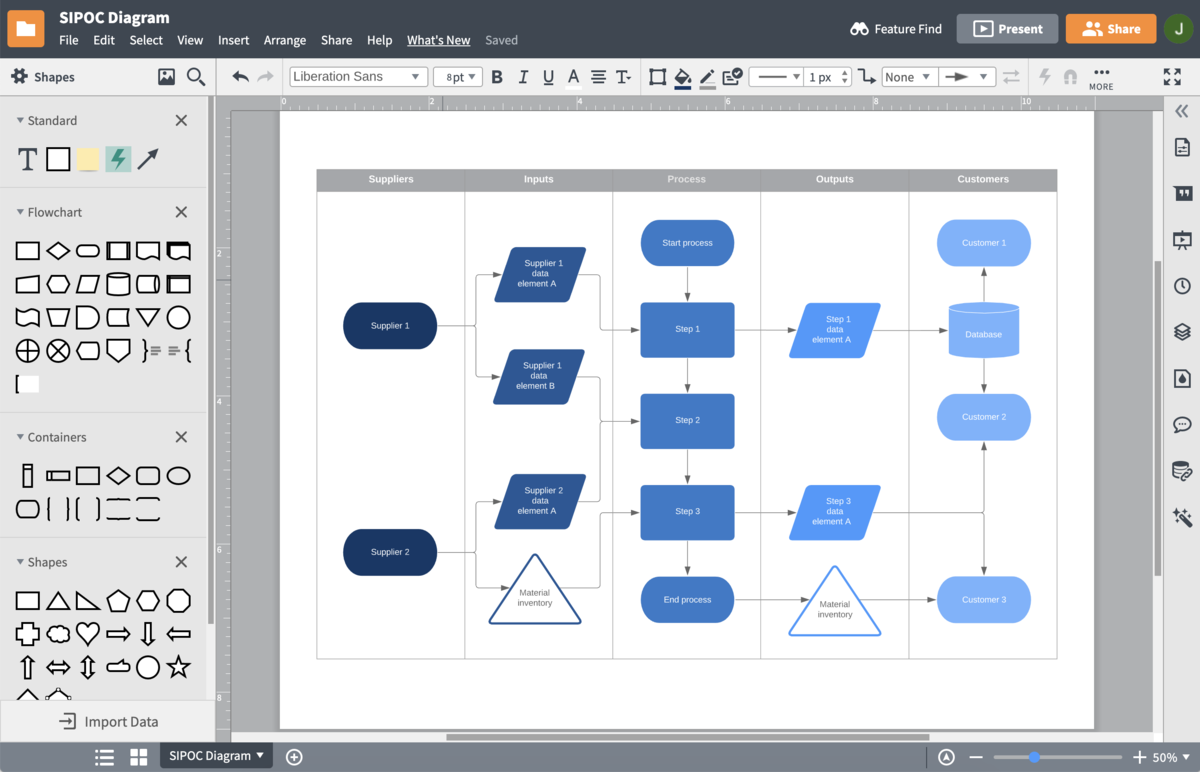
Document, analyze, and improve your processes without hassle
Lucidchart makes it easy for any role or team to create clearly defined swimlane diagrams that streamline your workflow and reduce waste and redundancies. Build your swimlane diagram online in minutes with container, standard flowchart, and BPMN shape libraries that let you depict every step within your process. Once your symbols have been added to a swimlane, they will stay locked in place, even when you move or adjust your swimlanes.
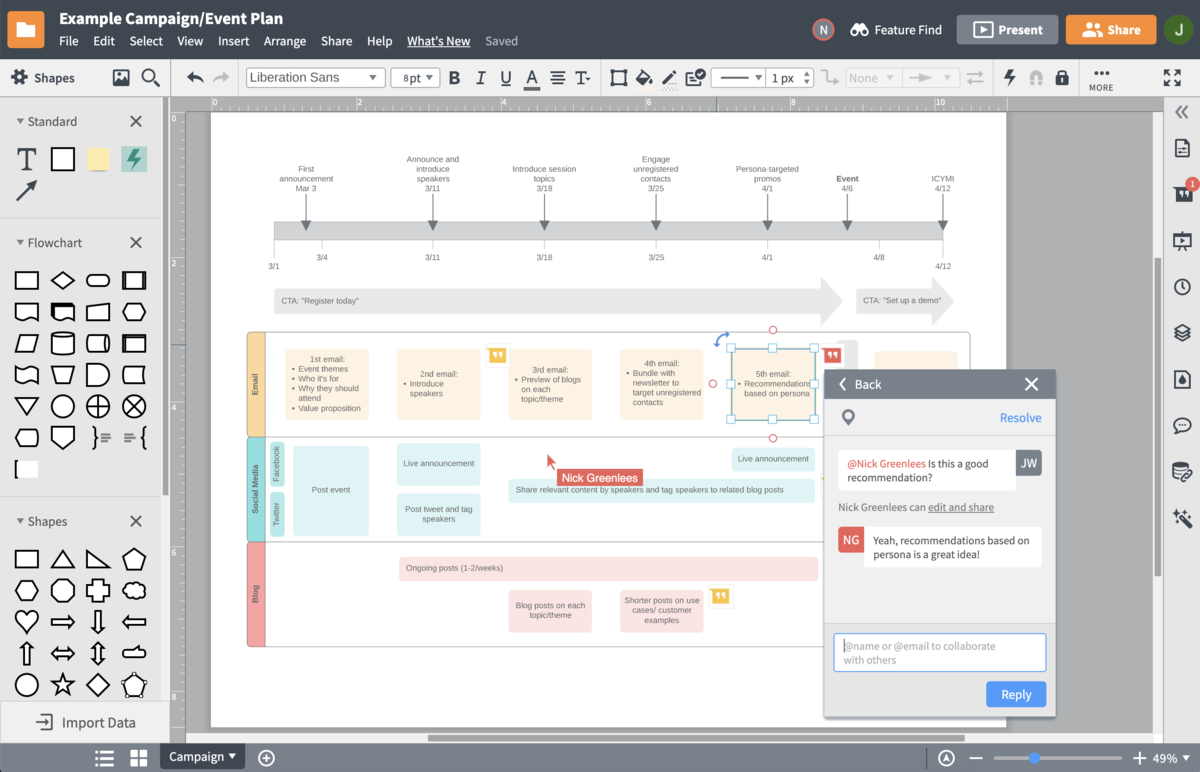
Collaborate to assign ownership and understand individual tasks
Promote effective communication with team members and across departments by clearly delineating who is responsible for individual tasks and how they affect others in the process. Our collaborative tools let you work with others on the same online swimlane diagram, automatically displaying updates for every user to see. Leave @mention notifications on your swimlane diagram at the document or shape level, or use our in-editor chat functionality to share your ideas with your team instantly.

Share your work in seconds with powerful integrations
Unlike other swimlane diagram tools, Lucidchart allows you to add your swimlane workflow to any document, spreadsheet, or slide for easy sharing and viewing. Our swimlane software fully supports integrations with G Suite, Microsoft Office 365, Confluence, Jira, and even Slack, so you can share ideas and feedback with your team using the apps you already work with every day.
How to create your swimlane diagram online
Research and clarify your process
Break down the process workflow by steps, including which teams or roles perform those steps and how they affect other departments. Use this information to identify your swimlanes.
Start with a blank document or swimlane template
Start your swimlane diagram by choosing one of our swimlane templates. You can also open a blank document and drag and drop shapes from our Containers shape library.
Customize your swimlanes
Once your swimlanes have been added, adjust the orientation of your containers to reflect the needs of your process. Your swimlanes can appear horizontally or vertically.
Add process shapes
Drag and drop process shapes onto your swimlane diagram, then connect each to show process flow. Add text, color, and style to your diagram using our formatting tools.
Get feedback from your team
Share your swimlane diagram with key collaborators to make sure it accurately reflects your process. Get feedback using our collaborative features, or share your diagram as a link, image file, or in any integrated app.
Frequently asked questions about our swimlane software
How can I add swimlanes to my flowcharts?
How can I color-code tasks and roles in my swimlane diagram?
Does Lucidchart have any swimlane templates?
How can I add, delete, or move a swimlane on my canvas?
What’s the best approach to show current and future states of my diagram without having to create two separate diagrams?
Descubre Lucidchart en menos de 5 minutos
Used by millions across the globe
Lucidchart is an incredibly valuable tool for our strategic planning. Any novice with no prior experience can quickly and intuitively create a professional, easy-to-follow process flow.

4.5/5 stars 650+ reviews