Visual Paradigm vs Lucidchart
Lucidchart’s cloud-based software offers unlimited creative and collaborative potential, outperforming Visual Paradigm’s dated desktop software.

Trusted by industry-leading brands


Intuitive diagramming features that take you beyond the desktop
Cloud-based functionality that works wherever you do
Lucidchart’s cloud-based software means your work is always a click away, regardless of your device or operating system. Visual Paradigm’s download-only software runs the risk of outdated versions, product updates, and lost files.
A modern interface without the learning curve
With clunky drag-and-drop shapes, an overwhelming amount of features, and an outdated interface, Visual Paradigm has a steep learning curve. Lucidchart’s intuitive interface lets you diagram, format, and customize your work in half the time.
Real-time collaboration to keep your team in sync
Visual Paradigm requires users to save and send documents back and forth, creating issues with feedback and version control. Lucidchart lets you collaborate with others in real time, add @mention comments, and easily publish or export your work.
Integrations that make sharing and collaborating easier
Visual Paradigm offers limited connectivity with other applications, requiring you to work almost completely within their environment. In contrast, Lucidchart is fully integrated with leading applications such as G Suite, Microsoft Office, Slack, and Atlassian.
Mobile support for unlimited access to your diagrams
Lucidchart users can easily view, edit, and share their diagrams on the go with mobile apps for iOS and Android. With Visual Paradigm, you’re limited to working on your desktop.
Start diagramming with Lucidchart
Join the 99% of Fortune 500 companies that use Lucidchart. Make your first diagram.
Make a diagramIntuitive diagramming features that take you beyond the desktop
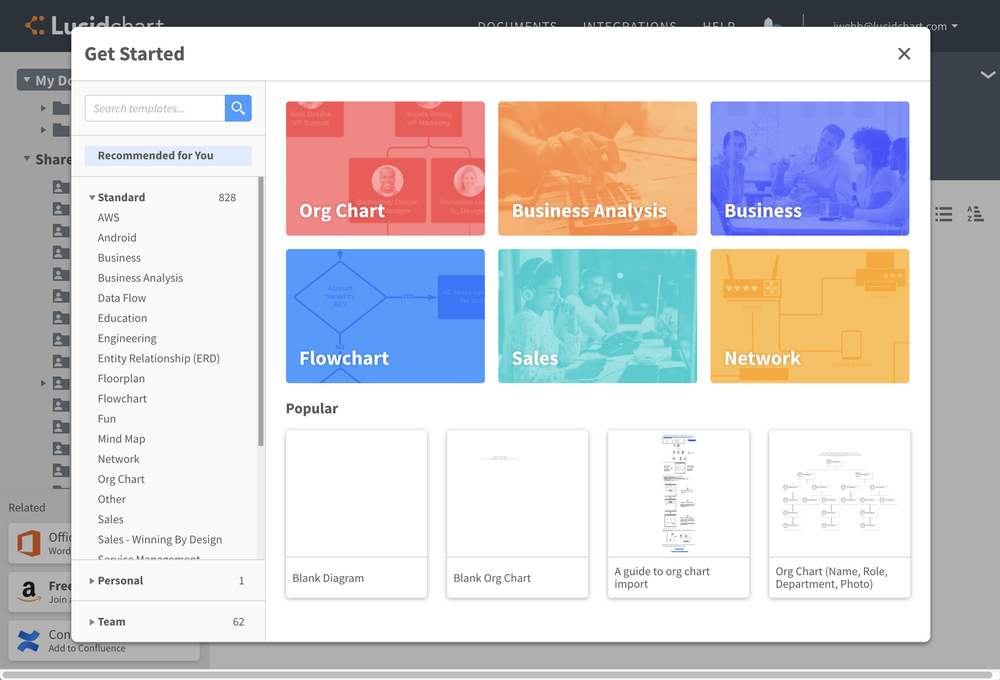
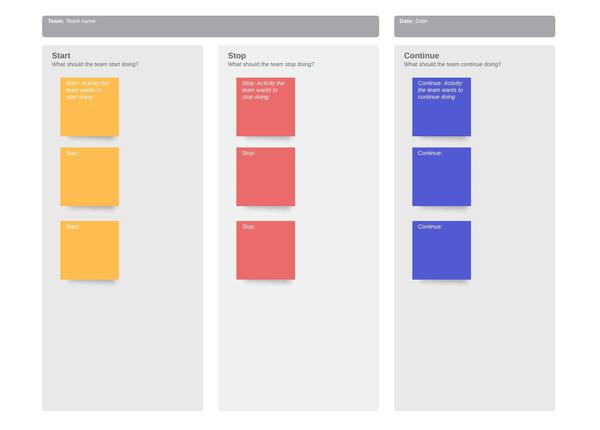
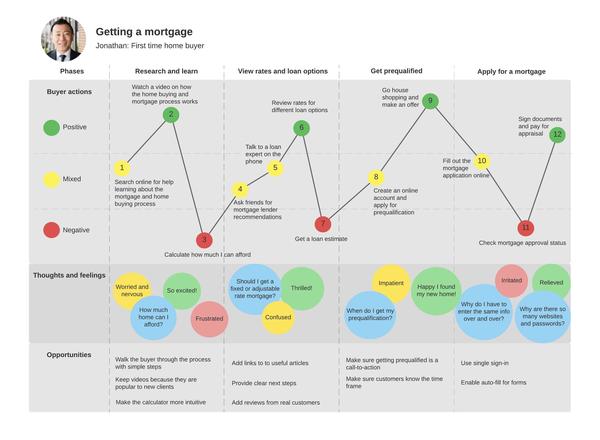
Customize a template from our gallery
Select from over 900 customizable templates for every diagram type, from flowcharts to org charts and network diagrams. Our template gallery is easy to navigate, with new templates being added every week by our dedicated team of template specialists.
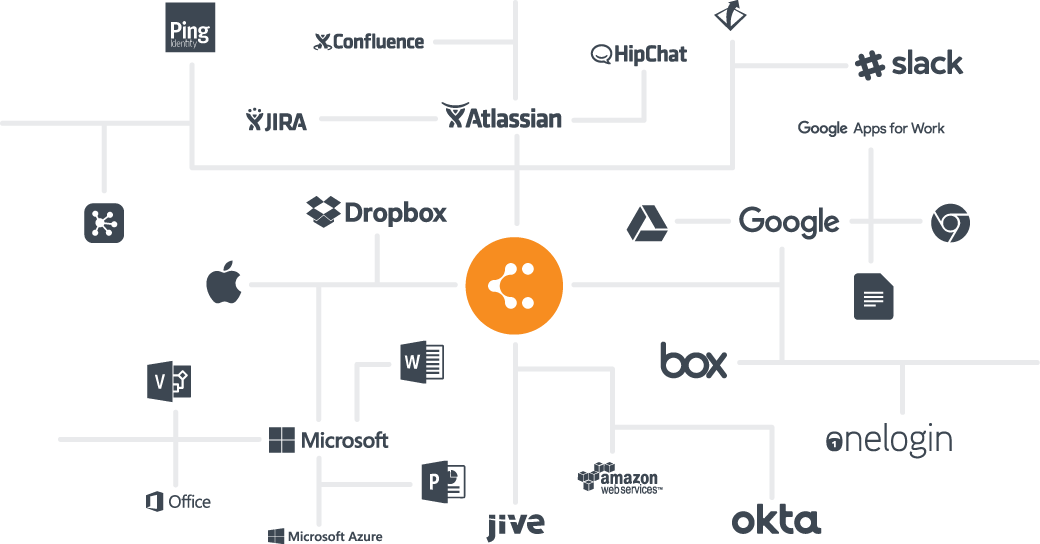
Connect with the apps your team knows and loves
Our dynamic integrations let you access and share your work using the apps your team is already familiar with, including G Suite, Microsoft Office, Slack, Confluence, Dropbox, and many more. Each of our integrations is easy to set up and simple to use, so you can get started right away.
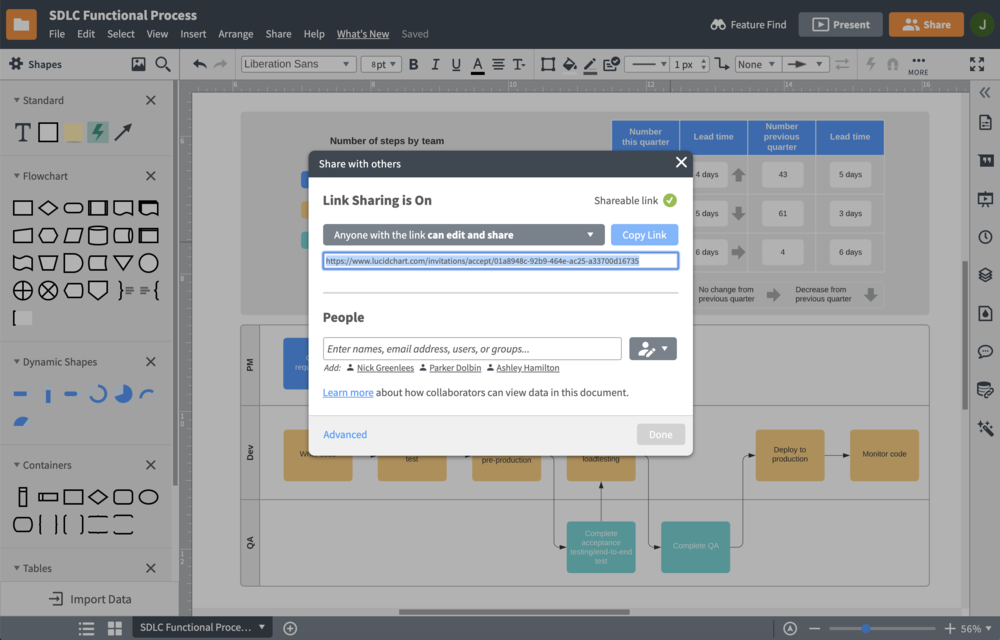
Easily present, publish, and share your work
Easily showcase your visuals using our in-editor presentation mode, or embed your document in a PowerPoint or Google Slides presentation. You can also publish your document as a PDF, JPEG, PNG, and other file types or use auto-generated links to share and embed your work where you please.
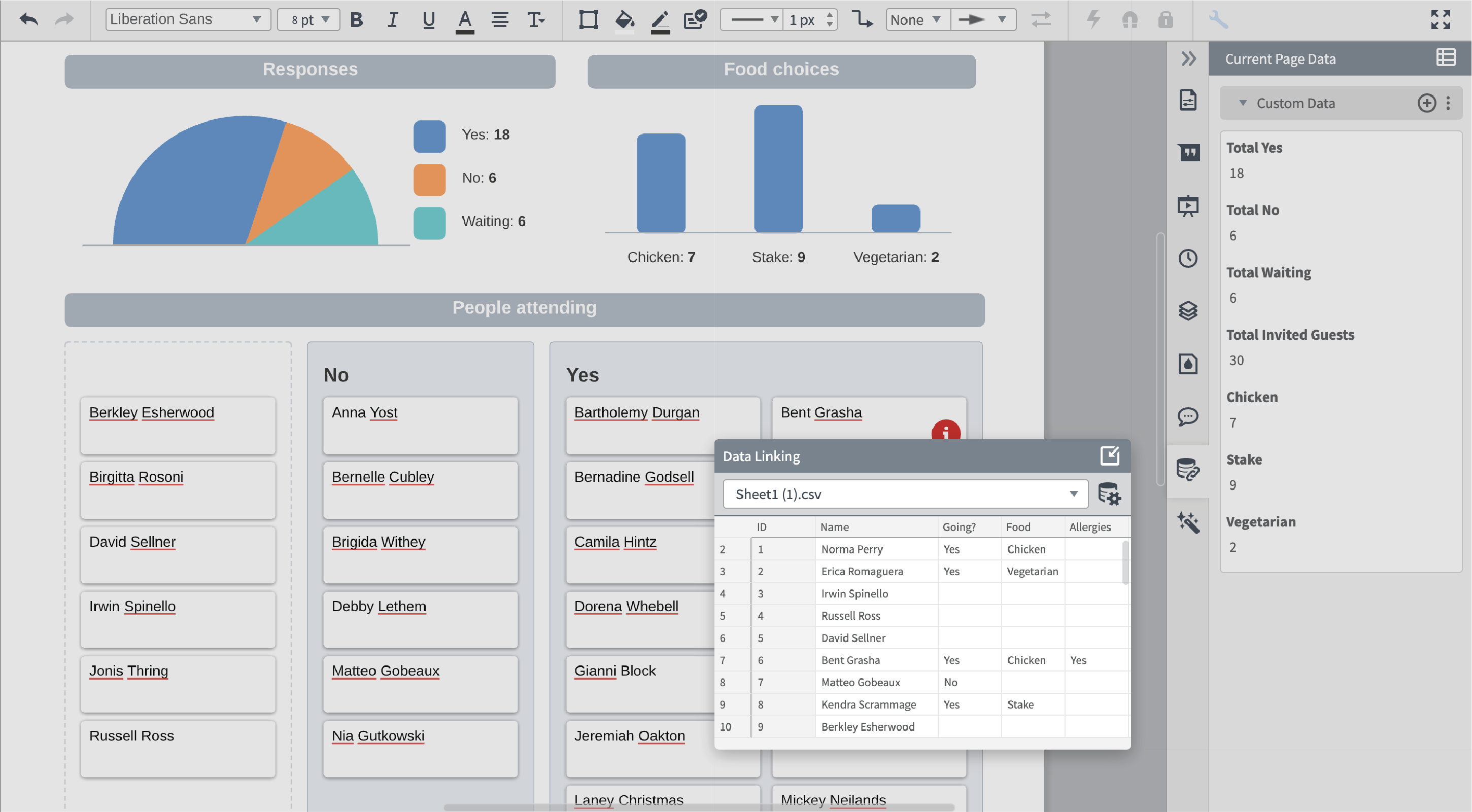
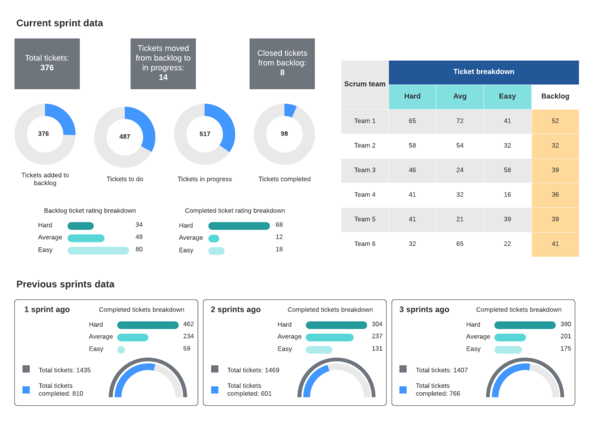
Link your live data from any spreadsheet
Connect live data sets directly to your diagram. With data linking in Lucidchart, you can visualize important metrics and information in the context of processes and systems without the hassle of manually entering data. Import data sets from Excel, Google Sheets, Zapier, Salesforce, and more. As you make changes to your data set, Lucidchart will update your diagram automatically.
Frequently asked questions about Lucidchart
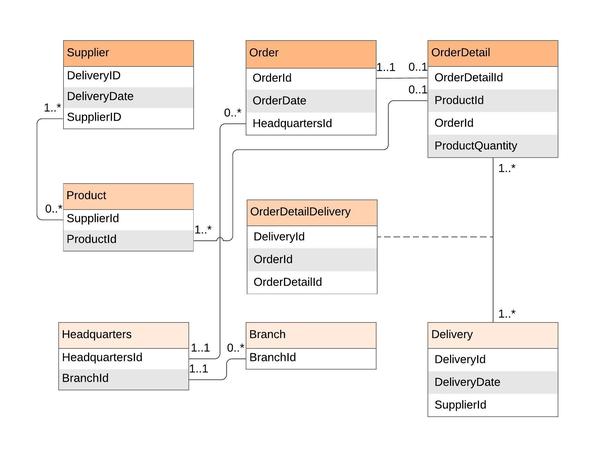
How can I fast-track the process of creating UML and ER diagrams?
Can I easily add my Lucidchart documents into any other programs?
Beyond my desktop, which devices can I use to work on my Lucidchart diagrams?
How long does the free trial last?
Lucidchart is my go-to for complex network diagrams, system workflow diagrams, process workflows, data flow diagrams, etc. I have used it for years and don't see any reason to switch to another product.
- Aaron C. | September 29 2019