
Rack diagram software
Lucidchart is an intelligent diagramming application that makes creating a Rack diagram easy with drag-and-drop shapes, ready-to-use templates, and more.



By registering, you agree to our Terms of Service and you acknowledge that you have read and understand our Privacy Policy.


Simplify complicated designs with server diagrams
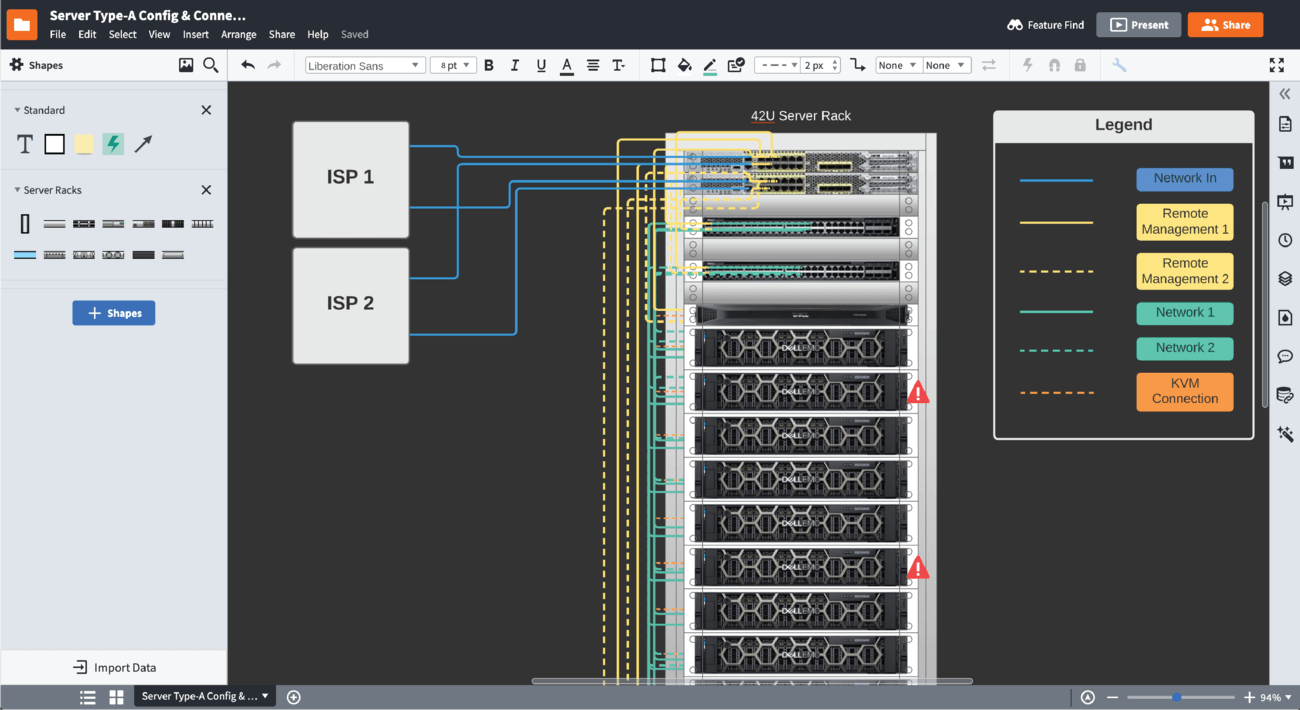
Visualize complex designs for easy understanding and troubleshooting
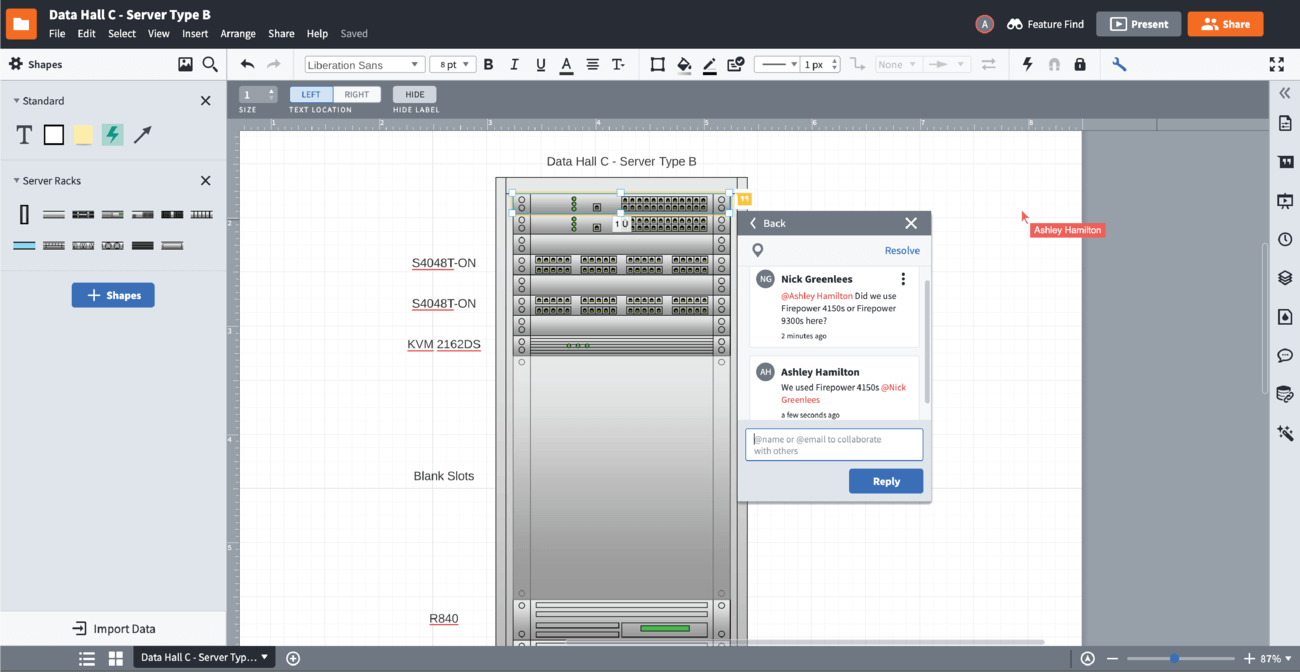
Store, collaborate, and share your rack diagrams
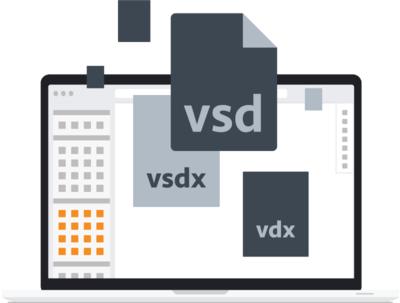
Import documents from other diagramming tools
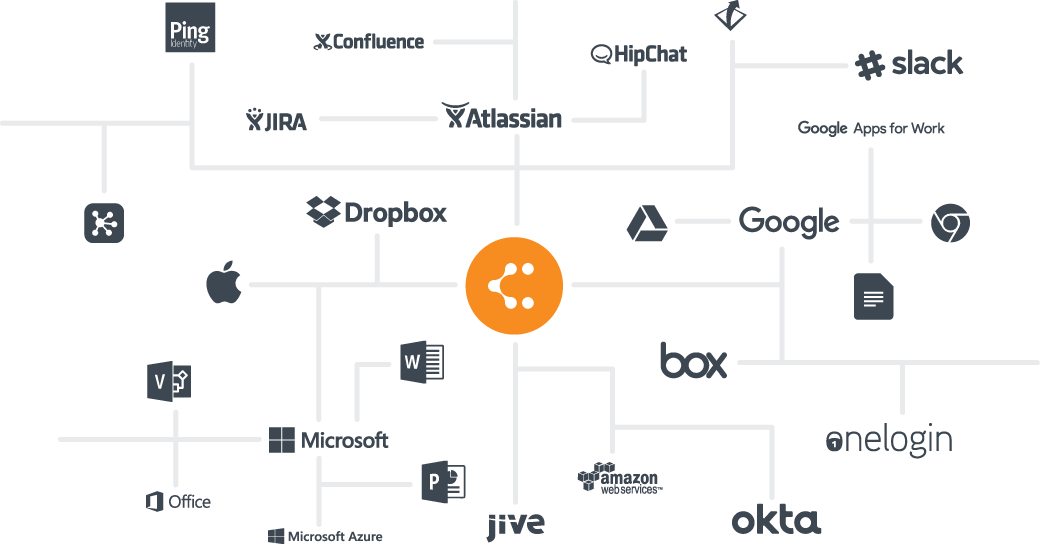
Leverage integrations to add your diagrams in your favorite apps
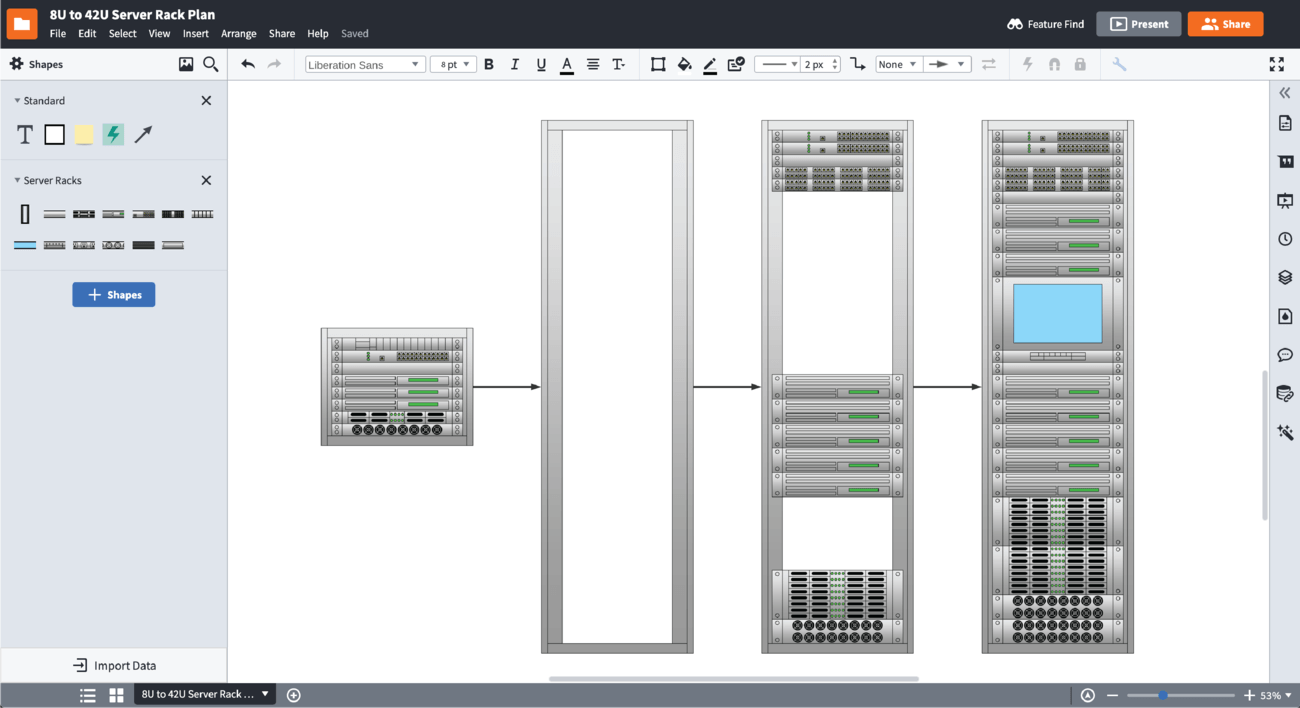
Manage your entire server management lifecycle
Master the basics of Lucidchart in 3 minutes
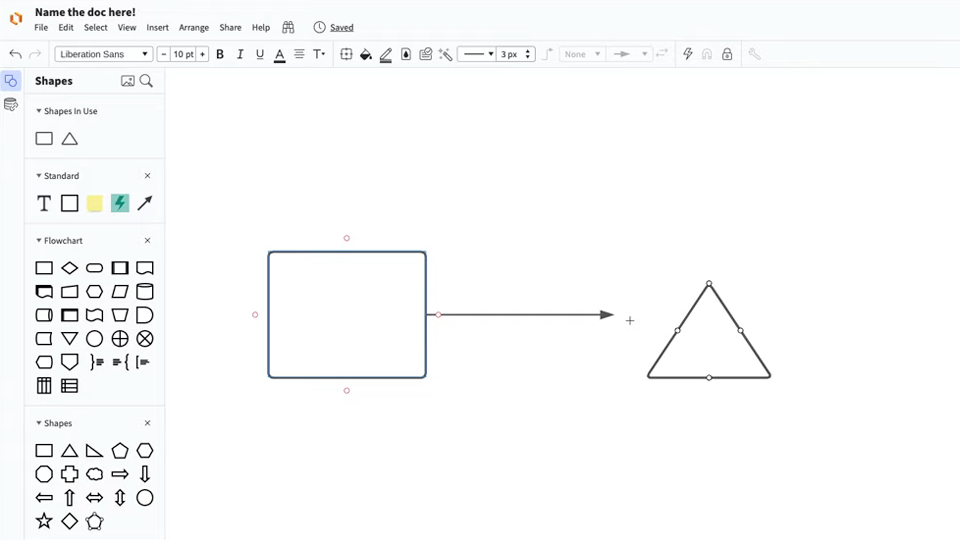
master the basics of Lucidchart in 5 minutes
- Create your first rack diagram from a template or blank canvas or import a document.
- Add text, shapes, and lines to customize your diagram.
- Learn how to adjust styling and formatting.
- Locate what you need with Feature Find.
- Share your diagram with your team to start collaborating.
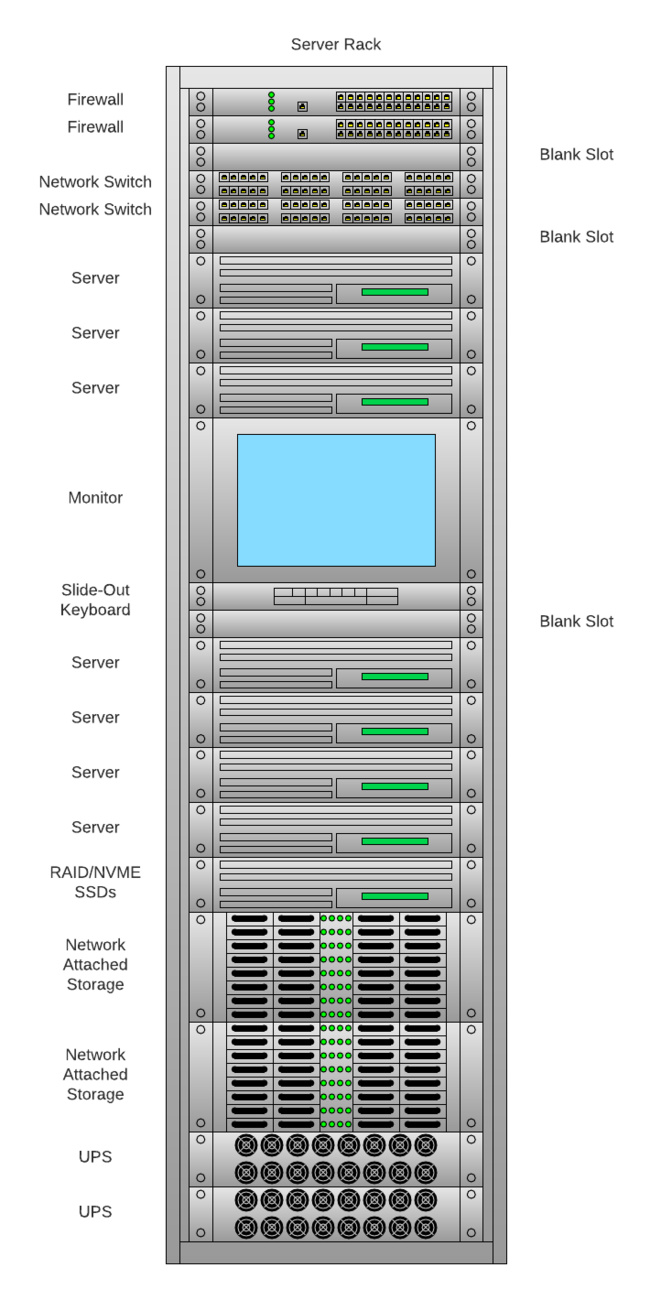
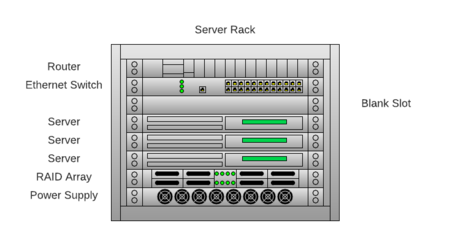
Explore our server rack diagram templates
Lucidchart integrations
Connect Lucidchart to your favorite industry-leading apps.
See why teams choose Lucidchart
Diagram, visualize data, and collaborate all in one platform.

Collaboration
Clarity
Alignment

Better Together
What is a rack diagram?
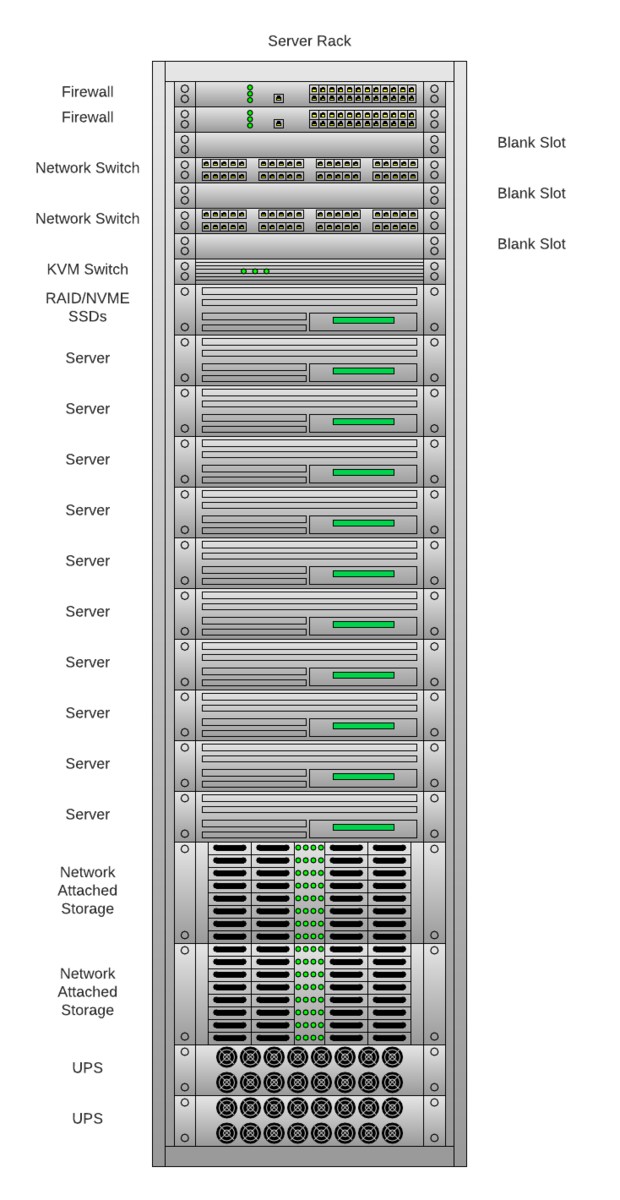
A rack diagram is a visual representation your IT equipment. Rack diagrams are drawn to scale and show the front and the rear elevation of the equipment layout. A comprehensive server rack diagram can help you select the right size for your server, organize your equipment, pinpoint issues while troubleshooting, and prevent lost time and resources.