
SWOT analysis generator
Lucidchart is an intelligent diagramming application that makes creating a SWOT analysis easy with drag-and-drop shapes, ready-to-use templates, and more.



By registering, you agree to our Terms of Service and you acknowledge that you have read and understand our Privacy Policy.



Simplify strategic planning with a SWOT analysis diagram
A SWOT analysis creator for individuals, businesses, and students

An ideal brainstorming and strategic planning tool

Facilitate learning and growth in the classroom

Spend less time diagramming and more time analyzing

Collaborate in real time for better results
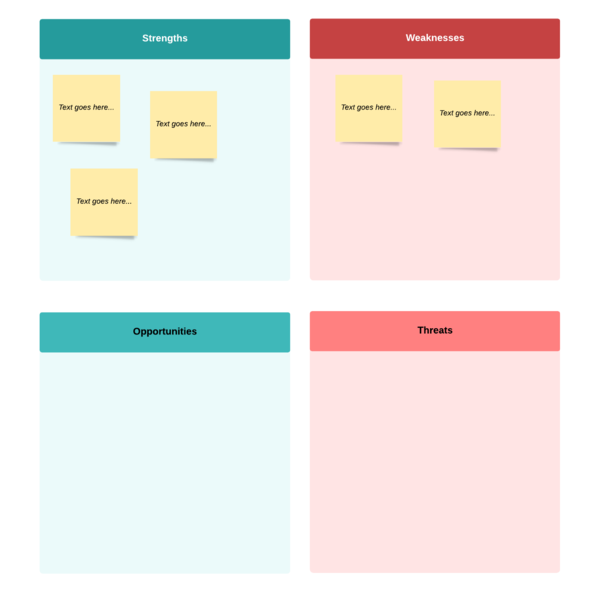
Customizable SWOT analysis templates

Check out our ratings and reviews
Master the basics in 5 minutes
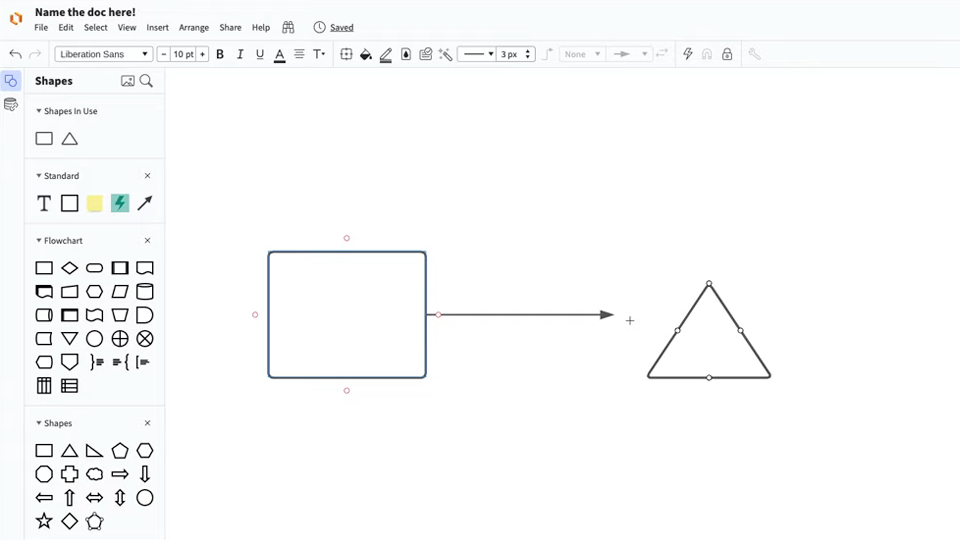
master the basics of Lucidchart in 5 minutes
- Create a SWOT diagram from a template, blank canvas, or by importing data.
- Customize your SWOT analysis by adding shapes, lines, images, and text.
- Adjust the styling and formatting within your diagram.
- Share with your team and start collaborating.
Templates to create a SWOT analysis
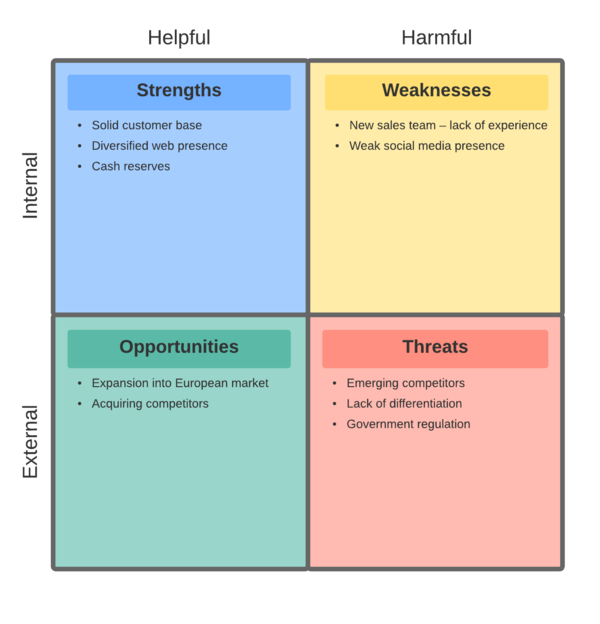
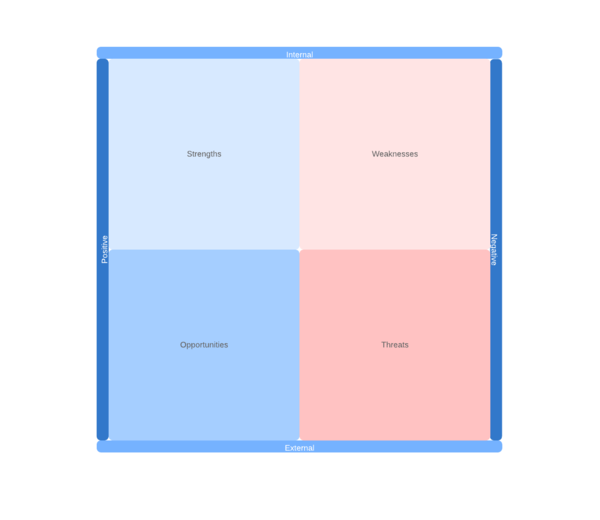
Get started with these SWOT analysis templates from our gallery.
Lucidchart integrations
Connect Lucidchart to your favorite industry-leading apps.
See why teams use Lucidchart as their SWOT analysis creator
Diagram, visualize data, and collaborate all in one platform.

Collaboration
Clarity
Alignment

Better together
What is a SWOT analysis?
A SWOT analysis is a visual study tool that can be used to identify specific strengths and weaknesses in work and personal life situations. It helps with decision making and planning ahead. A SWOT analysis diagram is formed by a two-by-two grid. Each quadrant has an outline of the subject's strengths, weaknesses, opportunities, and threats (SWOT).