XMind vs Lucidchart
Make detailed, professional-quality mind maps—and much more—with Lucidchart’s user-friendly visual workspace.

Trusted by industry-leading brands


Go beyond mind maps with Lucidchart
Cloud-based software that works anywhere, anytime
With Lucidchart’s cloud-based software, your work is always just a click away—outdated software, installation, and lost work are never an issue. XMind’s download-only software limits its functionality to the desktop.
Collaborative features that keep up with your team
Because XMind only works on a desktop, its collaborative capabilities are limited. Lucidchart allows you to work in the same document simultaneously with collaborators, and then share, publish, and print your work instantly.
Dynamic integrations with endless possibilities
Lucidchart lets you easily connect to all of the apps you use every day, including G Suite, Microsoft Office, Slack, Salesforce, Atlassian, and more. In contrast, XMind provides limited connections to other software and requires users to work in their environment.
Functionality that goes beyond mind maps
XMind is great for creating mind maps, but its other diagramming abilities are extremely limited. Lucidchart lets you build dynamic mind maps, construct org charts from CSV files, draw floorplans, create flowcharts, and much more within a single platform.
Make a mind map in minutes
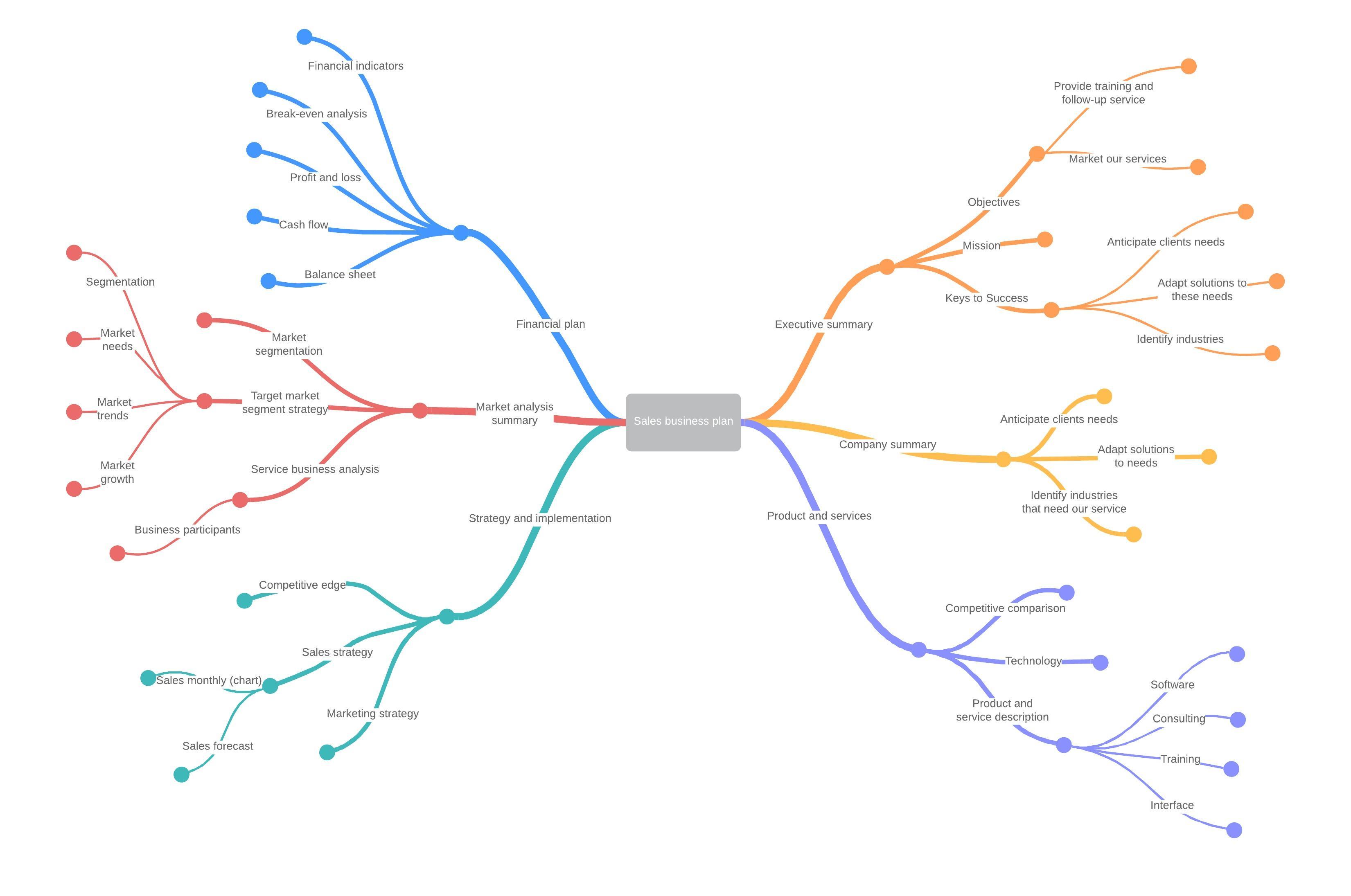
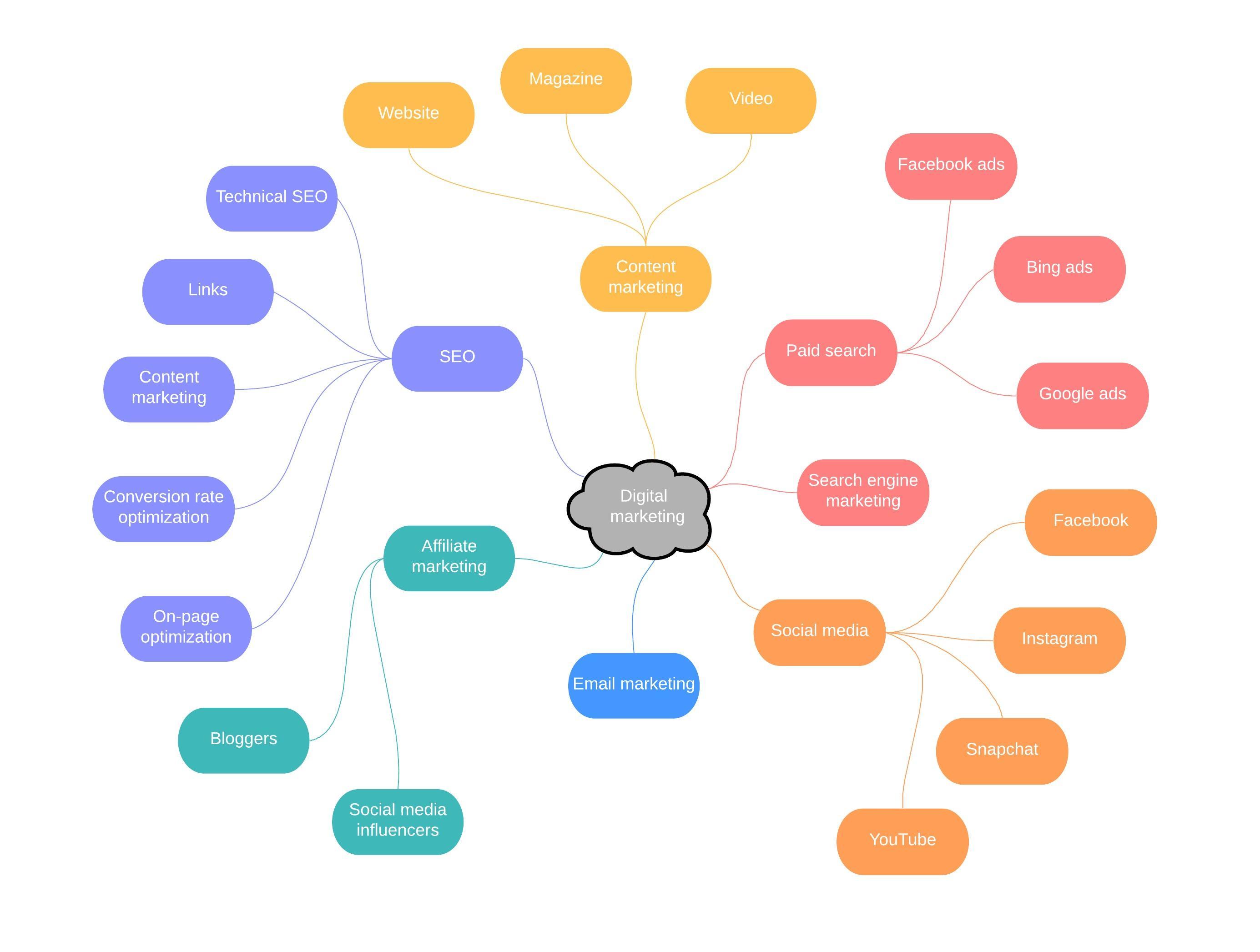
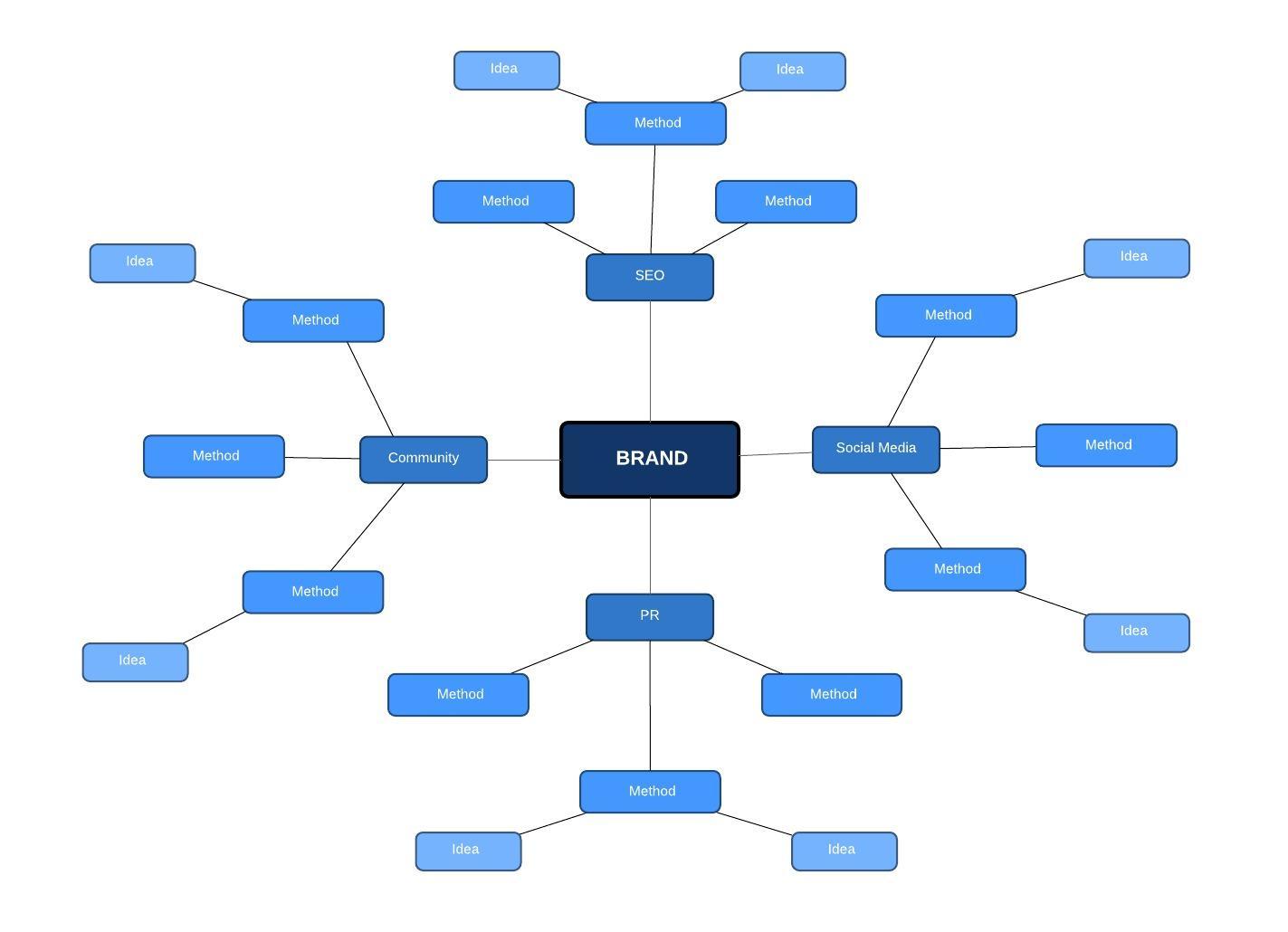
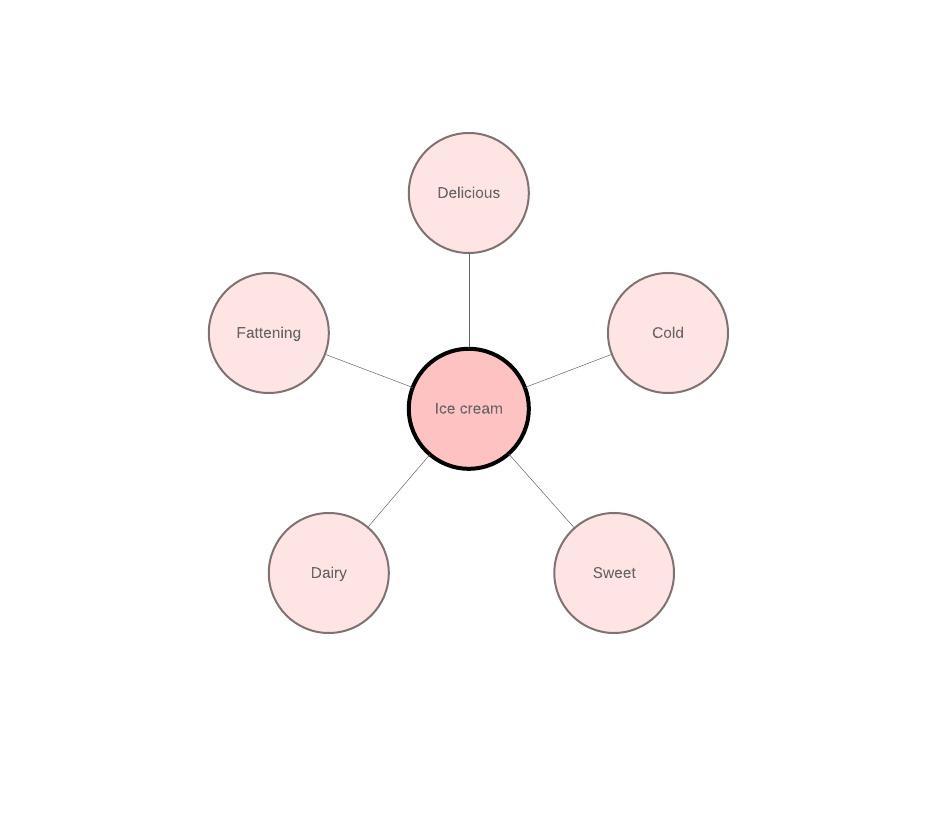
Start with a template or create a mind map from scratch using Lucidchart.
Make a mind mapGo beyond mind maps with Lucidchart
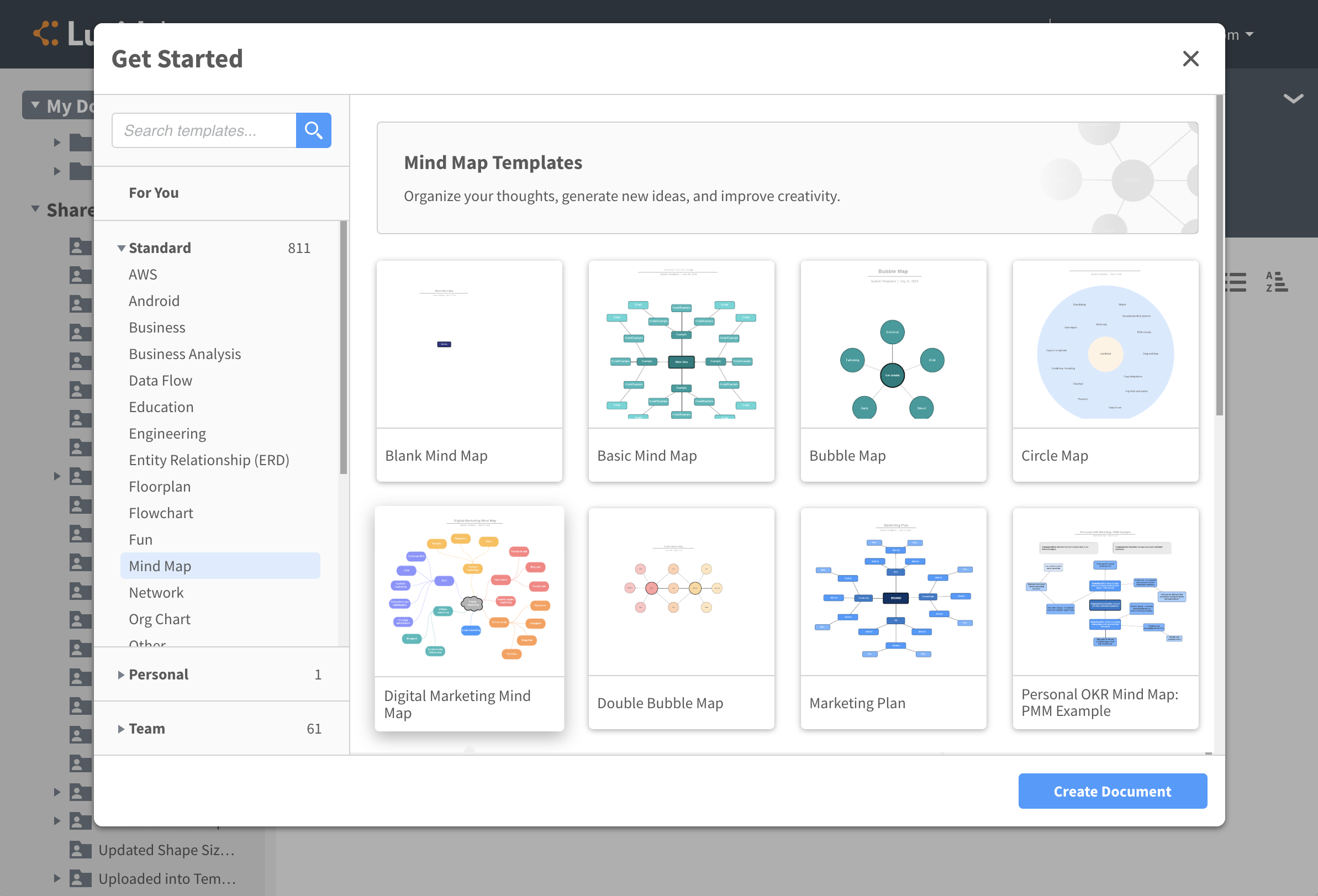
Get started faster with your choice of templates
Our template library has hundreds of templates to choose from, each of them fully customizable. Select from templates for mind maps, flowcharts, network diagrams, Venn diagrams, and more. Our team of dedicated template specialists adds new templates regularly, making it easier to create diagrams that meet your specific needs.
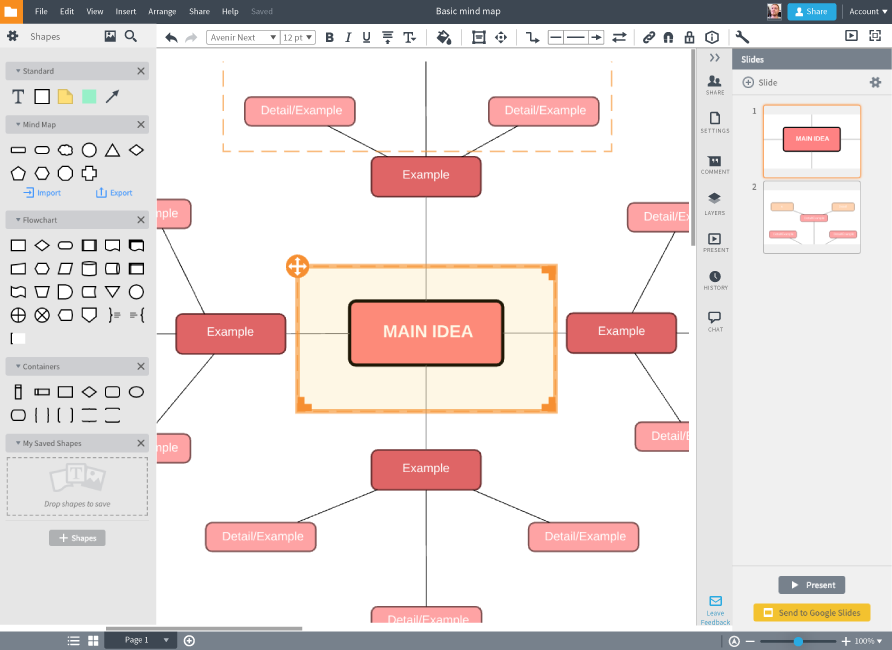
Present your work easily and instantly
Present your diagram without ever leaving the editor with our clean, easy-to-use presentation mode. Lucidchart’s powerful integrations also let you migrate your entire presentation to PowerPoint or Google Slides for added convenience and versatility.
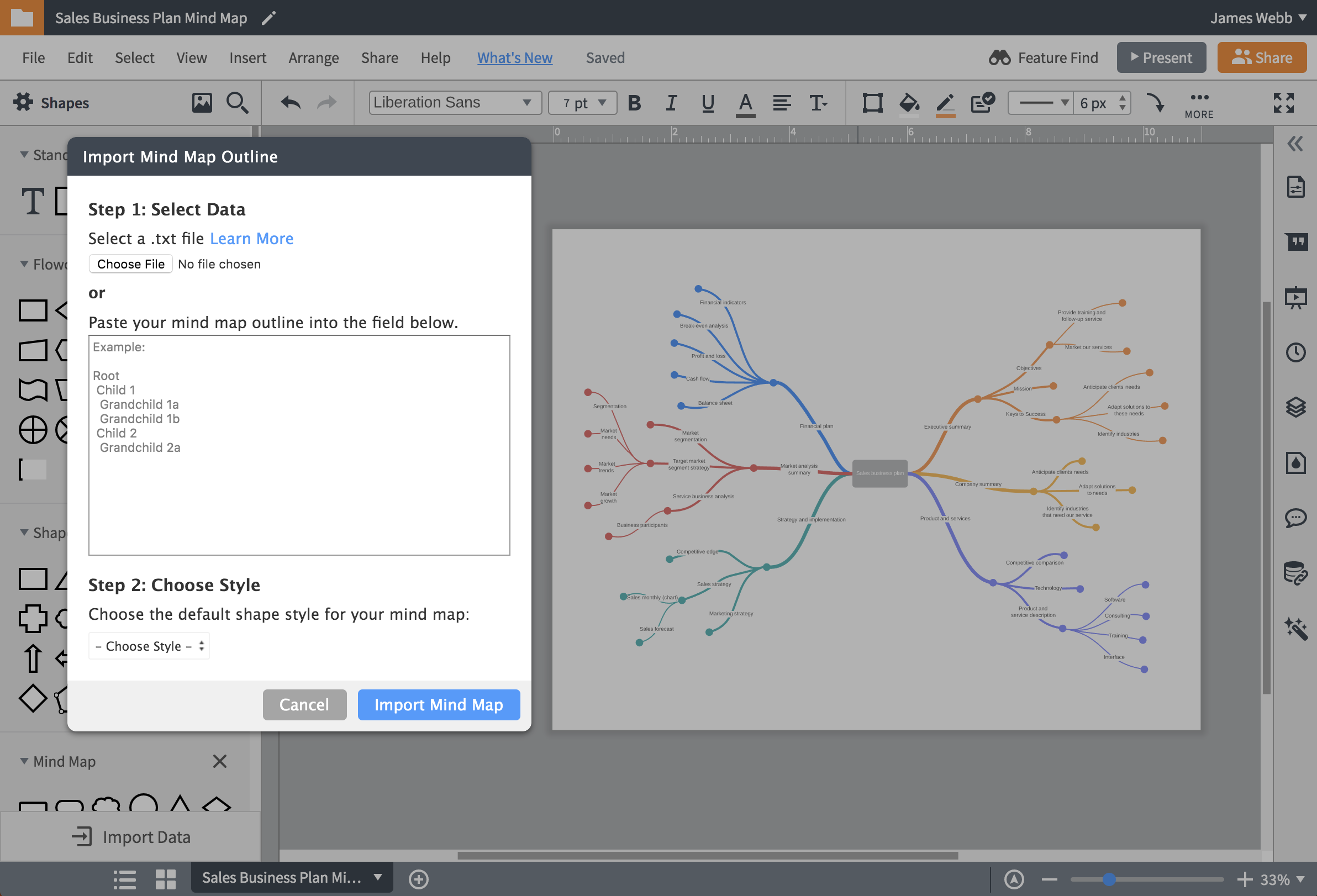
Save time with data linking
See your data in context—plus save yourself the trouble of manually entering entire data sets. Import your data from Excel, Google Sheets, Zapier, Salesforce, and more. All of the changes made to your data set will reflect instantly in your Lucidchart diagram.
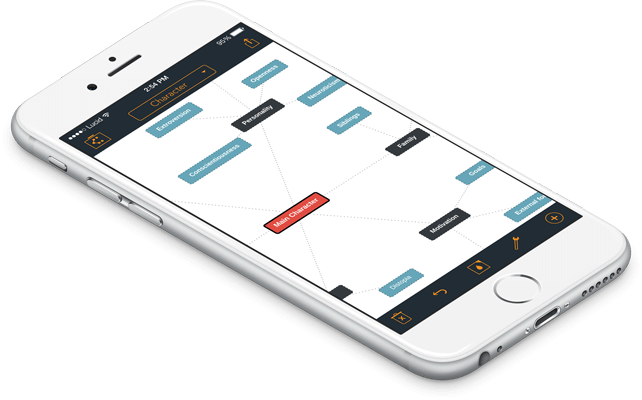
Work from any device or operating system
Lucidchart works seamlessly across both iOS and Android devices, so you can start diagramming no matter what device you use. Our cloud-based editor is easily accessible from your desktop, laptop, or smartphone, making it easy to create, edit, or share your work on the go.
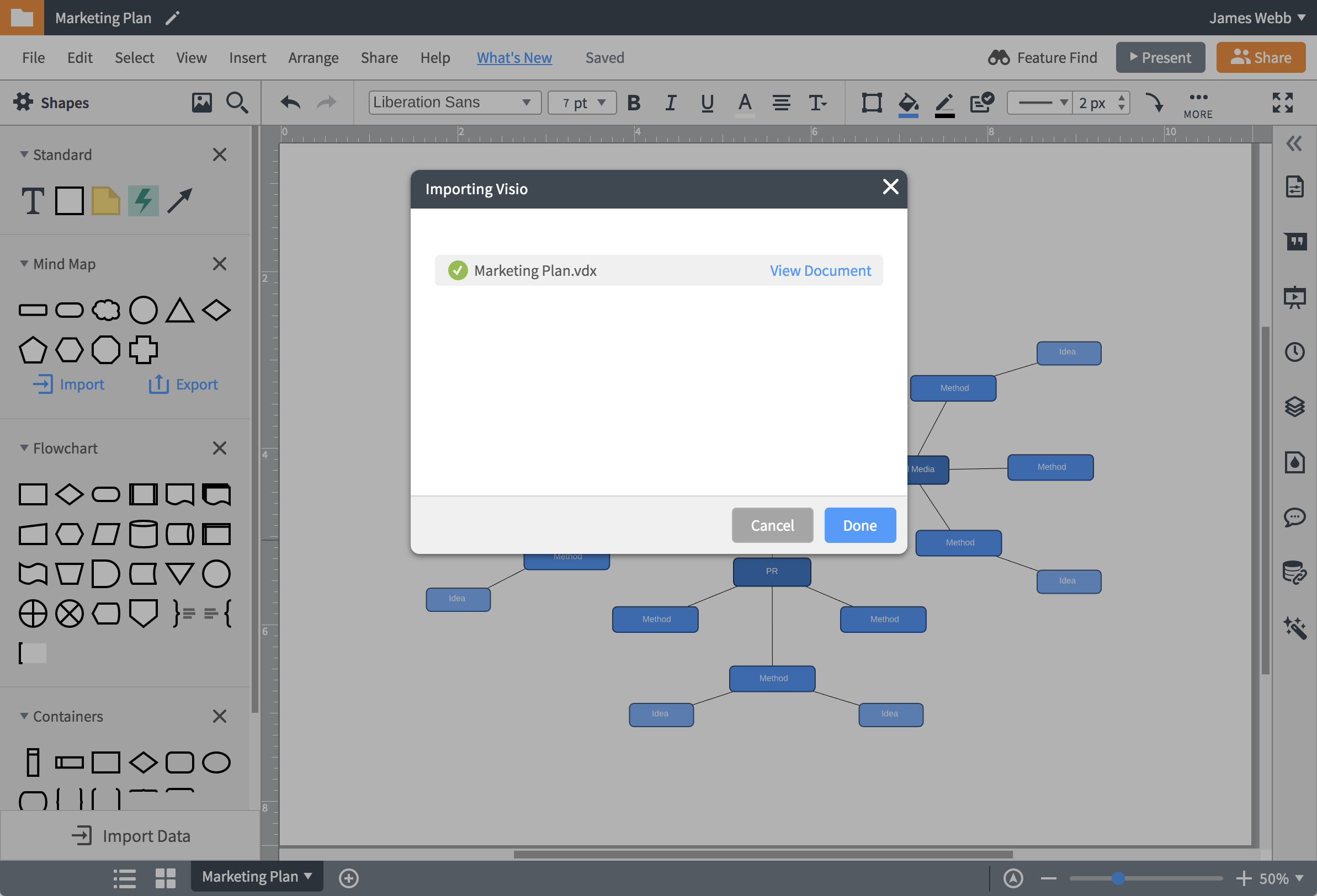
Import from Visio, OmniGraffle, draw.io, or Smartdraw
Our import feature makes it simpler than ever to switch from another diagramming software. Import your existing diagrams to Lucidchart in minutes, and then use our full range of tools to edit, reformat, collaborate on, and share your work as you please.
Frequently asked questions about Lucidchart
How do I create a mind map in Lucidchart?
Can I create a mind map from imported data?
Do you have examples of mind maps that I can make in Lucidchart?
How long does the free trial last?
I love the fact that it is based on the cloud and there is no need to install any software on my computer and I can also assign other collaborators or members of my team remotely.
- Robert J. | April 04 2019