
Online UML diagram maker
No matter the kind of UML diagram you have in mind, our UML diagram tool can help you get to work on it right away, with autofill features and shape libraries to give you a head start.



By registering, you agree to our Terms of Service and you acknowledge that you have read and understand our Privacy Policy.



Easy, intuitive UML diagrams
Get to work on your UML diagram in minutes with Lucidchart.
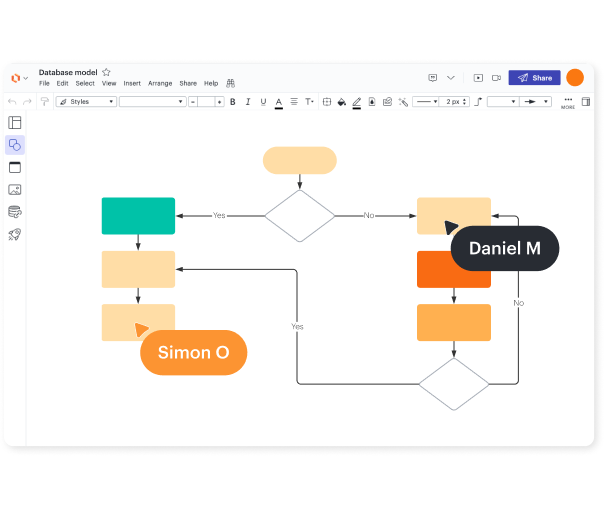
Versatile diagramming
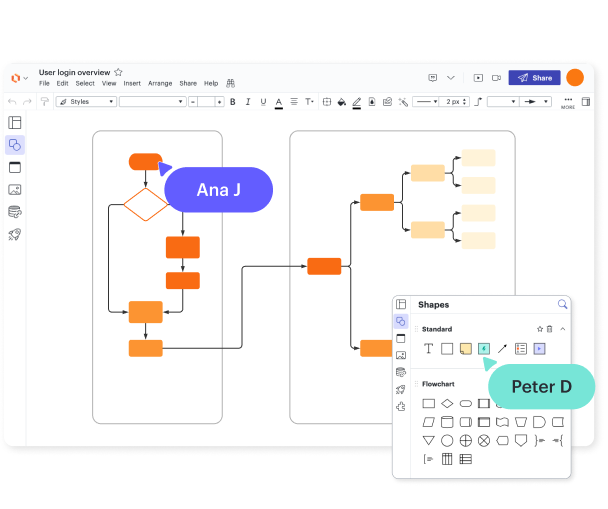
Built-in shape library
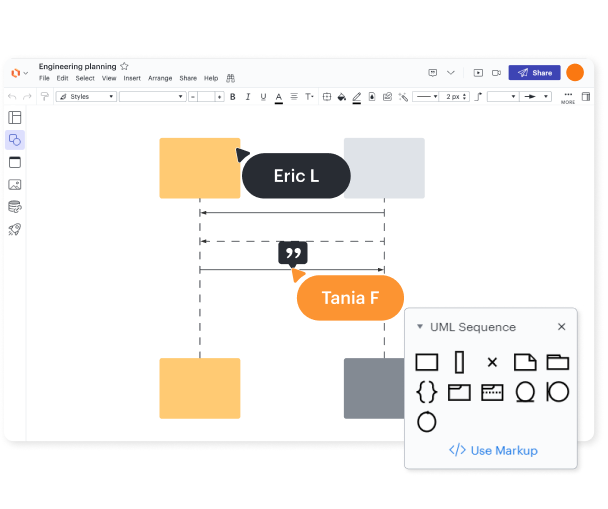
UML sequence markup tool

Leverage Lucid AI
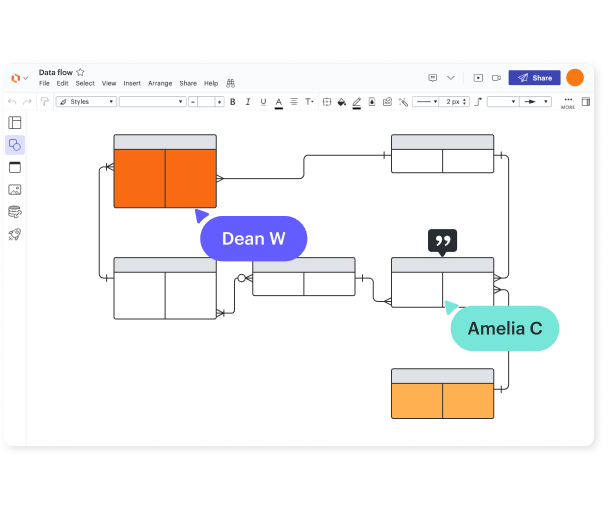
Perfect for developers and their colleagues

Ready to collaborate, present, and share

Available anytime, anywhere

Secure and private

Trusted and beloved
Start a UML diagram in Lucidchart in minutes
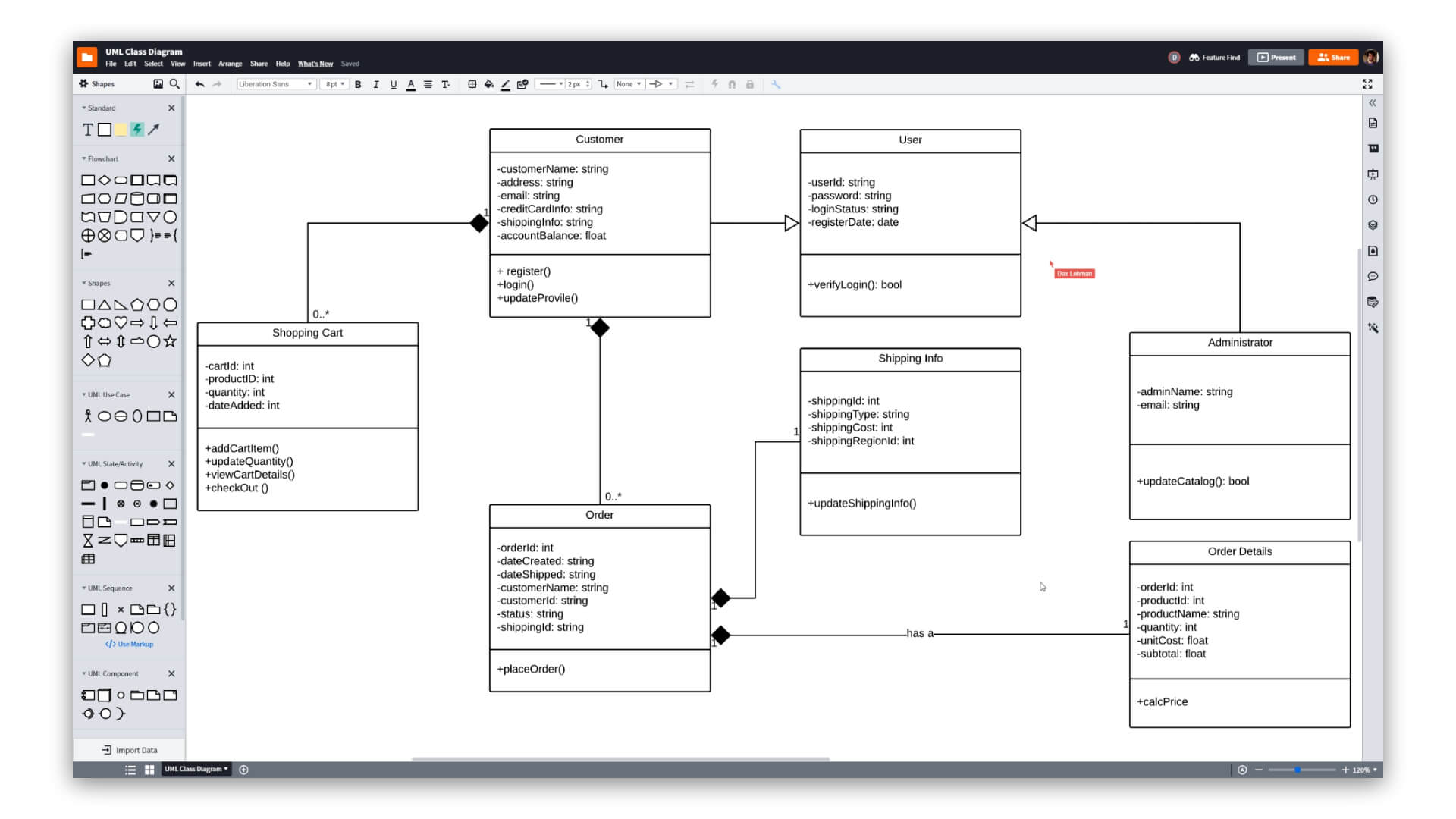
- Create your first document, whether you import it, start from scratch, or use one of our templates.
- Create professional UML diagrams to visualize complex systems.
- Save time with our UML sequence markup tool.
- Use Lucidchart’s UML shape library to access industry-standard UML shapes.
- Share your UML diagram with your team and start collaborating on it
UML diagram templates and examples
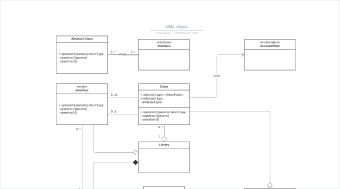
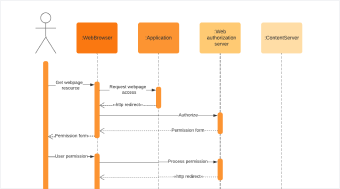
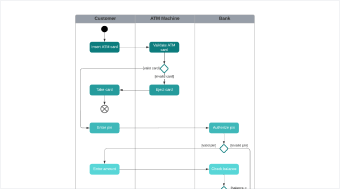
Use a template from our gallery to get a head start on your UML diagram.
Lucidchart integrations
Connect Lucidchart to all your favorite industry-leading apps.

See why teams choose Lucidchart
Diagram, visualize data, and collaborate all in one platform.

Collaboration
Clarity
Alignment

Better together
What is a UML diagram?
Unified modeling language (UML) diagrams describe the structure of a system, the objects within the system, and how they all behave. While you’ll find many types of UML diagrams, they fall into two broad categories: structural diagrams and behavioral diagrams.
How to create a UML diagram
Enable the UML shape library
Open the shape manager in Lucidchart and select the UML library, which includes all the UML shapes, symbols, and notation.
Use sequence markup to automate the process
Speed up the process of creating your UML diagram. Under the UML Sequence category in the toolbar, click “Use Markup,” type your markup, and click “Build.”
Identify and add UML components
Drag and drop shapes onto your blank canvas to start work on your UML diagram. Connect these shapes using arrows to indicate relationships and flows.
Add text to your UML diagram
Label and arrange your use cases, flows, and actors to clearly communicate their purpose.
Publish and share
Share your UML diagram with other teams or stakeholders. Embed your diagram in a wiki, send it in an email, or share it with integrations like Jira, Confluence, and Slack.