
Workflow Diagram Software
Lucidchart is an intelligent diagramming application that makes creating a workflow diagram easy with drag-and-drop shapes, ready-to-use templates, and more.



By registering, you agree to our Terms of Service and you acknowledge that you have read and understand our Privacy Policy.



Streamline your processes with our online workflow software
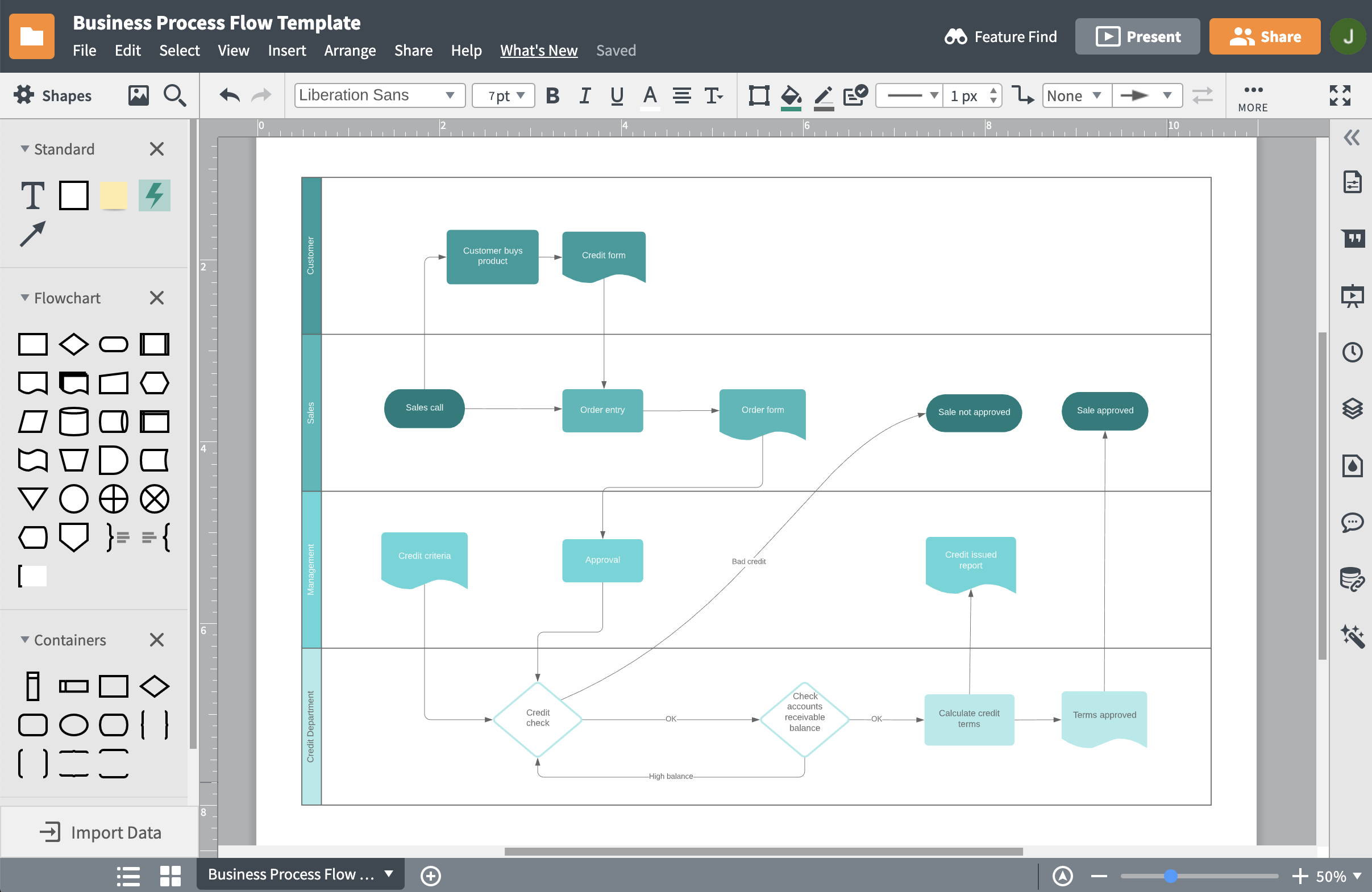
Visualize workflows and improve your business operations
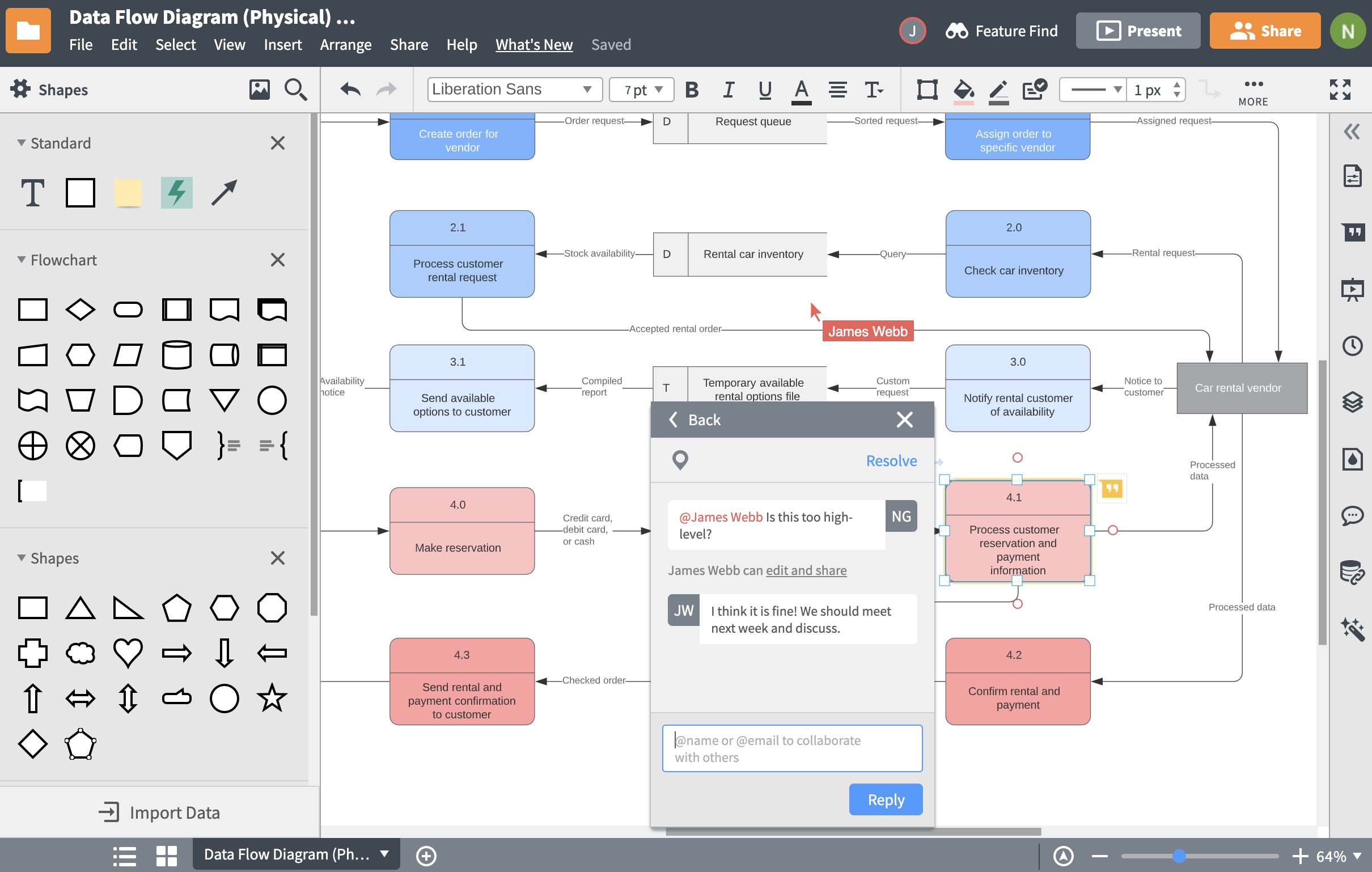
Explore our templates to format and customize your workflow
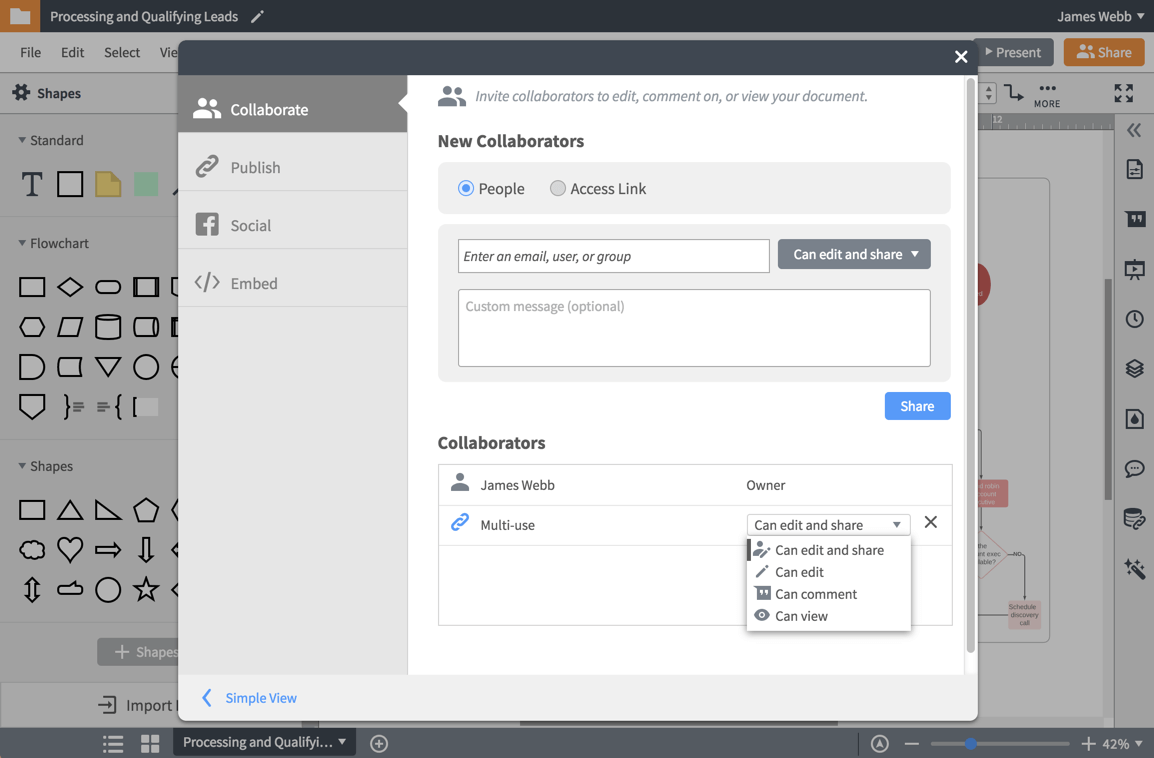
Collaborate on your workflow anywhere
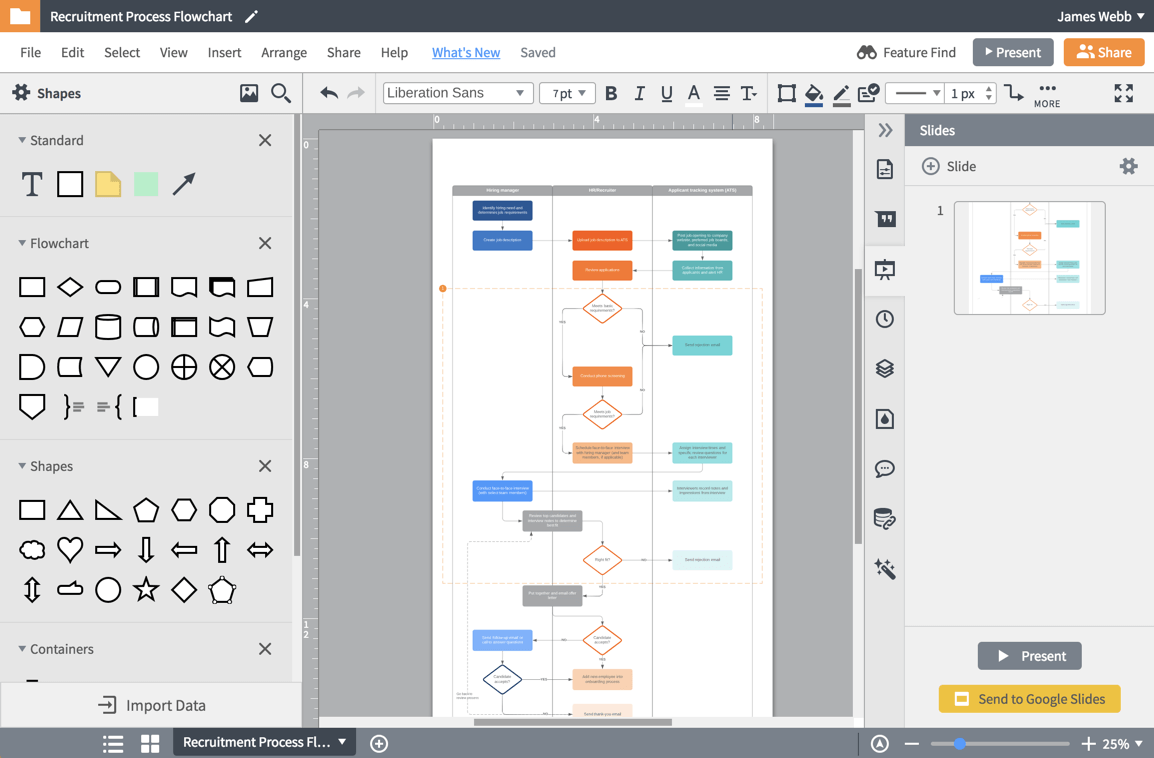
Present and share your workflow diagram
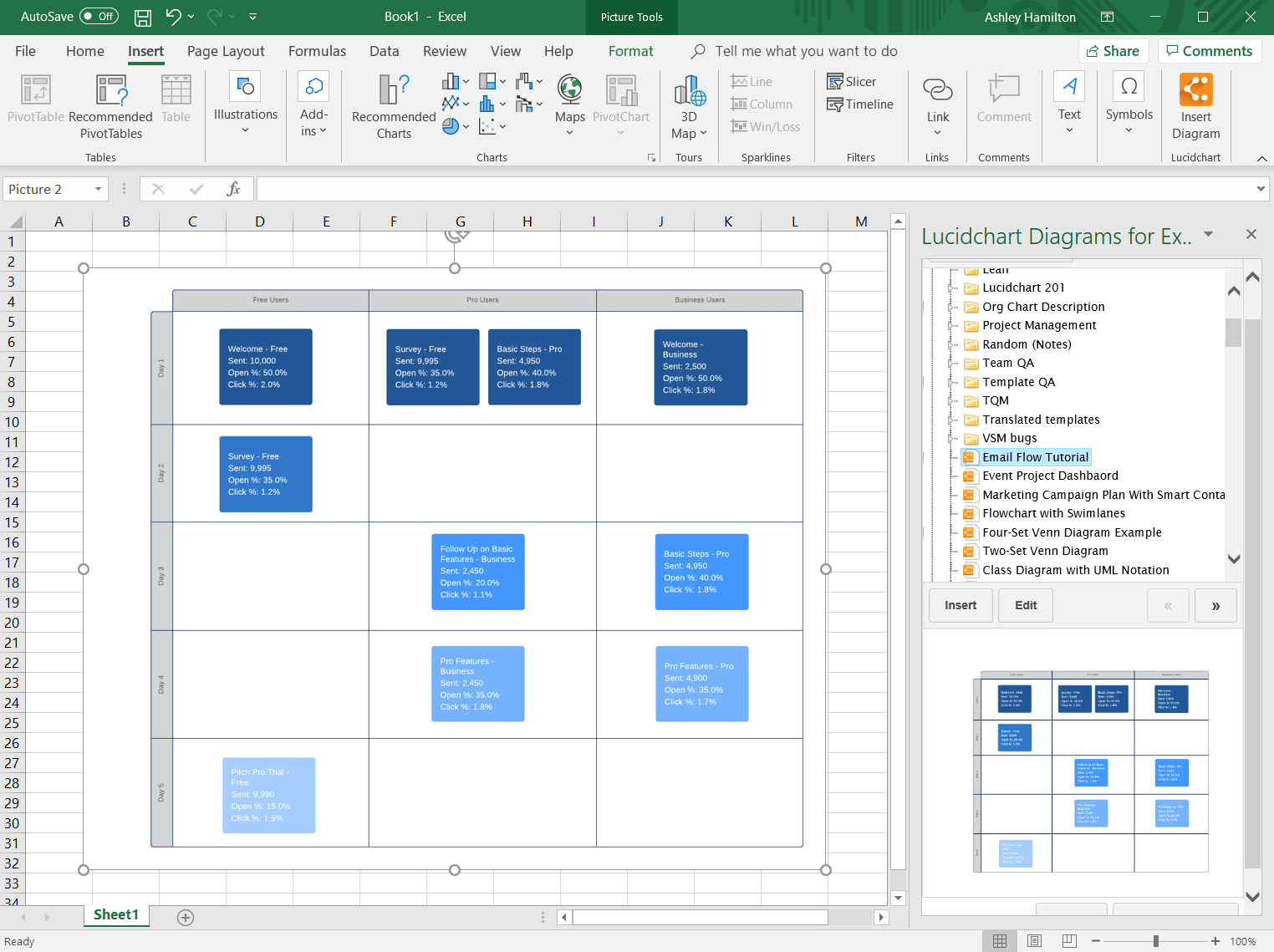
Use Lucidchart integrations to stay connected
Master the basics of Lucidchart in 3 minutes
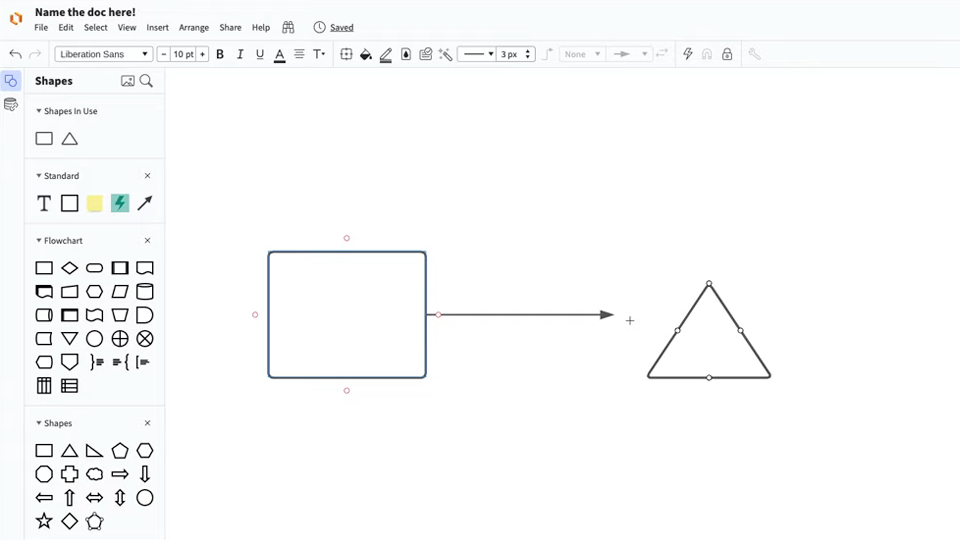
master the basics of Lucidchart in 5 minutes
- Create your first workflow diagram from a template or blank canvas or import a document.
- Add text, shapes, and lines to customize your diagram.
- Learn how to adjust styling and formatting.
- Locate what you need with Feature Find.
- Share your diagram with your team to start collaborating.
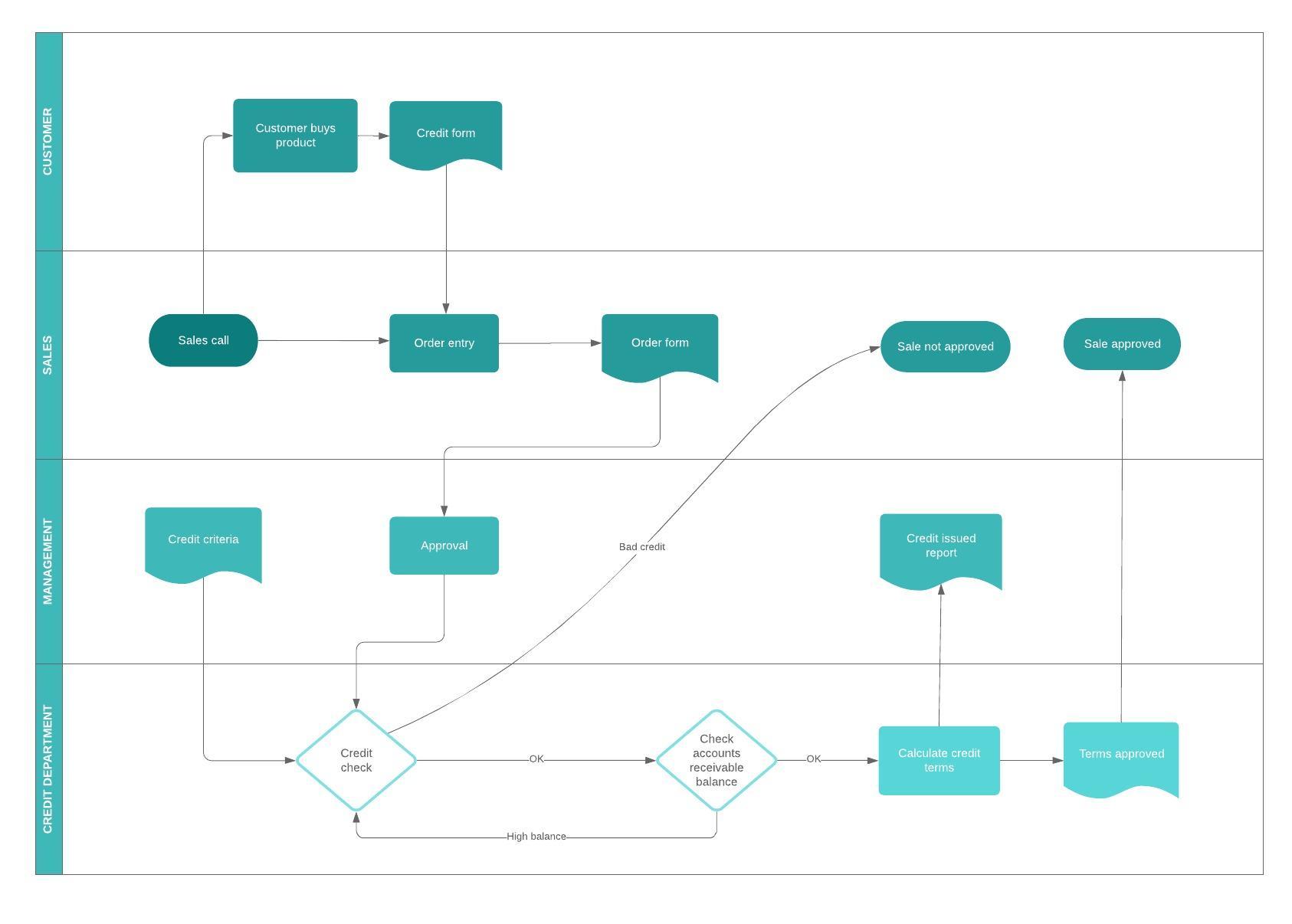
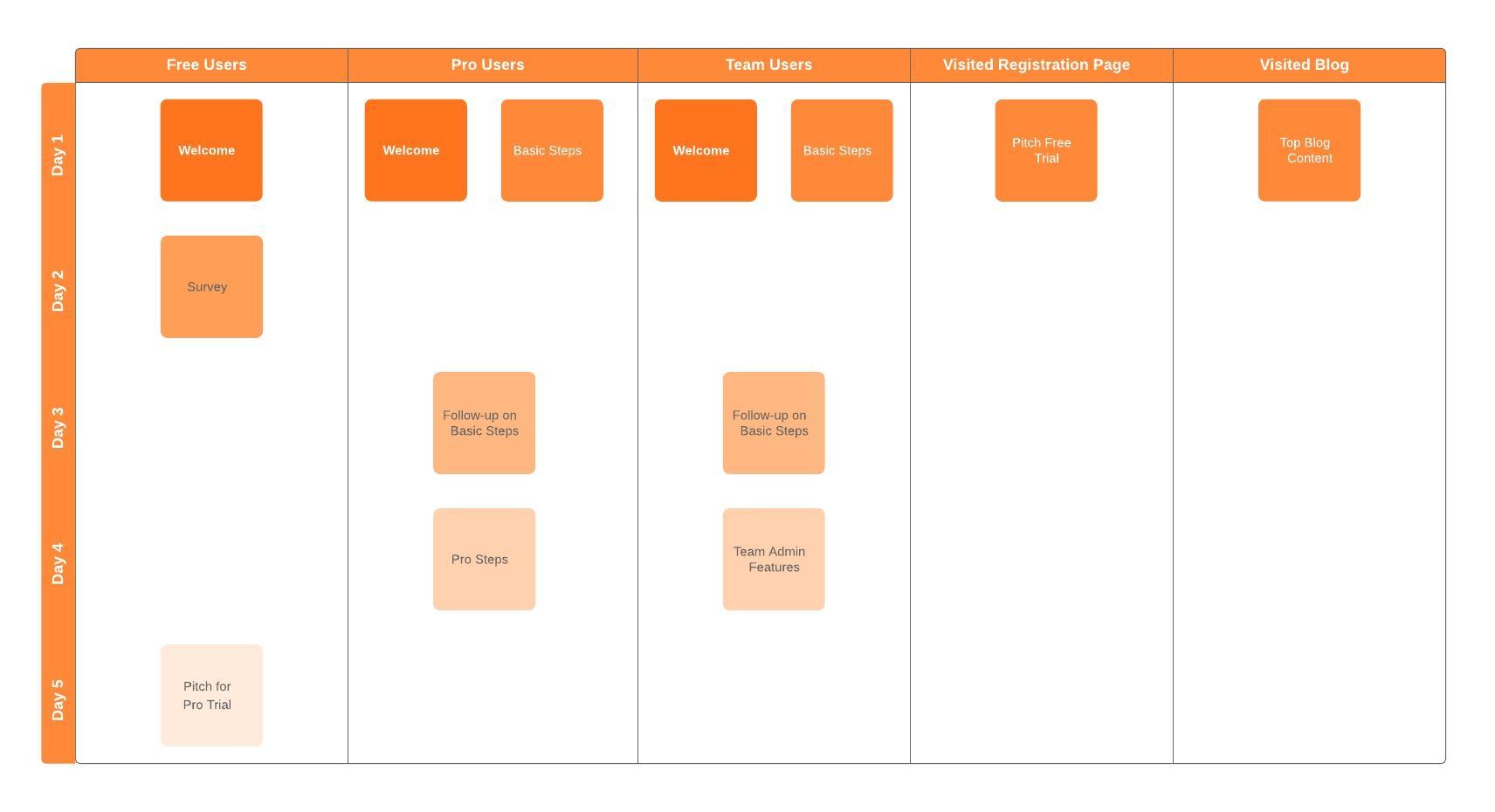
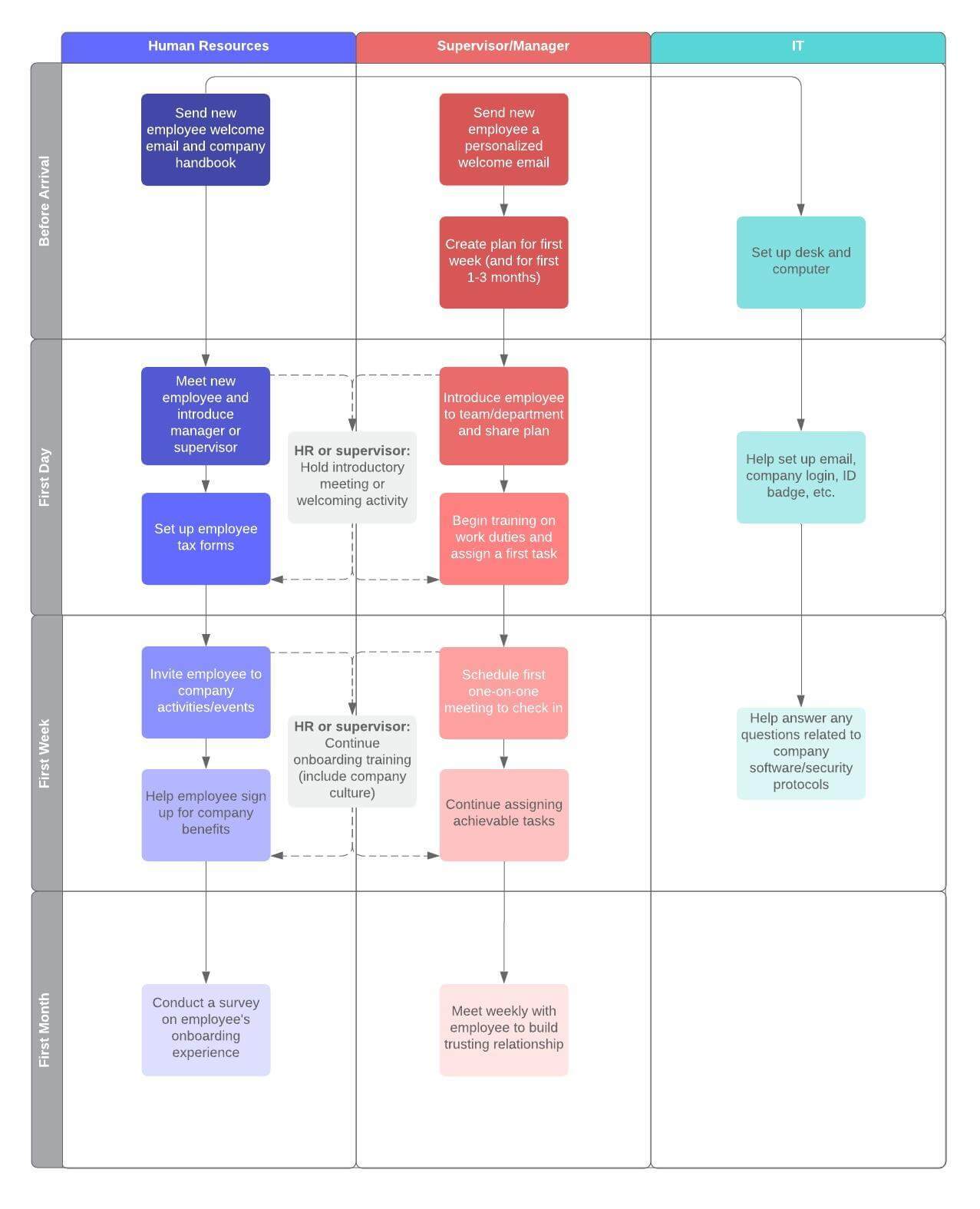
Free workflow diagram templates
Lucidchart integrations
Connect Lucidchart to your favorite industry-leading apps.

See why teams choose Lucidchart
Diagram, visualize data, and collaborate all in one platform.

Collaboration

Clarity
Alignment

Better Together
What is a workflow diagram
A workflow diagram provides a graphic overview of the business process. Using standardized symbols and shapes, the workflow shows step by step how your work is completed from start to finish. It also shows who is responsible for work at what point in the process. Designing a workflow involves first conducting a thorough workflow analysis, which can expose potential weaknesses. A workflow analysis can help you define, standardize and identify critical areas of your process.