
Network diagram software
Lucidchart is an intelligent diagramming application that makes creating network diagrams easy and collaborative. Try our network diagram software for free!



By registering, you agree to our Terms of Service and you acknowledge that you have read and understand our Privacy Policy.
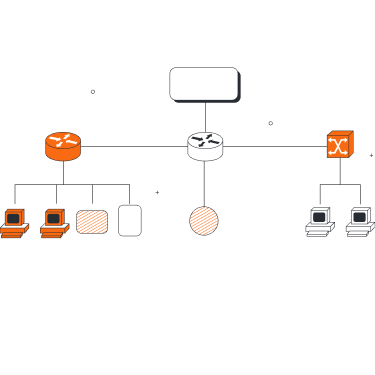


Collaborating is easy with our network diagram creator
Our network diagram tools come complete with dozens of features to help you build and share network diagrams with ease.

Visio import features
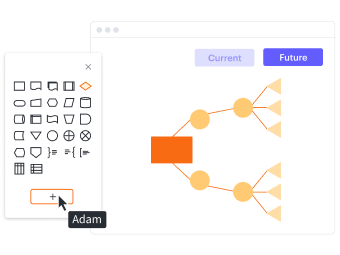
Ease of use

Advanced network diagram features

Work from anywhere

Enhanced collaboration

Glowing reviews
Master the basics in 3 minutes
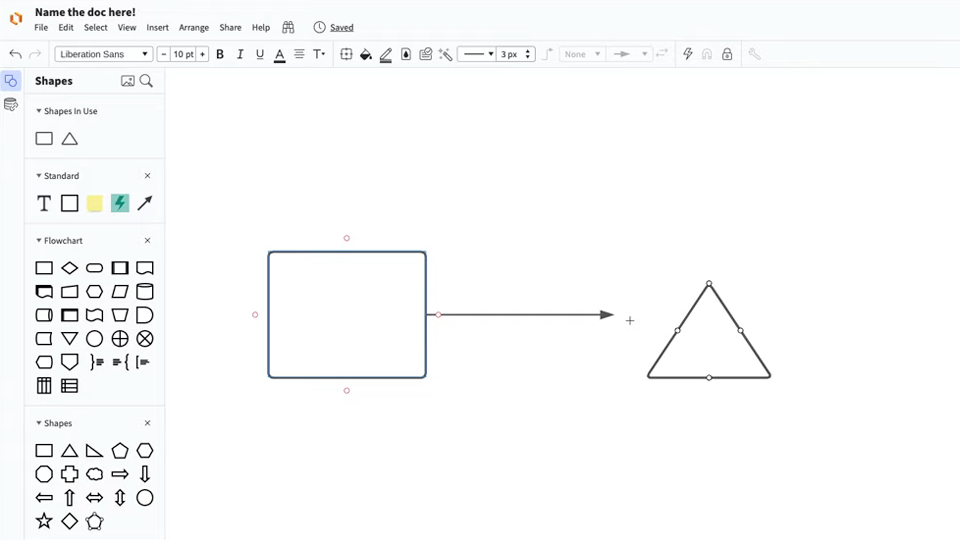
master the basics of Lucidchart in 5 minutes
- Create your first network diagram from a template, blank canvas, or import a document.
- Add shapes, connect lines, and write text.
- Learn how to customize your network diagram with styling and formatting.
- Locate anything you need using Feature Find.
- Start collaborating and share your work with your team.
Network diagram templates
Get started on your network diagram with one of our templates.
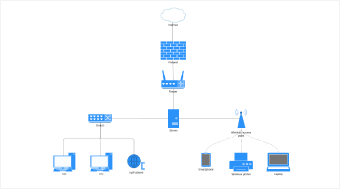

Lucidchart integrations
Connect Lucidchart to your favorite industry-leading apps.

See why teams use Lucidchart as their network mapping software
Diagram, visualize data, and collaborate all in one platform.

Collaboration
Clarity
Alignment

Better together
What is a network diagram?
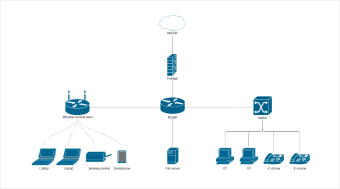
A network diagram is a visual representation of a computer or telecommunications network. It depicts the components that make up a network and how they interact, including routers, devices, hubs, firewalls, etc. A network diagram may act as a broad overview or detailed illustration, depending on its scope and purpose.
How to create network diagrams online with Lucidchart
Select a network diagram template
Start your diagram quickly by selecting a template from our extensive template gallery, or press “M” to add network shape libraries and build your network diagram from scratch.
Add and remove network components
Drag and drop industry-standard icons to create a detailed representation of your network. Label each component within your diagram for optimal comprehension.
Draw connections between components
Use containers to group related items, and then click and drag lines between components to accurately map out and connect your entire network.
Share with colleagues
Work with your colleagues to ensure you’ve mapped out your network accurately. See edits and comments in real time regardless of where your team is located.
Present and publish
Easily keep stakeholders in the loop by presenting your network diagram right in the Lucidchart editor with Presentation Mode.