
Family tree maker
Lucidchart is an intelligent diagramming application that makes creating a family tree easy with drag-and-drop shapes, ready-to-use templates, and more.



By registering, you agree to our Terms of Service and you acknowledge that you have read and understand our Privacy Policy.
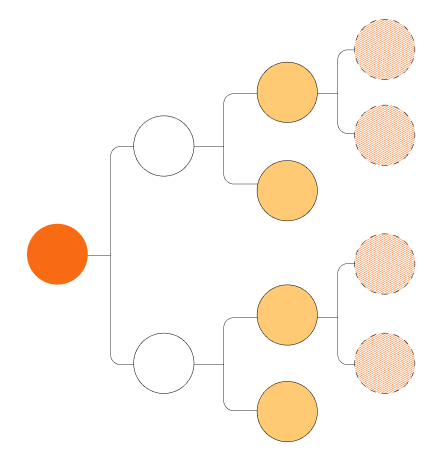


Easily import data and collaborate on your family tree
Use our family tree maker to import your own information, collaborate with others, and share your findings with your entire family.

Start with a template and import your data

Collaborate with family members

Easy-to-use Presentation Mode

Work anywhere

Share notes and ideas

Third-party reviews
Master the basics in 3 minutes
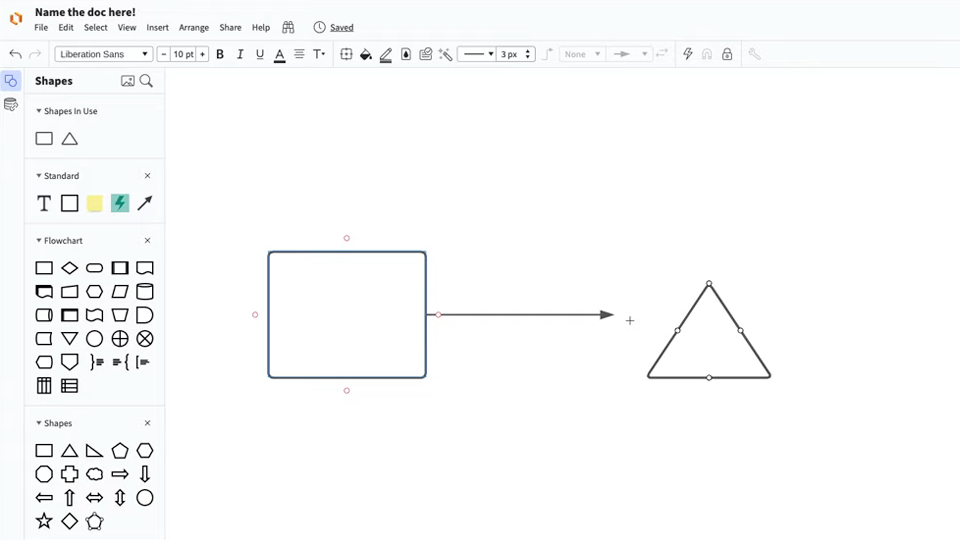
master the basics of Lucidchart in 5 minutes
- Create a family tree chart from a template, blank canvas, or by importing data.
- Customize your family tree by adding shapes, lines, and text.
- Adjust styling and formatting within your diagram.
- Use Feature Find to locate anything you need.
- Share with your family and start collaborating.
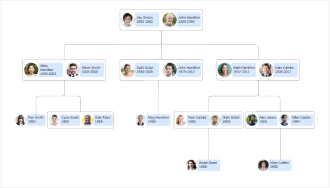
Family tree maker templates
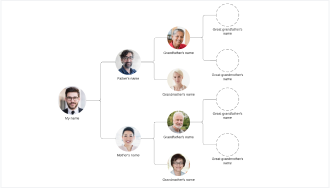
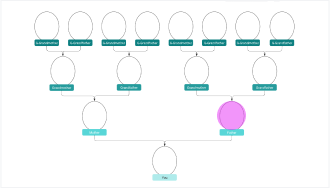
Get started with our family tree generator with these templates from our gallery.
Lucidchart integrations
Connect Lucidchart to your favorite industry-leading apps.
See why teams use Lucidchart as their family tree builder
Diagram, visualize data, and collaborate all in one platform.

Collaboration

Clarity
Alignment

Better together
What is a family tree?
A family tree is a visual representation of a person’s lineage, tracing relationships to common ancestors. Visually similar to an org chart, this diagram is usually presented in a tree structure, starting with one individual as the root. From the root, lines representing branches conclude in boxes representing leaves. Each leaf represents individual family members and includes information such as birth, marriage, and death dates. A family tree diagram or genealogy chart makes it easy to record the people, places, and events that make up your family history and share it with others.
How to create a family tree in Lucidchart
Gather information
Research your ancestry and organize your family history research to be added into your family tree. Include information such as names, dates, geographic locations, and pictures.
Start from scratch or choose a family tree template to modify
Customize a family tree template or create your own family tree by dragging shapes onto the canvas for each family member. Click the shapes to add or modify text and information displayed.
Use lines to show connections between family members
Add lines and text to show connections between family members as you build out generations. You can format the overall styles, colors, thickness, and endpoints of your lines to designate different types of relationships.
Collaborate with family members
Fill in historical gaps and ensure your family tree is accurate by collaborating with other family members. They can leave comments or edit the diagram in real time for immediate feedback.
Share and present your family tree
Give your family members a chance to reflect on their genealogy by sharing your family tree chart via email or published link—or embed it on a family website for widespread viewing.