
Organizational chart maker
Visualize your team structure by creating an org chart in Lucidchart. You can use one of our templates or start from scratch, and we make it easy to collaborate and share your chart with others.



By registering, you agree to our Terms of Service and you acknowledge that you have read and understand our Privacy Policy.



Bring transparency to your org
See everyone you work with at a glance with our org chart maker.
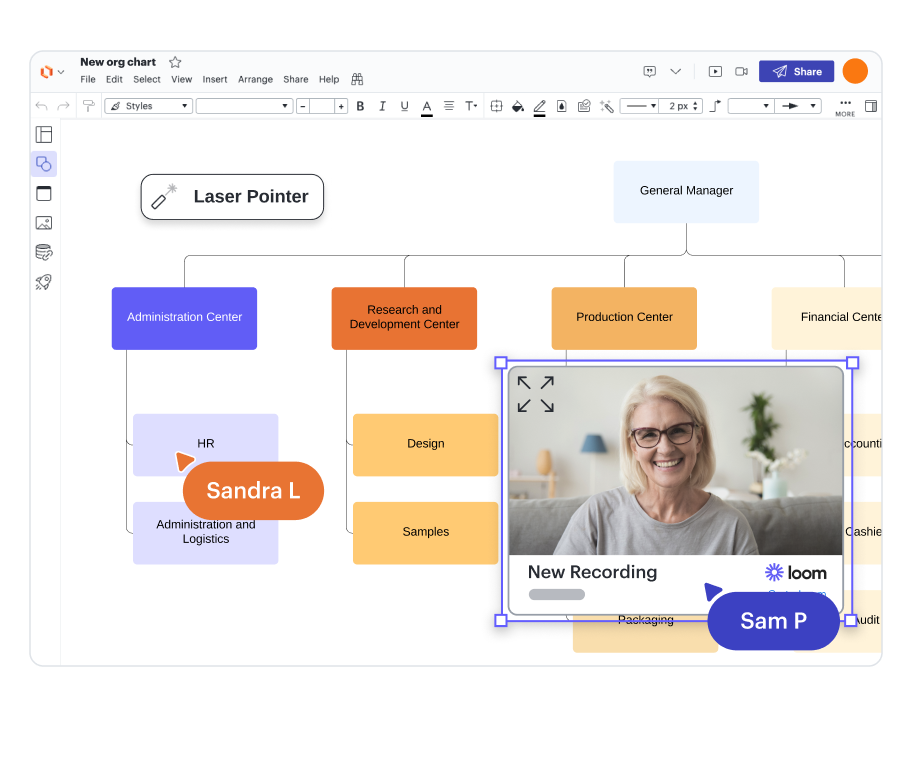
Easy introductions
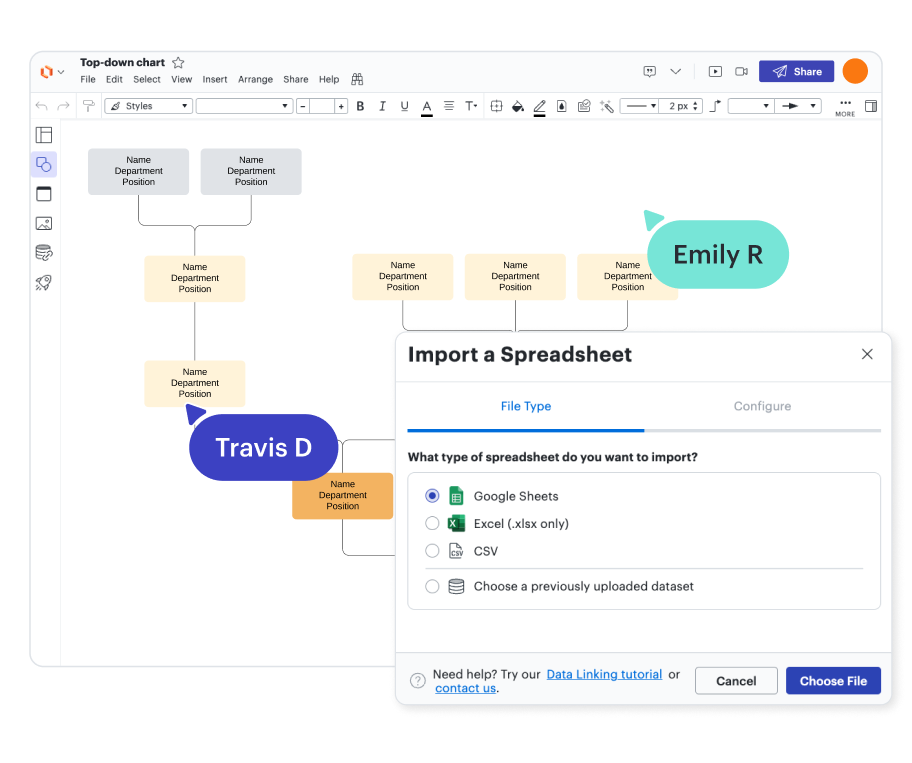
Quick-start options

Automatically up-to-date org charts

Collaborative org chart builder
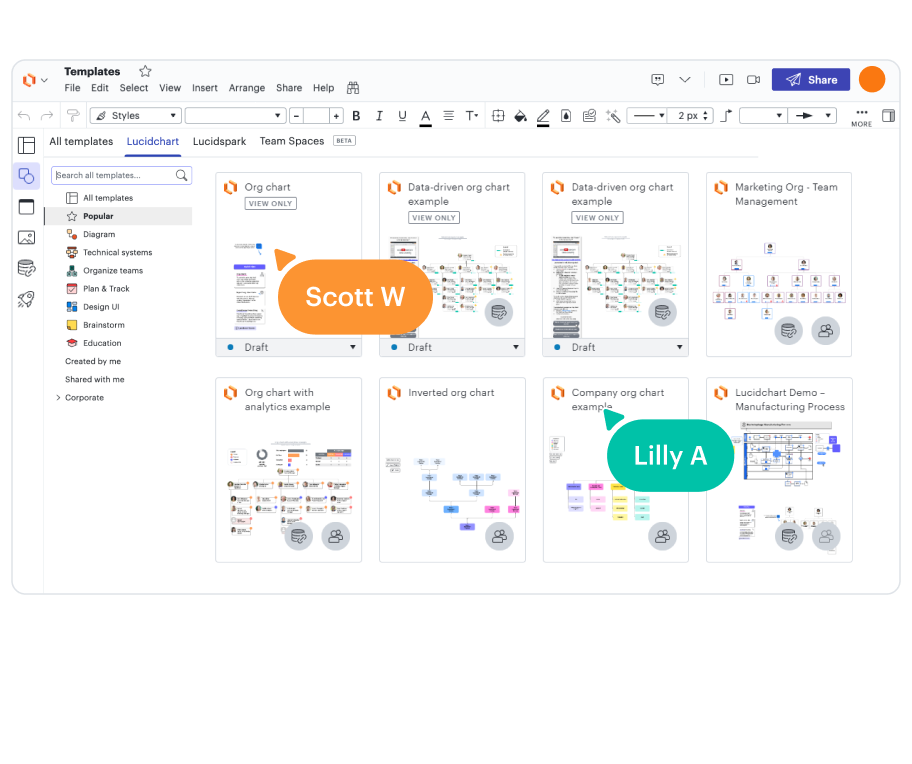
Customizable templates

Secure and private

Trusted and loved
Master the basics of Lucidchart in 3 minutes
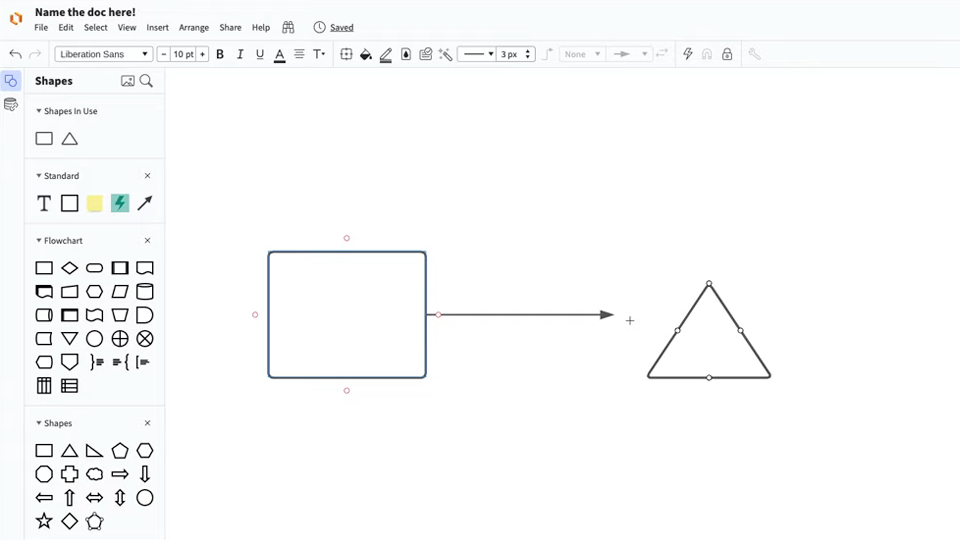
master the basics of Lucidchart in 5 minutes
- Create your first diagram by importing information, editing a template, or starting from a blank canvas.
- Make sense of your data by adding shapes, connecting lines, and explanatory text.
- Adjust the styling and formatting in your diagram to make it easy to read and visually appealing.
- Locate what you need with Feature Find.
- Share your diagram with your team to start collaborating.
Org chart templates and examples
Start building your organizational chart with a template.
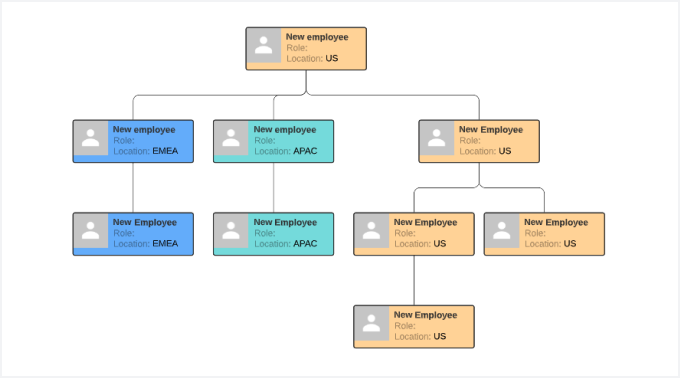
Geographic organizational structure template
Go to Geographic organizational structure template template
Lucidchart integrations
Connect Lucidchart to all your favorite industry-leading apps.

See why teams choose Lucidchart
Diagram, visualize data, and collaborate all in one platform.

Collaboration

Clarity

Alignment

Better together
What is an organizational chart?
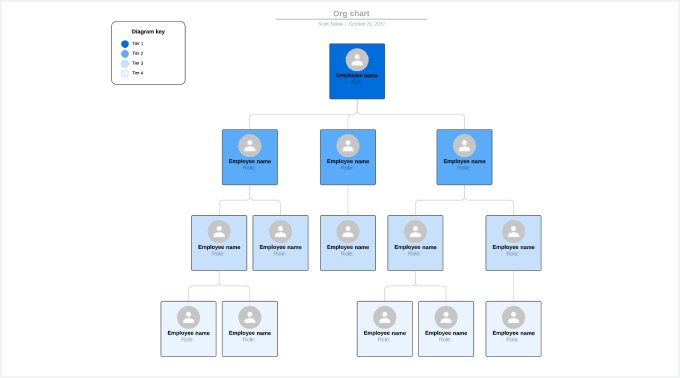
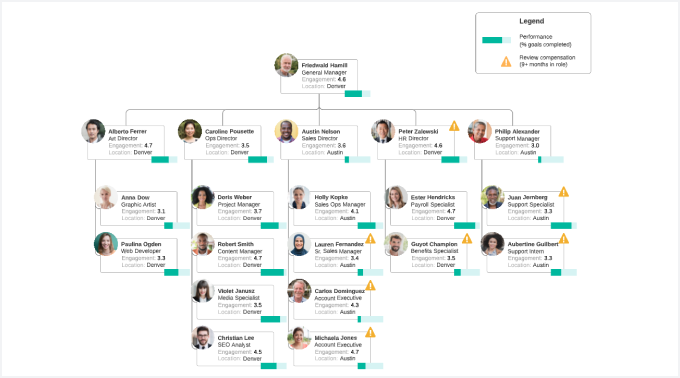
An organizational chart, or org chart, maps the structure of your organization. The diagram uses boxes for each person, and lines connect the boxes. Generally, vertical lines show that the person above manages the person below, and horizontal lines show that the team members are peers. When you view the chart, you’ll quickly see who reports to whom, people’s job titles, and the teams or departments that they belong to. These diagrams come in handy when you need to figure out who to talk to about a specific issue or when you’re restructuring teams to reduce inefficiency.
How to create an organizational chart
Create a spreadsheet
If you don’t already have one, create a spreadsheet to organize your employee data. Use a CSV, Excel document, or Google Sheets.
Import your data
Working in Lucidchart, apply the org chart shape library. Click “Import Data,” and follow the prompts.
Customize your chart
After Lucidchart generates your org chart, change the look by customizing the shapes, changing the fonts and colors, and adding or deleting fields.
Edit the employees
Drag and drop employees’ information on the canvas to group them, or use the “Manage Data” icon in the data panel.
Share your org chart
Present your org chart directly from Lucidchart with presentation mode. You can also create a shareable link and embed it on a webpage or in one of our integrated apps, such as Slack.