Log in

Network diagram software

Lucidchart is an intelligent diagramming application that makes creating network diagrams easy and collaborative. Try our network diagram software for free!

Make a free network diagram
Sign in with GoogleGoogleSign in with MicrosoftMicrosoftSign in with SlackSlack
  • Amazon logo
  • BAWAG PSK logo
  • NBC logo
  • Venmo logo
  • Google logo

Collaborating is easy with our network diagram creator

Our network diagram tools come complete with dozens of features to help you build and share network diagrams with ease.

women on laptop looking at visio import features

Visio import features

Continue working on existing projects using our Visio import feature. Import any VDX, VSD, or VSDX file or Visio stencil to start diagramming.

shape library showing how easy it is to make a chart

Ease of use

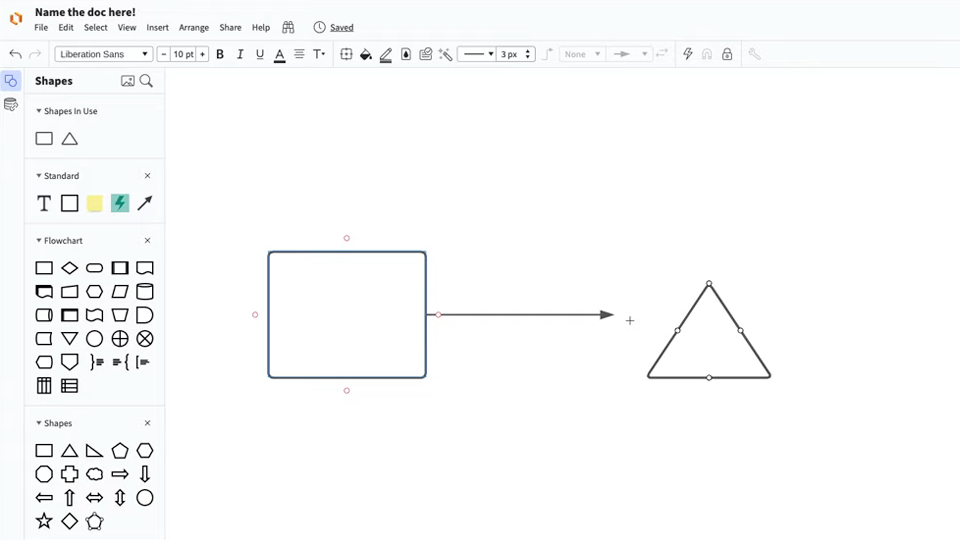
Easy-to-use templates and drag-and-drop lines and shapes make it easy to translate even the most complicated systems into network diagrams that anyone can understand.

3 people gathered around a laptop looking at advanced features

Advanced network diagram features

Create more detailed and informative diagrams using layers to show phases of a process, action buttons, and external links.

man on laptop working from anywhere

Work from anywhere

Start diagramming or add valuable insights to your team visuals anywhere—no matter the device, browser, or operating system.

woman on computer video chatting while collaborating in Lucidchart

Enhanced collaboration

Share feedback and insights with your team anywhere, anytime using in-editor chat and @mention comments. Customize your sharing permissions to control who can view, comment, and edit your diagram.

top 100 software products illustration

Glowing reviews

Lucidchart is a top performer on apps like Capterra, G2, and TrustRadius with thousands of 5-star reviews.

Master the basics in 3 minutes

Master the basics of Lucidchart in 3 minutes

master the basics of Lucidchart in 5 minutes

  • Create your first network diagram from a template, blank canvas, or import a document.
  • Add shapes, connect lines, and write text.
  • Learn how to customize your network diagram with styling and formatting.
  • Locate anything you need using Feature Find.
  • Start collaborating and share your work with your team.
Start a network diagram

Network diagram templates

Get started on your network diagram with one of our templates.

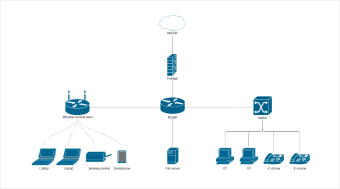
Network Diagram Example Template

Network diagram example

Go to Network diagram example template

Lucidchart integrations

Connect Lucidchart to your favorite industry-leading apps.

Lucidchart Integrations

See why teams use Lucidchart as their network mapping software

Diagram, visualize data, and collaborate all in one platform.

Lucidchart collaboration

Collaboration

Create network diagrams on any device with ease. Lucidchart helps teams collaborate in real time from anywhere in the world. Enhance productivity while working with your team to achieve your goals.

a simple orange flow chart

Clarity

Lucidchart brings clarity to the complex. Intelligent diagramming allows you to quickly visualize projects and processes from start to finish.

real-time collaboration on a flow chart

Alignment

Drive alignment with your team by collaborating in the same space. Quickly map out processes and ideas together in real time so that you never miss a beat.

person on laptop making sticky notes and charts

Better together

Lucid transforms the way you work from ideation to project completion. Brainstorm and plan in Lucidspark, then map it out in Lucidchart. Create a living blueprint of your organization.

What is a network diagram?

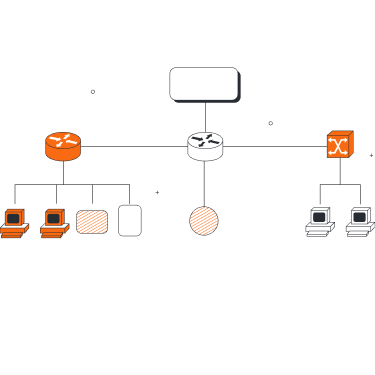
A network diagram is a visual representation of a computer or telecommunications network. It depicts the components that make up a network and how they interact, including routers, devices, hubs, firewalls, etc. A network diagram may act as a broad overview or detailed illustration, depending on its scope and purpose.

How to create network diagrams online with Lucidchart

  1. Select a network diagram template

    Start your diagram quickly by selecting a template from our extensive template gallery, or press “M” to add network shape libraries and build your network diagram from scratch.

  2. Add and remove network components

    Drag and drop industry-standard icons to create a detailed representation of your network. Label each component within your diagram for optimal comprehension.

  3. Draw connections between components

    Use containers to group related items, and then click and drag lines between components to accurately map out and connect your entire network.

  4. Share with colleagues

    Work with your colleagues to ensure you’ve mapped out your network accurately. See edits and comments in real time regardless of where your team is located.

  5. Present and publish

    Easily keep stakeholders in the loop by presenting your network diagram right in the Lucidchart editor with Presentation Mode.

Frequently asked questions about our network diagramming tool

What is the main purpose of a network diagram?
A network diagram can serve a variety of purposes from planning the structure of a network to coordinating updates to an existing network to troubleshooting network problems and more.
  • Learn more
I’m currently using Visio as my network diagram creator. How can I make the switch to Lucidchart?
Lucidchart offers a Visio import feature that supports VDX, VSD, and VSDX file formats. You can also import Visio stencils by selecting “Import” from the Shape Manager.
Does Lucidchart have examples and templates for network diagrams? Are any of them free?
Yes! Click the 'learn more link' to access a free Cisco network diagram template. We also have lots of other examples and templates to choose from.
  • Learn more
I want to make a diagram of my cloud infrastructure. Where do I start?
In addition to on-premise network diagrams, Lucidchart can help you build professional cloud infrastructure diagrams. Press “M” on your keyboard to access industry-specific shape libraries, such as AWS, GCP, and Microsoft Azure from the Shape Manager.
What makes a good network diagram?
A logical network diagram illustrates the flow of information through a network and shows how devices communicate with each other. It typically includes elements like subnets, network objects, and devices, routing protocols and domains, voice gateways, traffic flow, and network segments.
What is the difference between a logical network diagram and a physical network diagram?
A logical network diagram usually shows network devices like routers, firewalls, and voice gateways. It shows subnets, VLAN IDs, subnet masks, and IP addresses. It also shows routing protocols, traffic flows, routing domains, and network segments. This information corresponds to the Network Layer (L3) of the OSI Model. A physical network diagram shows how the network devices are physically connected together, and all ports on all devices on the network are represented. This includes cables, fiber, interfaces, patch panels, and other physical components. It will also show the topology exactly as it exists with physical links between devices.
When would you use a physical network diagram vs a logical network diagram?
A logical network diagram is used to manage the IP address space within the organization. It is also used to submit network-related proposals to management since they hide a lot of the physical details. They are appropriate for consideration for changes or expansion to the network. In addition, vendors will use logical network diagrams to submit proposals for clients’ consideration. A physical network diagram is mainly used by IT staff to visually document the physical connections on the network. It is important to remember that both types of diagrams are used by IT together in order to diagnose network problems, identify potential threats and weak spots, and plan network changes and expansion.

Get started

  • Pricing
  • Individual
  • Team
  • Enterprise
  • Contact sales

Product

  • Lucidchart overview
  • Integrations
  • Security
PrivacyLegalCookie privacy choicesCookie policyYour privacy choices iconYour privacy choices
  • LinkedIn
  • Twitter
  • Instagram
  • Facebook
  • YouTube
  • Glassdoor
  • TikTok

© 2026 Lucid Software Inc.