
ER diagram tool
Lucidchart is an intelligent diagramming solution with the tools to help you create an ER diagram online in minutes. Import your own data or start from scratch. See and build the future from anywhere with Lucidchart.



By registering, you agree to our Terms of Service and you acknowledge that you have read and understand our Privacy Policy.



Start creating your ER diagram online
Access standard shapes, build from templates, and import database tables and schemas to customize your ER diagram to your needs.
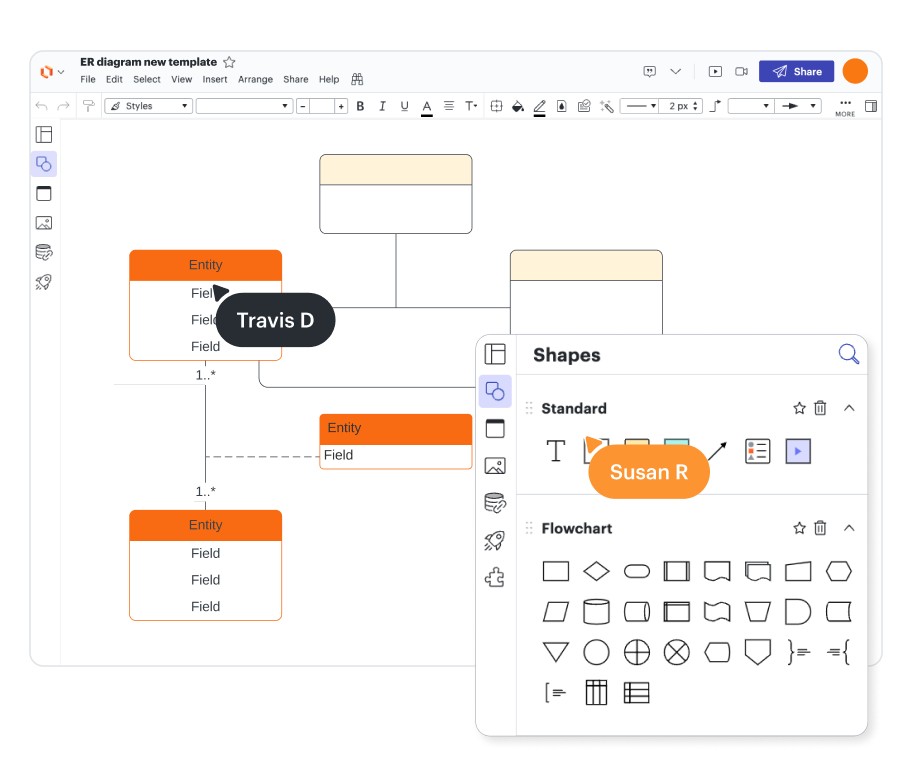
Create ER diagrams in minutes
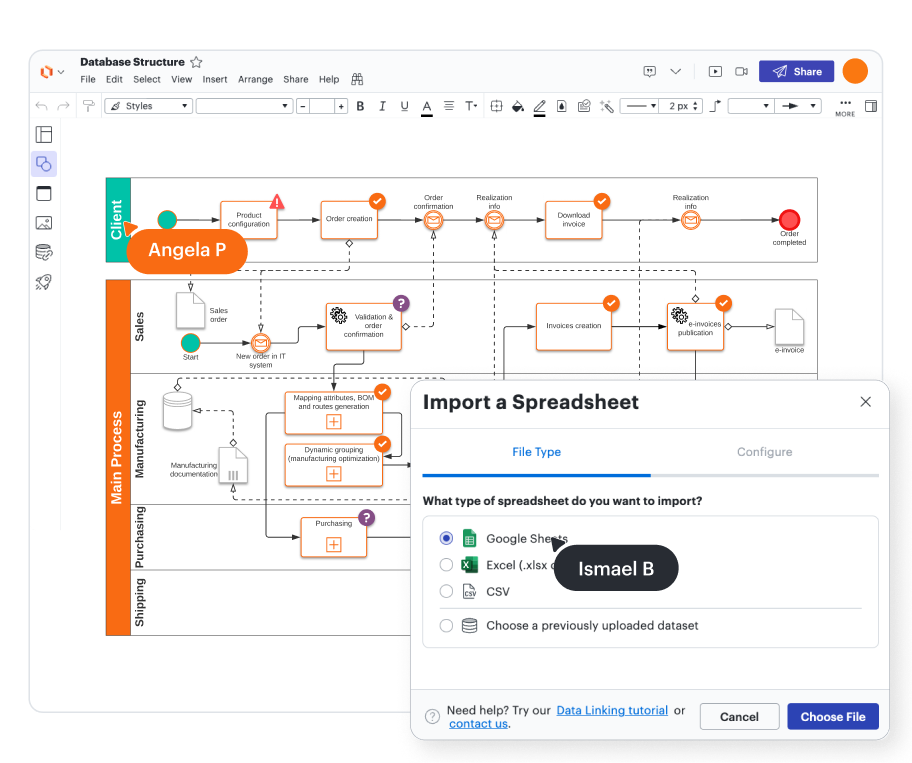
Import your database structure to streamline ERD creation

Visualize relationships with our ER diagram maker
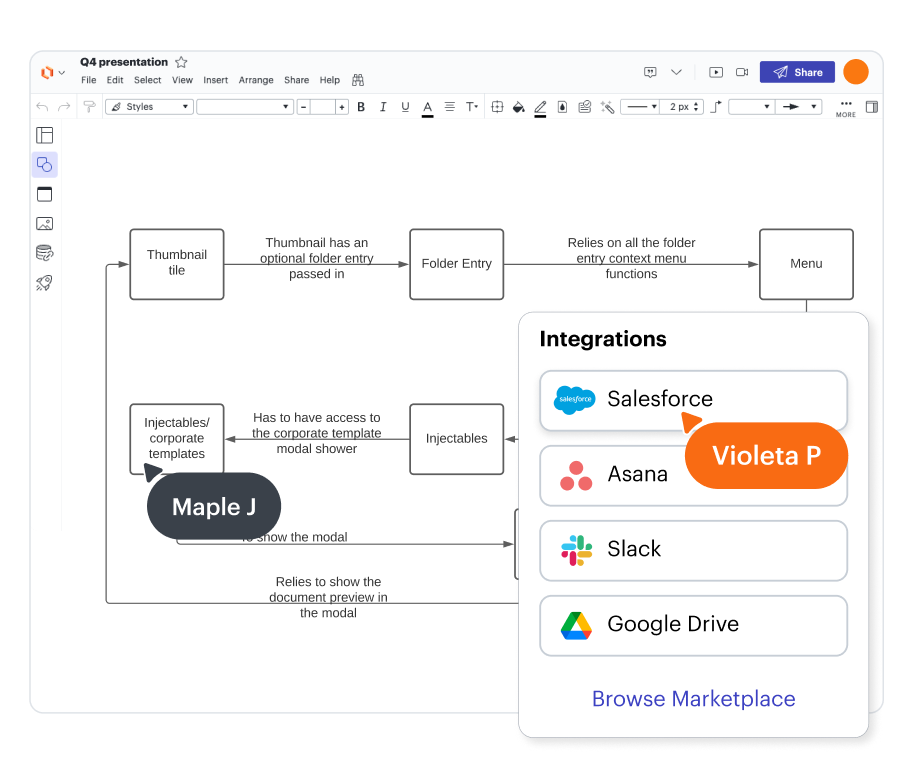
Import your Salesforce schema
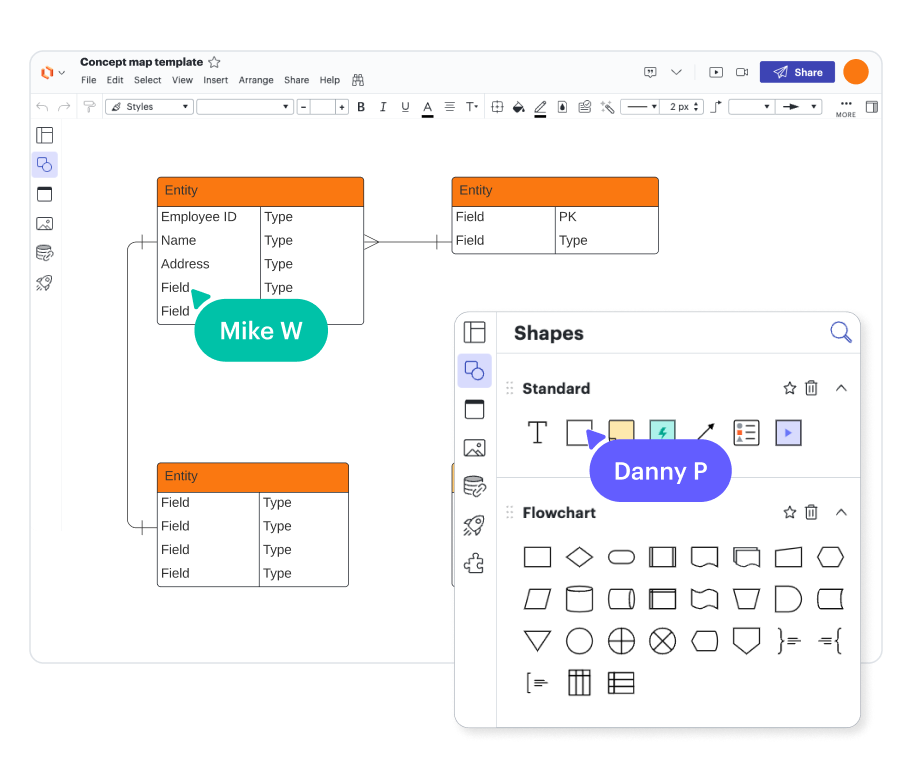
Work from anywhere
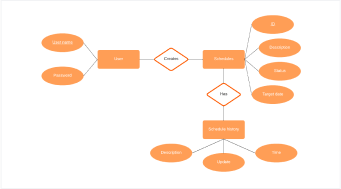
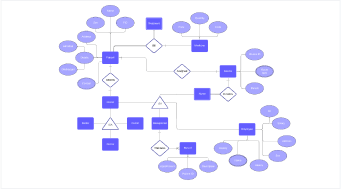
Customizable ER diagram templates

Third-party reviews
Master Lucidchart basics in 3 minutes
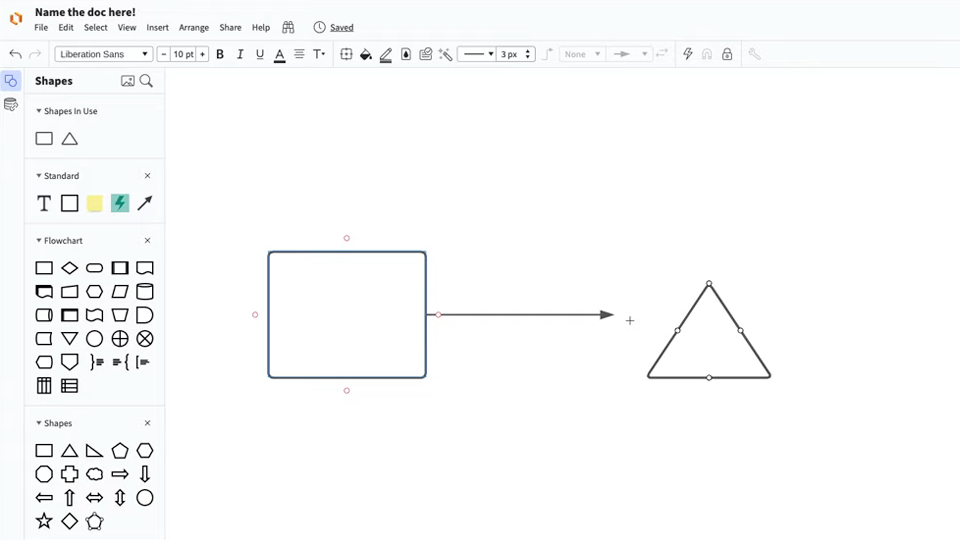
master the basics of Lucidchart in 5 minutes
- Create your first ER diagram from a template, blank canvas, or imported document
- Add shapes, symbols, notation connect lines, and write text to customize your ERD
- Learn how to adjust styling and format within your ER diagram
- Use feature find to locate anything you need to make an ER diagram
- Share your ERD with your team and start collaborating
ER diagram templates
Get started creating ER diagrams with ready-to-use templates.
Lucidchart integrations
Connect Lucidchart to your favorite industry-leading apps.

See why teams use Lucidchart to create ER diagrams
Diagram, visualize data, and collaborate all in one platform.

Collaboration

Clarity

Alignment

Better together
What is an ER diagram?
An entity relationship (ER) diagram is a type of flowchart that illustrates how “entities,” such as people, objects, or concepts relate to each other within a system. They’re most often used to design or debug relational databases used for software engineering, business information systems, education, and research. Also known as ERDs or ER models, they use a defined set of symbols such as rectangles, diamonds, ovals, and connecting lines to depict the interconnectedness of entities, relationships, and their attributes. They mirror grammatical structure, with entities as nouns and relationships as verbs.
How to make an ER diagram online in Lucidchart
Enable the entity relationship shape library
Select the “Entity Relationships” library from the shape manager, where you can access standard ERD symbols, import and export your work, and connect to your DBMS or Salesforce account.
Determine the entities from your database
Entities represent a table in your database. Depending on the subject of your diagram, your entity could be a customer, product, or even a physical location like a bank.
Identify the relationships between entities
Within your diagram, indicate how your entities interact with each other by drawing lines between them and adding appropriate cardinality on each end.
Add all necessary entity attributes
Attributes are the specific properties or traits of an entity that are important in your model, such as the first and last names of a customer entity. Add your attributes and the associated primary and foreign keys.
Export your ERD to the DBMS of your choice
Lucidchart automatically generates the SQL commands you need to match your ERD to your DBMS. Simply click the export feature link from your entity relationship shapes, select your DBMS, and follow the instructions for copying the generated commands and applying them to your database.