Log in

Online UML diagram maker

No matter the kind of UML diagram you have in mind, our UML diagram tool can help you get to work on it right away, with autofill features and shape libraries to give you a head start.

Make a UML diagram
Sign in with GoogleGoogleSign in with MicrosoftMicrosoftSign in with SlackSlack
  • Amazon logo
  • Slack logo
  • Microsoft logo
  • NBC logo
  • Venmo logo
  • Google logo

Easy, intuitive UML diagrams

Get to work on your UML diagram in minutes with Lucidchart.
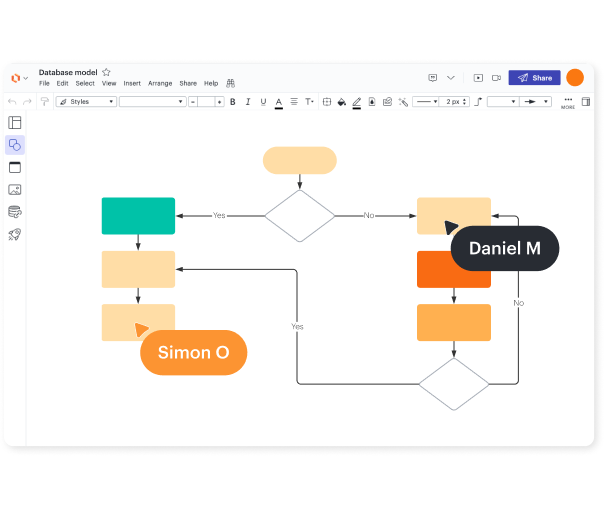
Versatile diagramming
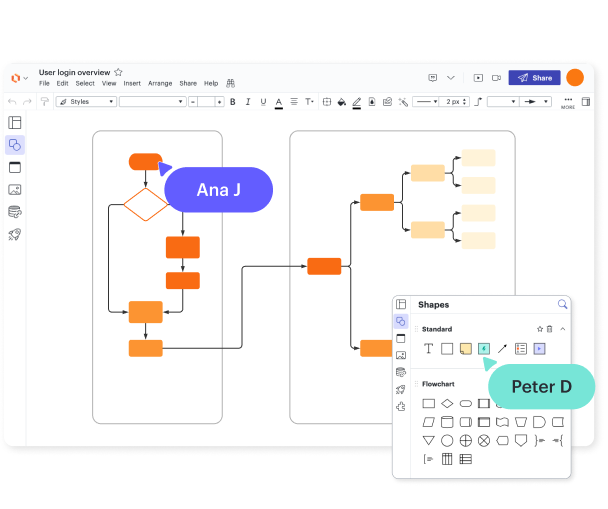
Lucidchart supports all types of UML diagramming, including both structural and behavioral diagrams. No matter what project you have in mind, you can diagram it with Lucidchart.

Built-in shape library

Our shape library has what you need for your UML diagrams. With our UML diagram creator, you can make your diagrams look professional and build them with best practices in mind.

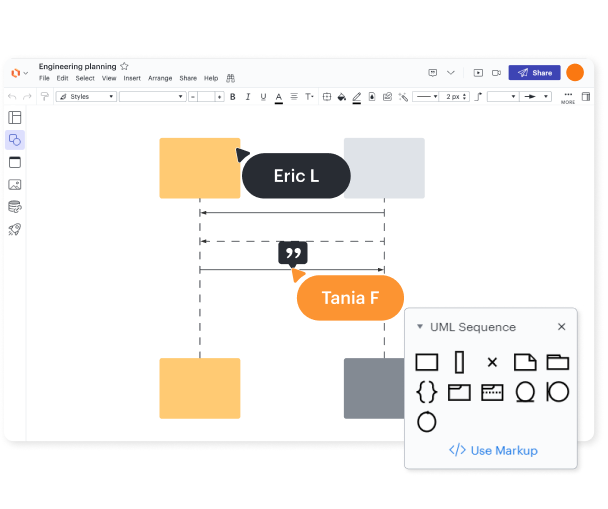
UML sequence markup tool

If you’re building a UML sequence diagram, Lucidchart streamlines the process with our UML markup tool. You can auto-generate a sequence diagram from the text you enter in the sequence markup tool.

Perfect for developers and their colleagues
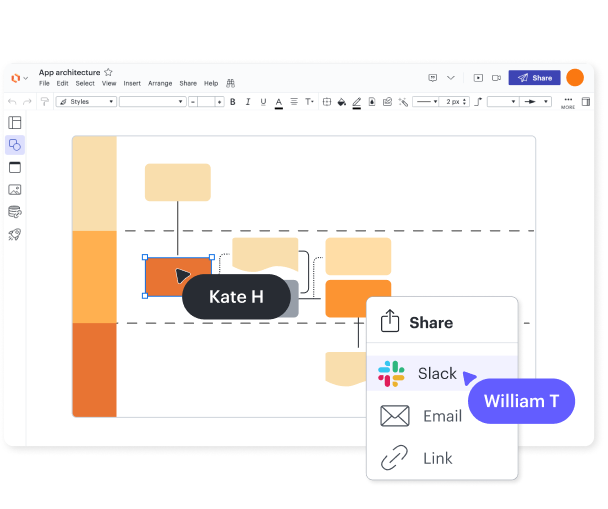
UML diagrams are most often built by software developers, software engineers, and data scientists. However, they’re useful for more than internal documentation—share the UML diagrams you build in Lucidchart with stakeholders in non-technical roles to help them understand what’s going on.

Ready to collaborate, present, and share
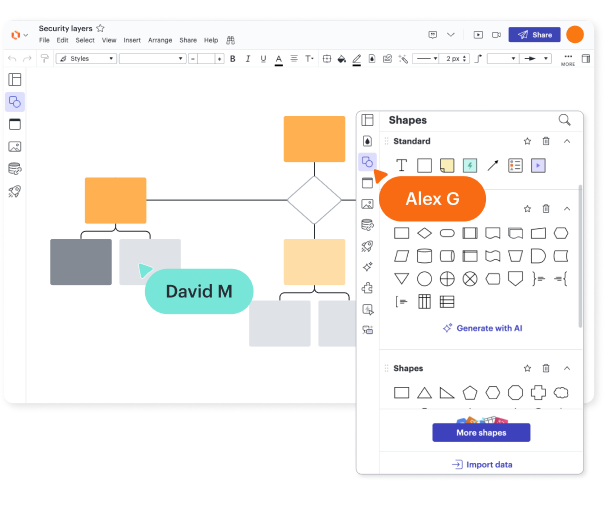
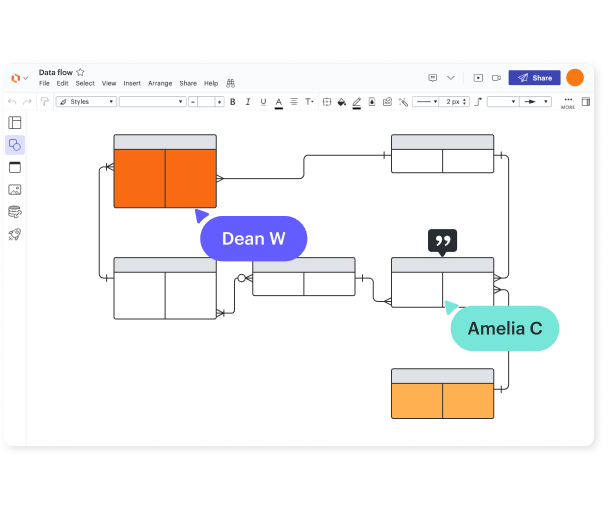
Use Lucidchart to collaborate on UML diagrams in real time with your team. When you’re ready, present your work from Lucidchart or share it in popular apps like Confluence and Jira.

Available anytime, anywhere

Our UML diagram generator is cloud-based, so you can create, save, and collaborate on your UML diagrams from anywhere, no matter what device, browser, or operating system you work from.

Security and password protection

Secure and private

We take your security seriously. Our compliance certifications include PCI, Privacy Shield, and SOC 2.

Lucid security
G2 best software awards 2022

Trusted and beloved

Don’t take our word for it—check out what other people say about Lucidchart. We have thousands of five-star reviews on third-party apps like TrustRadius, Capterra, and G2.

Start a UML diagram in Lucidchart in minutes
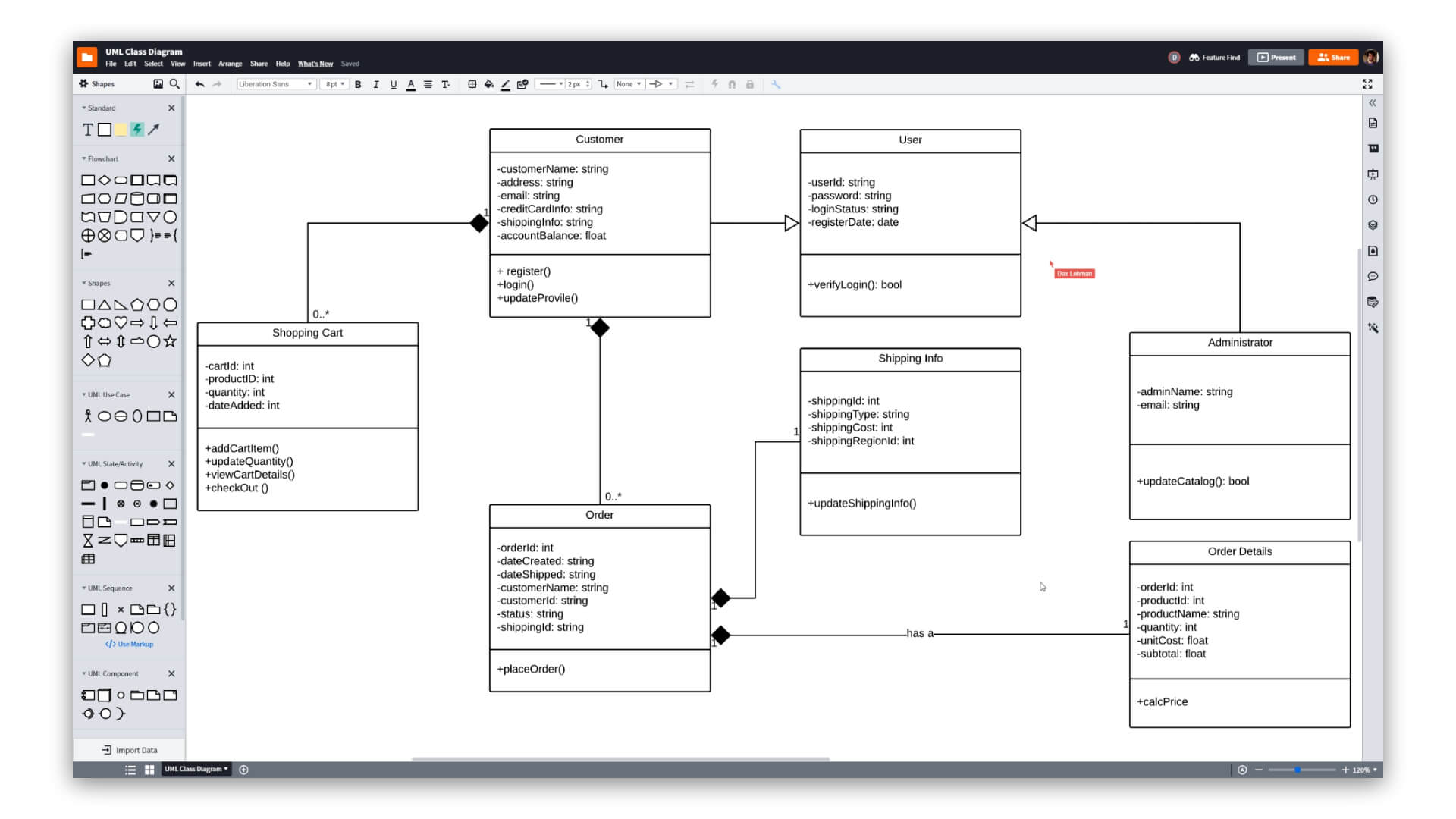
Why choose Lucidchart as your UML diagram maker
  • Create your first document, whether you import it, start from scratch, or use one of our templates.
  • Create professional UML diagrams to visualize complex systems.
  • Save time with our UML sequence markup tool.
  • Use Lucidchart’s UML shape library to access industry-standard UML shapes.
  • Share your UML diagram with your team and start collaborating on it
Create a UML diagram

UML diagram templates and examples

Use a template from our gallery to get a head start on your UML diagram.
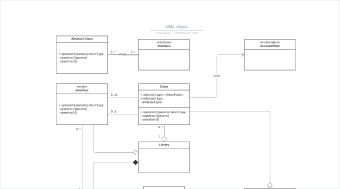
UML class diagram template

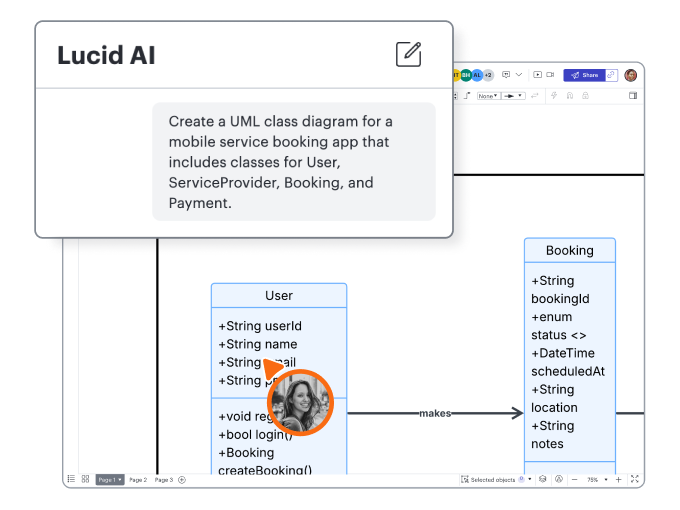
UML class diagram

Go to UML class diagram template

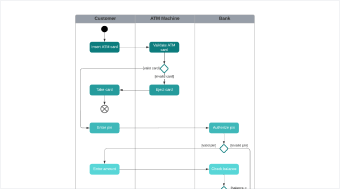
Activity diagram with swimlanes template

Activity diagram with swimlanes

Go to Activity diagram with swimlanes template

Lucidchart integrations

Connect Lucidchart to all your favorite industry-leading apps.
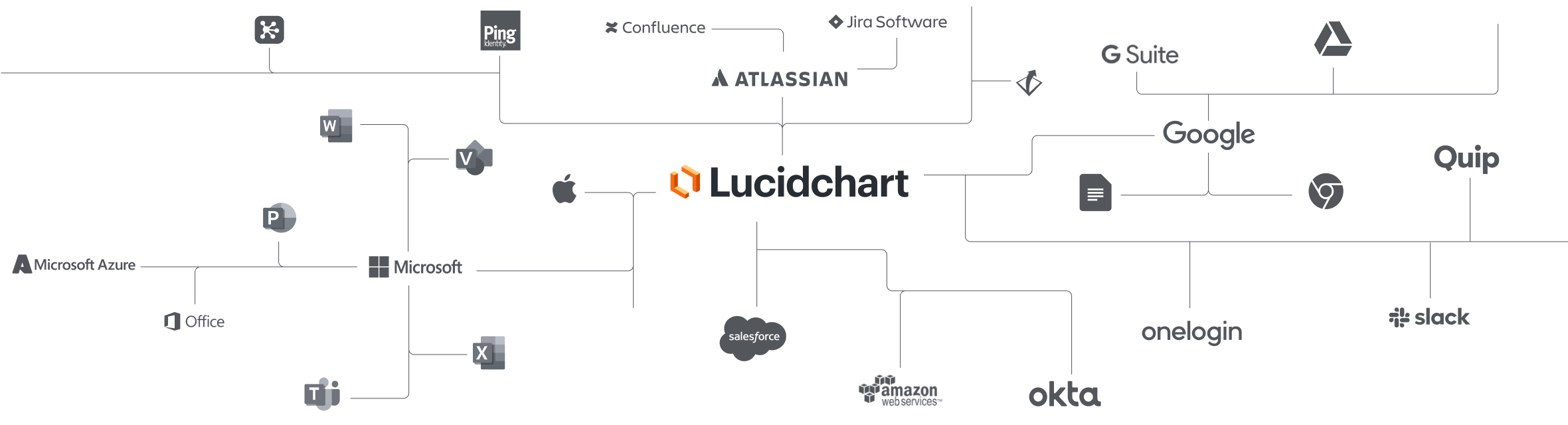
Lucidchart Integrations

See why teams choose Lucidchart

Diagram, visualize data, and collaborate all in one platform.

Collaborating with team members in Lucidchart

Collaboration

Use Lucidchart on any device with ease. Lucidchart helps teams collaborate in real time from anywhere in the world. Enhance productivity while working with your team to achieve your goals.

a simple orange flow chart

Clarity

Lucidchart brings clarity to the complex. Intelligent diagramming allows you to quickly visualize projects and processes from start to finish.

real-time collaboration on a flow chart

Alignment

Drive alignment with your team by collaborating in the same space. Quickly map out processes and ideas together in real time so that you never miss a beat.

person on laptop making sticky notes and charts

Better together

The Lucid Visual Collaboration Suite transforms the way you work from ideation to project completion. Brainstorm and plan in Lucidspark then map it out in Lucidchart. Create a living blueprint of your organization.

What is a UML diagram?

Unified modeling language (UML) diagrams describe the structure of a system, the objects within the system, and how they all behave. While you’ll find many types of UML diagrams, they fall into two broad categories: structural diagrams and behavioral diagrams.

How to create a UML diagram

  1. Enable the UML shape library

    Open the shape manager in Lucidchart and select the UML library, which includes all the UML shapes, symbols, and notation.

  2. Use sequence markup to automate the process

    Speed up the process of creating your UML diagram. Under the UML Sequence category in the toolbar, click “Use Markup,” type your markup, and click “Build.”

  3. Identify and add UML components

    Drag and drop shapes onto your blank canvas to start work on your UML diagram. Connect these shapes using arrows to indicate relationships and flows.

  4. Add text to your UML diagram

    Label and arrange your use cases, flows, and actors to clearly communicate their purpose.

  5. Publish and share

    Share your UML diagram with other teams or stakeholders. Embed your diagram in a wiki, send it in an email, or share it with integrations like Jira, Confluence, and Slack.

Frequently asked questions about UML diagrams

What is unified modeling language (UML) used for?
UML helps software engineers describe and visualize a system, no matter what language it’s coded in.
What are the different types of UML diagrams?
The types of UML diagrams are class, activity, object, use case, sequence, package, state, component, communication, composite structure, interaction overview, timing, and deployment. You can build any of these with Lucidchart.
Can I build a UML diagram using markup?
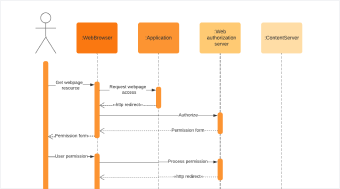
Yes. First, you will need to enable the UML sequence diagram shape library. Then, Lucidchart provides a UML sequence markup feature that auto-generates a sequence diagram based on the text you provide.
How can I change the formatting of a UML diagram?
You can add styling and formatting to your UML diagram using the Properties bar at the top of the Lucidchart editor.
Can I show the difference between current and future states within the UML diagram?
Yes, use the layers feature to visualize current, ideal, or future states of any process or system side by side. Start with your current system and then create a layer depicting future states. Use hotspots to toggle between layers.
  • Learn more
What are the options for sharing my UML diagram in Lucidchart?
Publish and share diagrams with Lucidchart users and non-users via email, shared link, PDF, or image file. You can also share your diagram on social media or embed it onto any webpage.
How much does it cost to sign up?
Lucidchart is free to sign up. Start creating your first diagram today or edit one of the hundreds of free templates to get started. For more advanced features and premium templates, Lucidchart has Individual plans as low as $7.95 per month and Team plans starting at $9.00 per user per month.

Get started

  • Pricing
  • Individual
  • Team
  • Enterprise
  • Contact sales
PrivacyLegalCookie privacy choicesCookie policyYour privacy choices iconYour privacy choices

© 2026 Lucid Software Inc.