If you’re on a software team, you know how important it is to constantly look for ways to reduce the risk associated with deploying new features and updates. Modern software teams, especially those managing critical applications, focus on incremental, cautious rollouts. One of the most effective methods for achieving this is the canary deployment strategy.
What is canary release?
Canary release refers to a progressive rollout of an application. In this rollout, a new application is released to a subset of users before rolling it out fully.
The strategy gets its name from the historical practice of using canaries in coal mines. If the canary died, it signaled the presence of toxic gases, which would give miners a chance to escape before they were met with the same fate. Similarly, in software deployment, if the new version (the canary) encounters issues, it will be contained to a small percentage of users, so the team can stop the canary rollout and mitigate before it affects all users.
Canary releases vs. canary deployments
While the terms “release” and “deployment” are often used synonymously, they are technically two different stages of the software development process. As a whole, the canary strategy refers to both release and deployment together.
Canary releases
A canary release is an early build of an application, often a development version. It will then traditionally be made available to a specific group of users for testing and feedback. Canary releases are about making the software available for use by a select few. You’re more likely to see this in the open-source world, where many projects will use an odd/even numbering system to separate the stable from the non-stable version.
Canary deployments
If a canary release is finished, packaged code, deployment is the act of putting that code into a production environment and controlling the live traffic flow to it. In other words, deployment is about making the new version operational. It’s the technique used to safely introduce a canary release into production.
Benefits of a canary release deployment strategy
There are many reasons your team may want to implement a canary release deployment strategy. Here are a few to consider:
-
Production testing: Canary release deployments allow you to validate the application's performance, stability, and compatibility using real user traffic and production data before you deliver it to all users.
-
Early detection: Canary release deployments make it much easier to catch bugs or bottlenecks that may only otherwise manifest under a real-world workload.
-
Easy rollback: If the canary release deployment fails, updates are much easier to roll back. The team will simply need to redirect the small percentage of traffic back to the stable version, limiting the outage or poor user experience.
Canary release and deployment strategy examples
There are many reputable brands that rely on the canary release deployment strategy for a better, more stable user experience. Here are a couple of examples:
Google
Google uses a canary release channel for its Chrome browser to test new features and updates with a small group of users before a full rollout. The Chrome canary build is updated daily with code changes, giving developers early access to improvements. This allows Google to gather feedback and ensure stability before the browser’s wider release.
Mozilla
Mozilla uses a canary deployment strategy through its nightly and beta versions of its Firefox browser. The nightly build includes the latest updates and experimental features, allowing developers to ensure performance before wider release. The beta version provides a more stable environment for testing, ensuring that features are reliable before the general Firefox release.
Types of canary deployment strategies
There are three different types of canary release deployment.
-
Automated canary
In an automated canary release deployment, the system is configured with predetermined percentages, like 5%, 25%, or 50%. The deployment tool automatically handles the traffic split and promotion steps based on these percentages. Automated canary release deployment is the fastest type.
-
Custom-automated canary
With a custom-automated canary release deployment, the user maintains control over certain parts of the deployment phases, like the phase names and percentage goals. However, the system will still automatically create the necessary resource and handle the traffic-balancing configuration.
-
Custom canary
A fully custom canary release deployment offers the greatest level of control but takes the longest amount of time. Because of this, it’s usually reserved for the most complex deployments or environments. In this type of deployment, the team configures each canary phase separately and provides all of the traffic-balancing configuration themselves.
Lucidchart can help with your release and deployment
Flowcharts are essential for canary release deployment strategies, providing clear, visual maps for complex processes. Specifically, flowcharts can help you:
-
Plan and design the full rollout process, ensuring all team members understand the details.
-
Prove the concept to stakeholders by visually demonstrating the flow, checkpoints, and criteria for moving to the next stage.
-
Document the release process for new employees or for context later on.
Lucidchart’s powerful capabilities can support you through every step of the release process. Here are some of the ways it accomplishes this.
Real-time collaboration and planning
Lucid’s powerful workspace is a perfect spot for ideation, design, documentation, and process mapping. The best part? You can collaborate with anyone, anytime, anywhere, so you aren't limited by time zones or dispersed work environments. This is crucial when planning and conveying complex processes during software deployment. Some of Lucid’s collaborative features include:
-
Facilitator Tools, including timers and breakout boards to structure sessions and maximize productivity
-
Visual Activities, which quickly collect qualitative feedback from your team and turn it into actionable insights
-
Collaborative AI that expands your thinking by brainstorming ideas, summarizing sessions, and uncovering key themes.
Dynamic visuals
To ensure release stability, you need to account for every detail. Lucid can help you easily create structured diagrams to clearly map out your deployment process. With Lucid AI, you can create flowcharts instantly through text prompts. Then, customize those visuals with one-click shape changes. Don’t forget to take advantage of assisted layout, which intuitively arranges shapes and lines so your document looks polished and professional.
Effortless documentation
Good documentation is crucial for efficient software deployment, as it serves as a single source of truth for architecture, configurations, and troubleshooting steps. This speeds up onboarding, reduces errors, and promotes faster problem resolution by ensuring all team members know how the system is built and how it operates.
Documentation is often dreaded, but Lucid makes it effortless. Here’s how:
-
Lucid connects with your favorite apps, like Figma or Jira, leveraging and expanding on the work you’ve already done to boost efficiency and automation.
-
Lucid’s powerful data-linking capabilities allow you to connect live data to your shapes and diagrams, automating ongoing data entry so you can confidently monitor changes.
-
Lucid’s customizable templates kick-start your work by setting up the board for you so you can easily create diagrams, brainstorm, build flowcharts, and more.
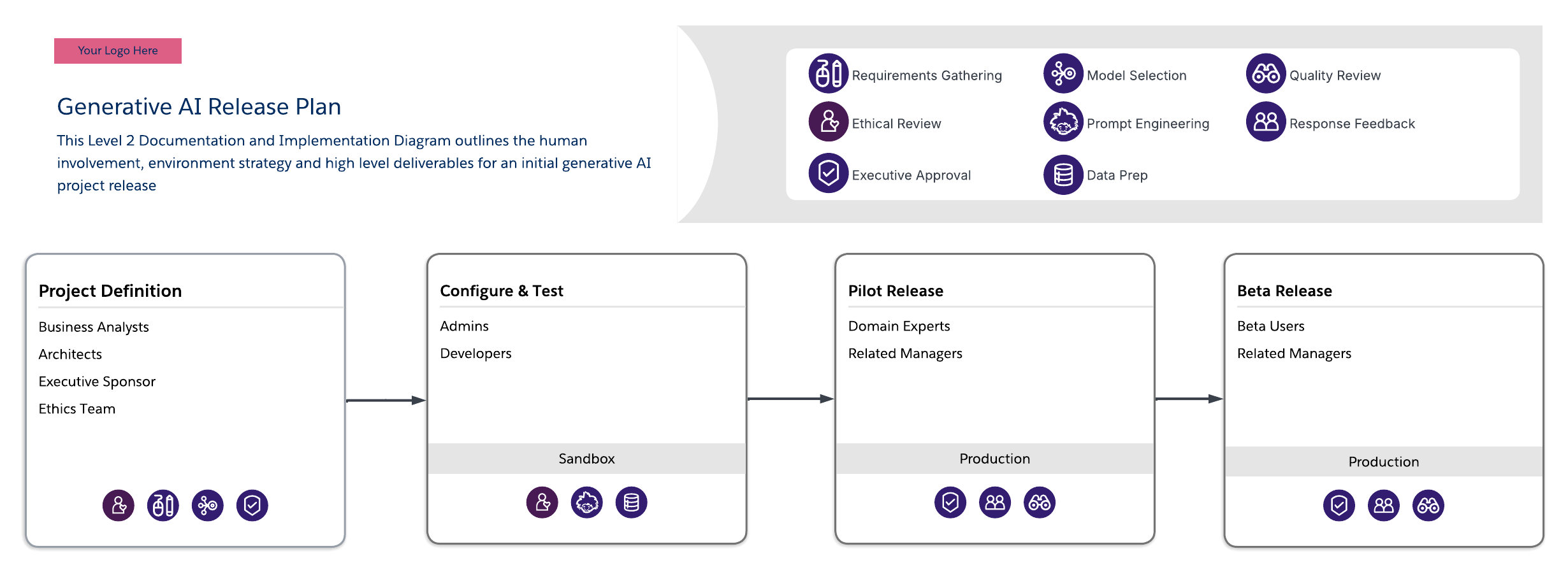
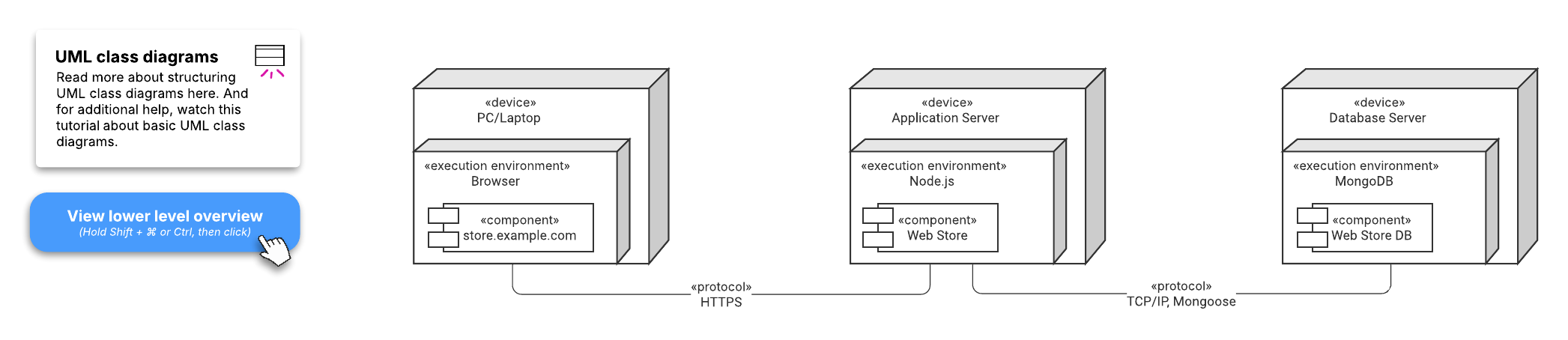
Here are just a couple of the templates that could be helpful for software deployment.