
Concept Map Maker
Concept maps help you map the relationships between ideas. Use Lucidchart to create online concept maps from templates or from scratch—we have everything you need to get started.



By registering, you agree to our Terms of Service and you acknowledge that you have read and understand our Privacy Policy.
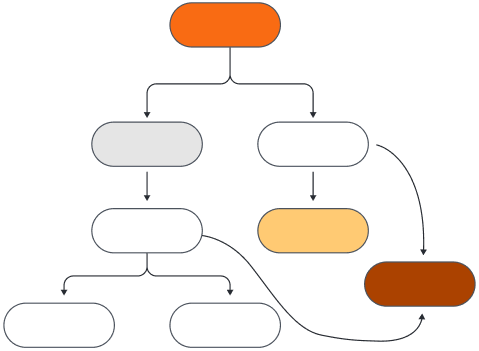


Map out new concepts with ease
Get to work right away with Lucidchart’s intuitive concept map software.
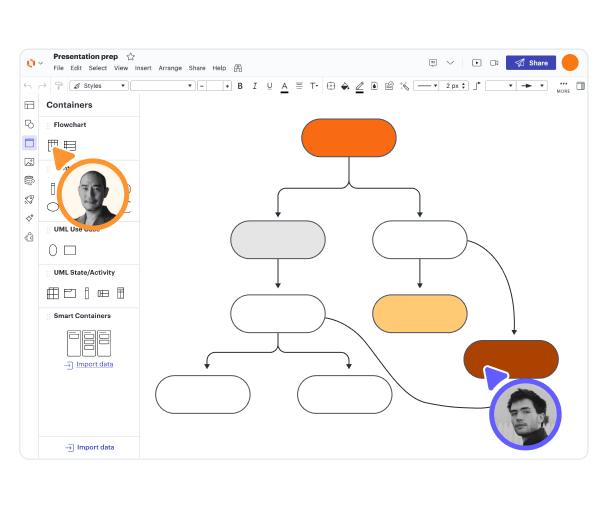
Organize concepts with easy-to-use shapes
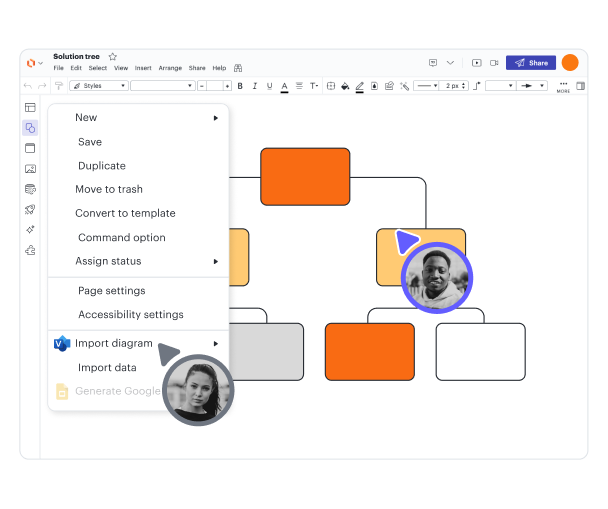
Import and export ideas
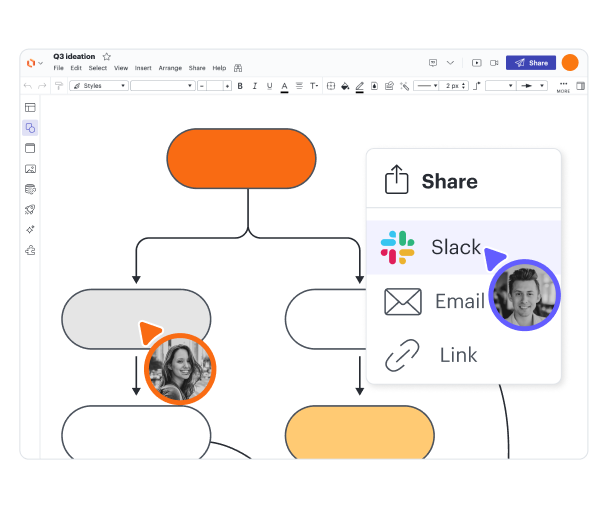
Share and present concept maps online
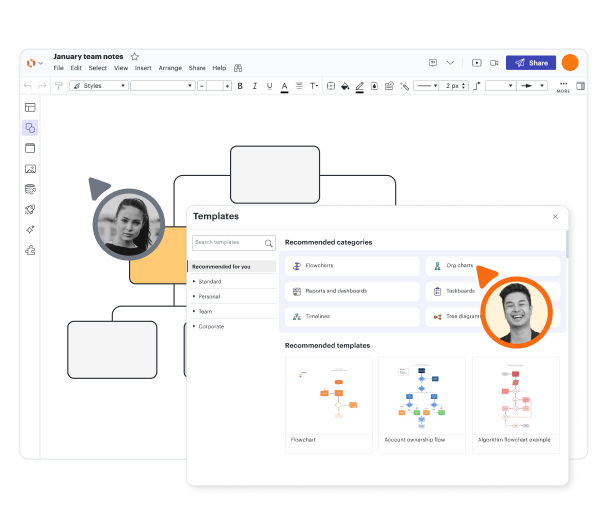
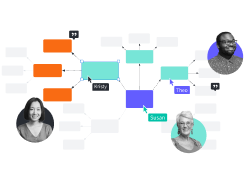
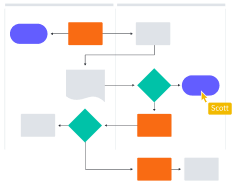
Collaborate in real time from anywhere
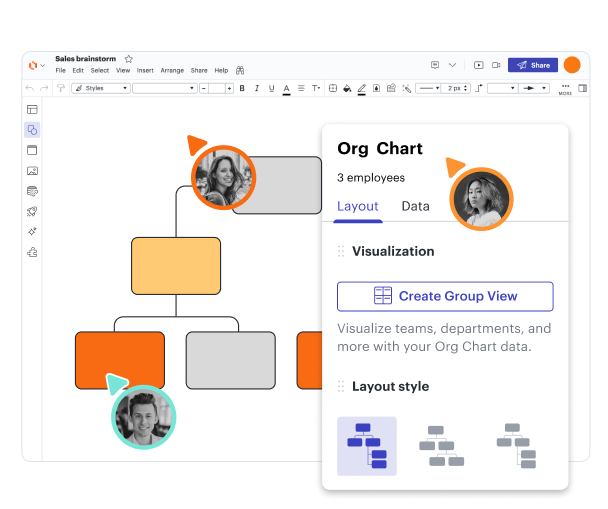
Customize concept map templates
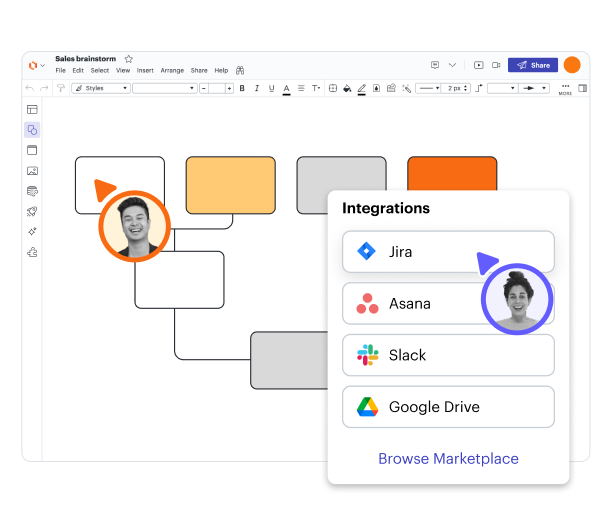
Connect to tools you already use

See why users love Lucidchart
Learn to use Lucidchart in 3 minutes
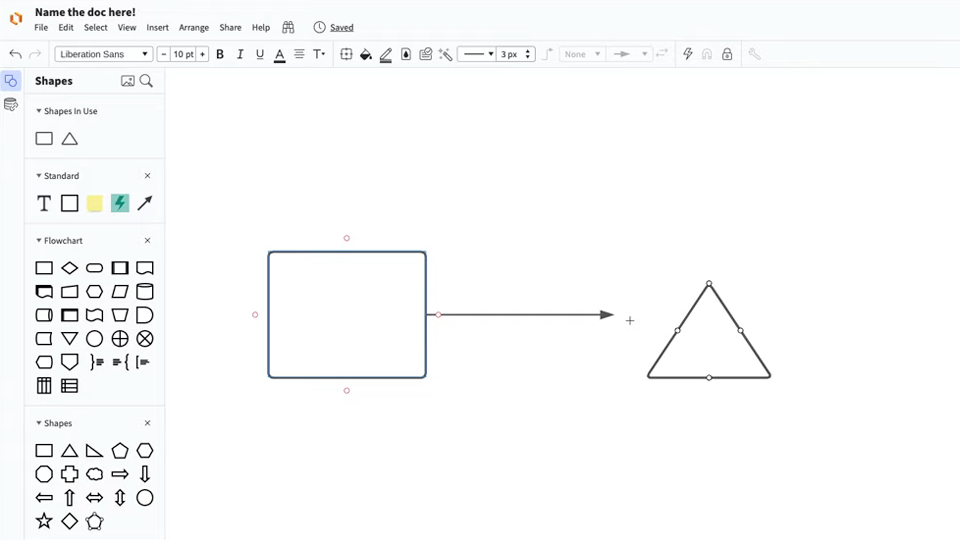
master the basics of Lucidchart in 5 minutes
- Create your first concept map, whether you import it, start from a template, or begin with a blank canvas.
- Add shapes and connecting lines to your concept map, and add text to describe what you’re thinking.
- Change the styling and formatting to make your concept map visually appealing.
- Use Feature Find to locate any feature or tool within your diagram.
- Share your concept map with your team to start collaborating.
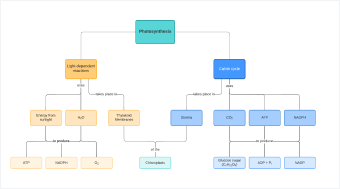
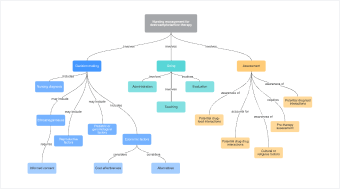
Concept map templates
Start working on a concept map right away with one of our templates.

Lucidchart integrations
Connect Lucidchart to all your favorite industry-leading apps.
See why teams use Lucidchart
Diagram, visualize data, and collaborate all in one platform.
Collaboration
Clarity
Alignment

Better together
What is a concept map?
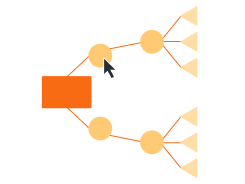
A concept map helps you visualize the relationship between concepts, ideas, events, or notes. These diagrams are commonly used to plan curriculum, create study guides, or outline writing projects. To use a concept map, put your ideas in circles (also called nodes). Unlike a mind map that starts in the center and works outwards, a concept map generally works top to bottom in a hierarchy. Connect your circles with lines or arrows (also called arcs) and label the lines to show how the ideas relate to each other.
How to make a concept map
Start with a topic
Begin with the core topic you want to explore. Drag a shape onto the canvas to contain it. The hierarchy of your concept map will start from here.
Identify key concepts
Make a list of all the key ideas that relate to your core topic. This list is called the parking lot. Order them from most general first to most specific last.
Connect topics and subtopics
Move your key concepts from the parking lot to the diagram, drawing connecting lines as you go. Label the lines with text to show how the ideas are related.
Customize and format
Personalize and organize your diagram by adding colors and images. As you learn more about your core topic, update your diagram.
Present and share your work
Use Lucidchart’s easy sharing options to present your concept map. You can share the diagram directly within Lucidchart, print it, or download it as a PNG, JPEG, or PDF.