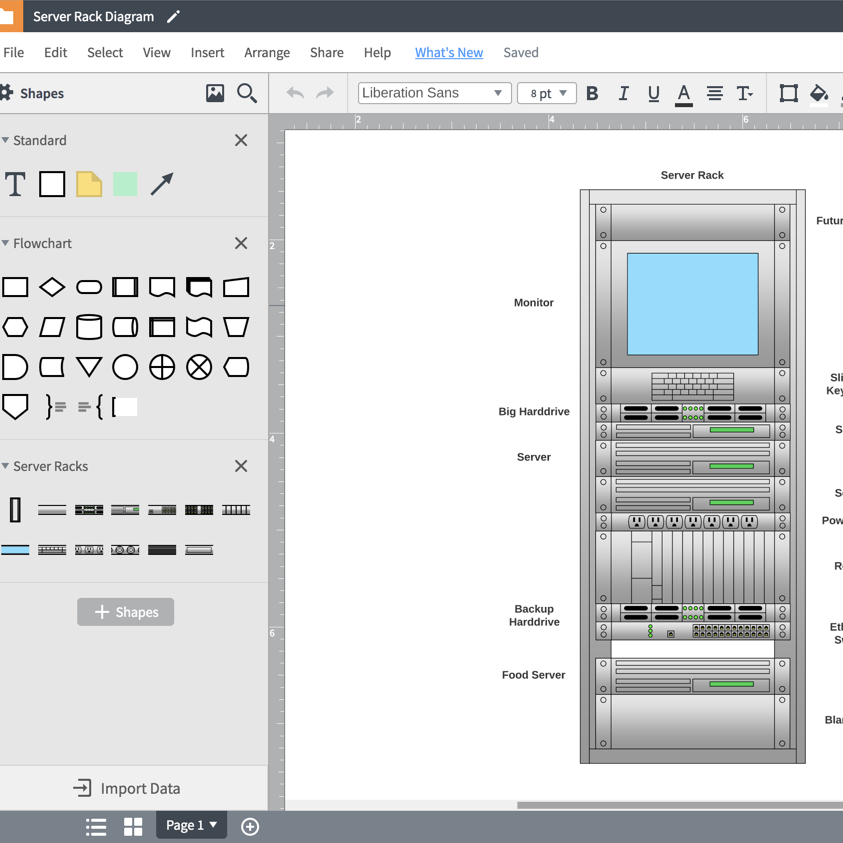
As businesses continue to evolve and technology continues to advance, many organizations are making changes and improvements to their network infrastructure. More often than not, it helps to visualize your network infrastructure so you can better identify weaknesses and pinpoint places for refinement—that’s where network infrastructure mapping comes in handy.
What is network infrastructure mapping?
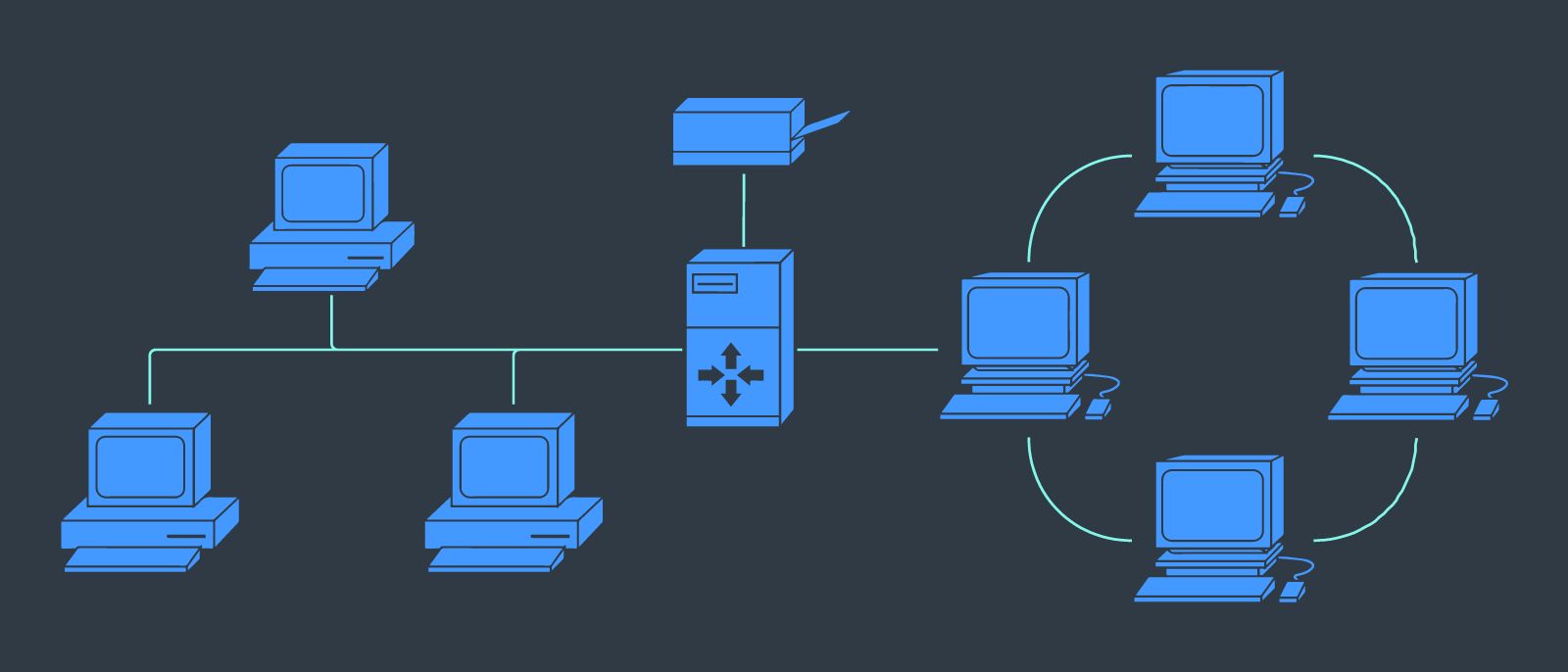
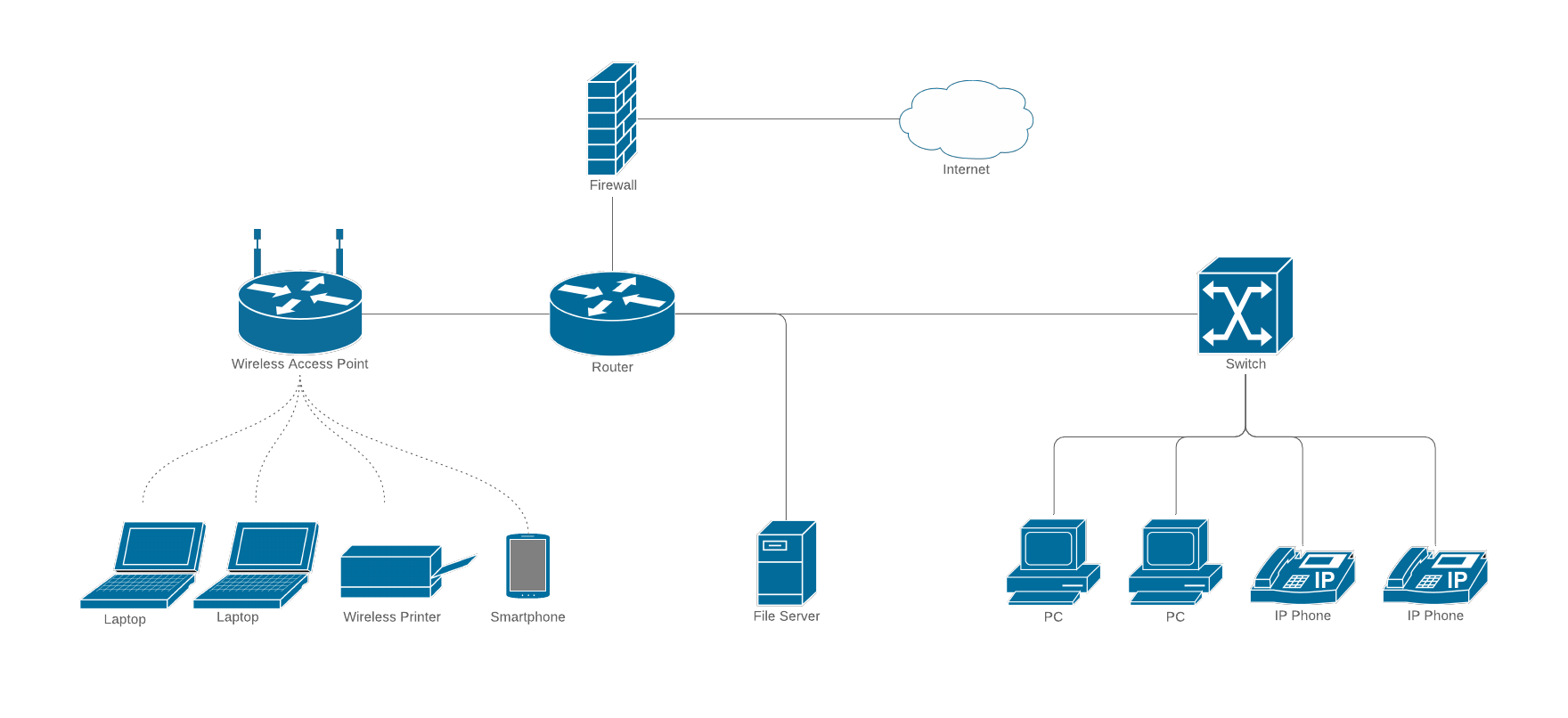
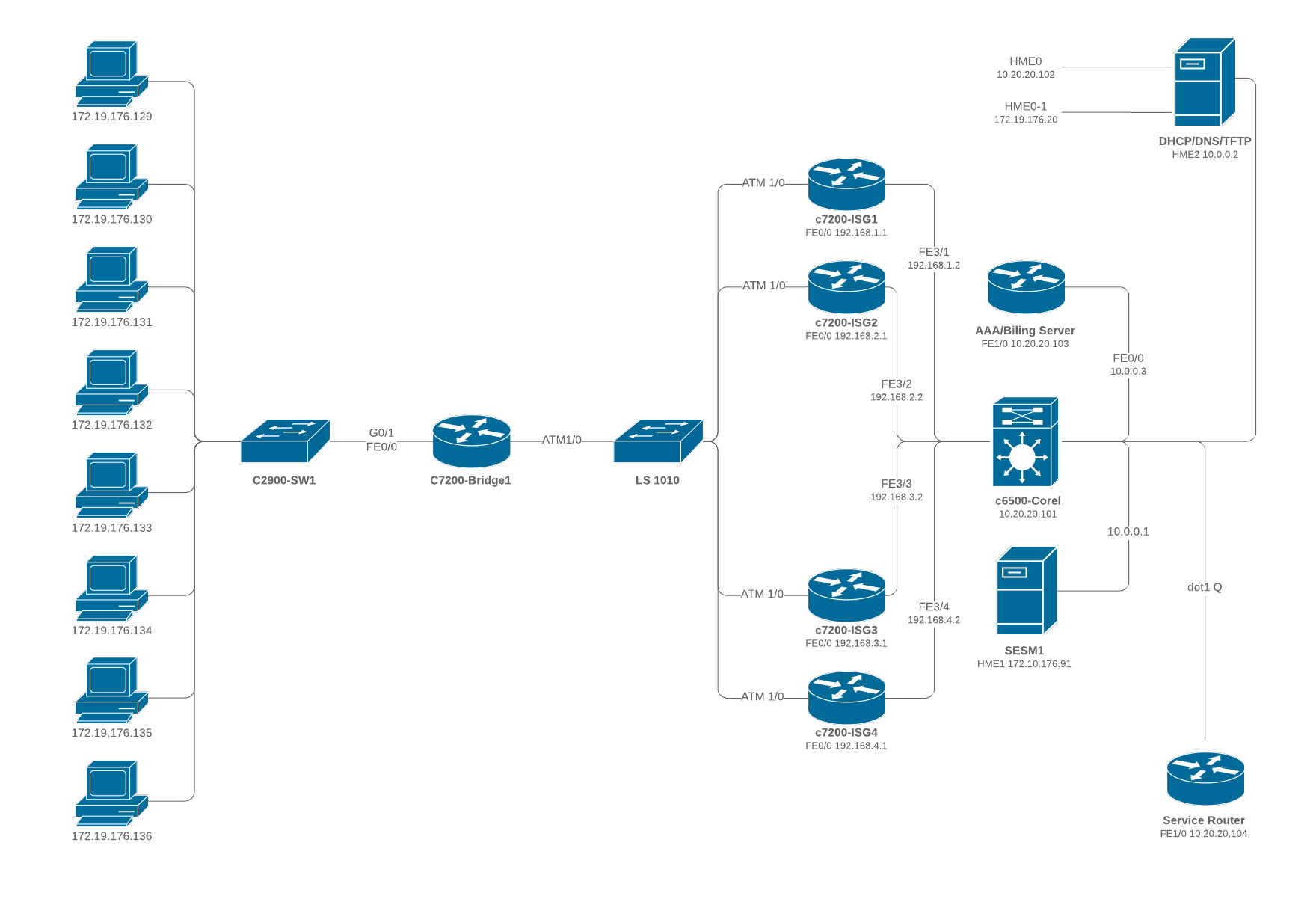
Network infrastructure mapping is where you literally map out your network infrastructure. This is also often called network infrastructure topology. You make a map that includes everything from routers and wireless access points to devices, firewalls, and more.
It's worth noting that, whether you manage your networks in the cloud or on-prem, network infrastructure mapping is essential, and you can create an infrastructure diagram for both types of networks.
Mapping your system is typically done using a network diagram software to create a network infrastructure diagram, sometimes called a server infrastructure diagram. These IT diagrams are essentially the backbone of your network. They help engineers and IT professionals better understand the network so they can better manage and improve the network experience for users.
The value of network infrastructure mapping
Today, companies are quickly growing, adding more and more remote workers, and with information being transmitted quicker than ever before. So it’s critical to have an in-depth understanding of your system and how it operates, like how the network is hosted to each device, such as laptops, phones, and tablets.
You can leverage a network diagram if you have multiple centrally located servers on-premises, if you host your product using a cloud-based platform like Amazon Web Services (AWS), Microsoft Azure, or Google Cloud, or if you have multiple employees or users with devices across multiple offices.
Network diagrams provide an elevated perspective of your system, giving you a bird’s-eye view of the network’s complexity and interconnectivity. Network infrastructure provides many benefits that help you:
- Better understand your network: A visual representation of your network can give you a drastically better sense of how your network is set up and how everything works together. Through visuals, you can also bring others, including new members of your IT team, up to speed quickly on your network and systems.
- Better troubleshoot issues: Don’t guess at what might be wrong. When you can visualize your system, you can more accurately pinpoint errors and troubleshoot issues when they arise.
- Make informed improvement decisions: When improving or updating your network or adding new devices, refer back to your network diagram and determine how devices will connect to the Internet or where you have port space available.
- Improve compliance: Ensure you are compliant with the security requirements and have the appropriate firewalls and access control measures in place.
- Standardize processes: When you use visuals, you can help standardize hardware and software at your company as you scale.
While there is paramount value in network infrastructure mapping and network diagrams, the rate at which systems are prone to change can make it difficult for these diagrams to stay relevant and updated. A cloud-based visual workspace like Lucidscale is a critical component to reap the benefits of these IT diagrams.
Why use Lucidscale as your network diagram software
As you begin the process of mapping out your on-prem network, use Lucidchart, one of the leading platforms for individuals and businesses who want to build topology diagrams of their network infrastructure. The interface of our network diagram software is cloud-based, intuitive, and easy to use and includes a wide range of industry-standard network and Cisco shapes.
Collaborate and increase understanding throughout the company
The information on your network diagrams need to be accurate so you can confidently troubleshoot and improve your system. To confirm that information that is complete and exact, share your diagrams with IT teams using URLs or by embedding it in a wiki. Or, use the in-editor commenting feature to easily provide and solicit feedback on the diagram itself to make certain you have the best information available to keep everyone on the same page.
Migrate to the cloud
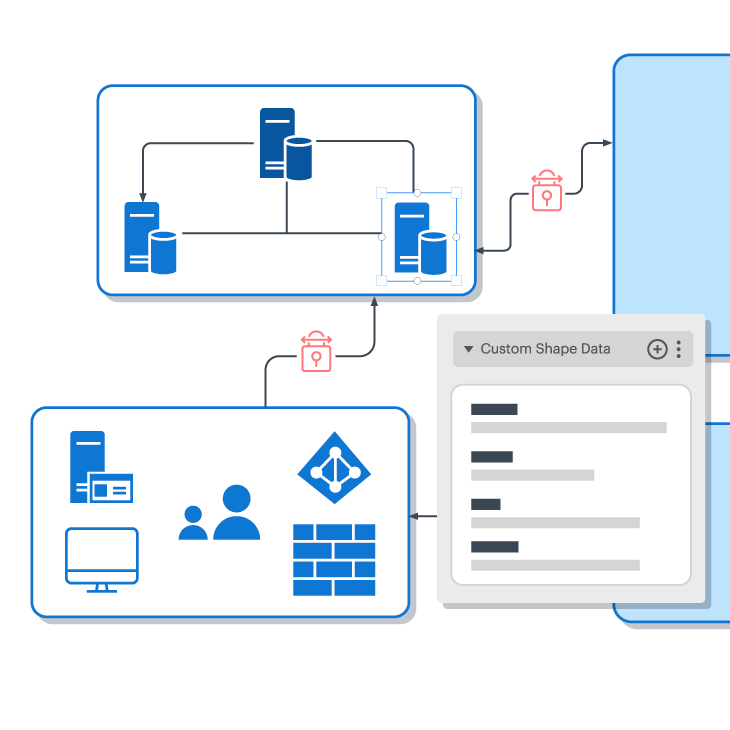
While you can easily leverage Lucidscale to map your on-prem network, you may eventually consider migrating to the cloud. Lucidscale offers both manual and automatic diagramming options for your cloud architecture. Use Lucidscale to automatically visualize your cloud infrastructure within minutes, simply by connecting with your cloud provider account.
This way, you can verify what your architects build during design and implementation stages, and continue to monitor and optimize your cloud moving forward.