Log in

Lucidchart vs. Miro

Compare Miro’s online whiteboard with Lucidchart, the intelligent diagramming application. See how Lucidchart beats Miro on data and automation capabilities to support broader use cases.

Sign up free
Sign in with GoogleGoogleSign in with MicrosoftMicrosoftSign in with SlackSlack
  • Amazon logo
  • Google logo
  • Intel logo
  • Nvidia logo
  • Siemens logo
  • Volkswagen logo
  • Philips logo
  • Braun logo

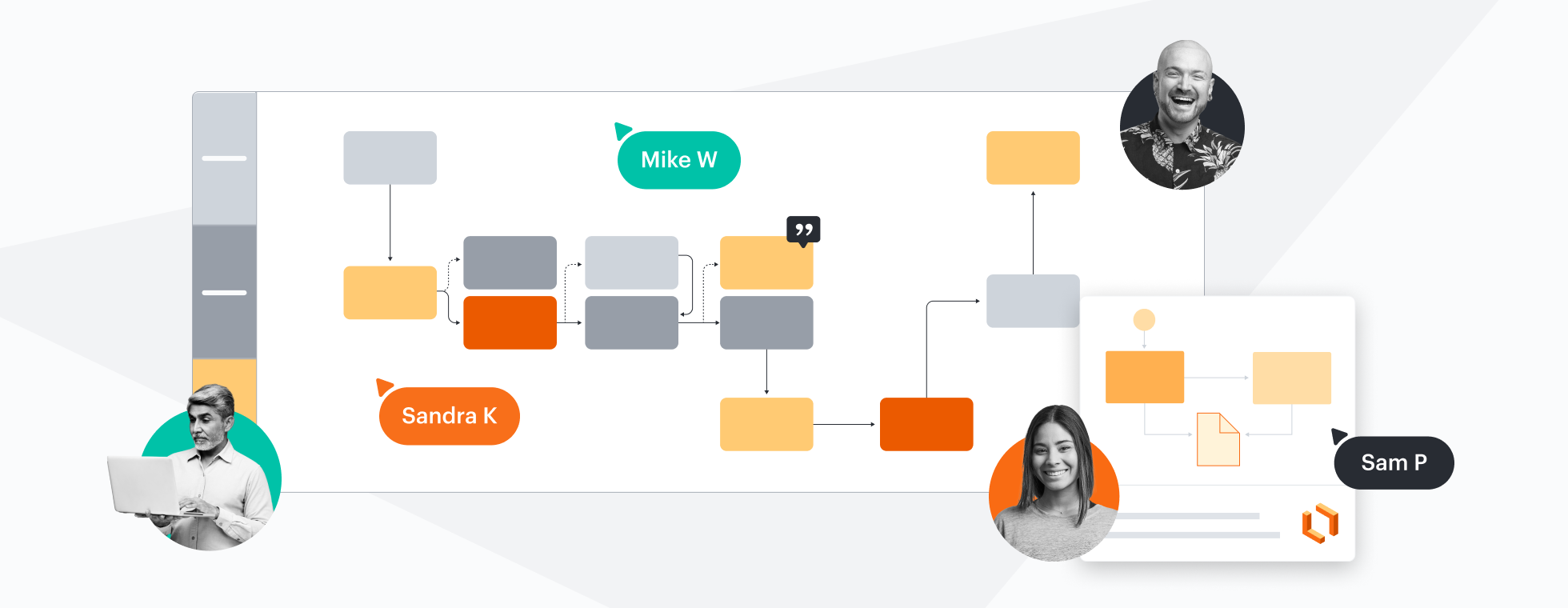
Designed to help you transform complex data into actionable insights, Lucid is the most used visual collaboration platform. In contrast, Miro lacks features that make diagrams actionable.

Learn more

Why teams choose Lucidchart

Data-linked process diagrams and flowcharts
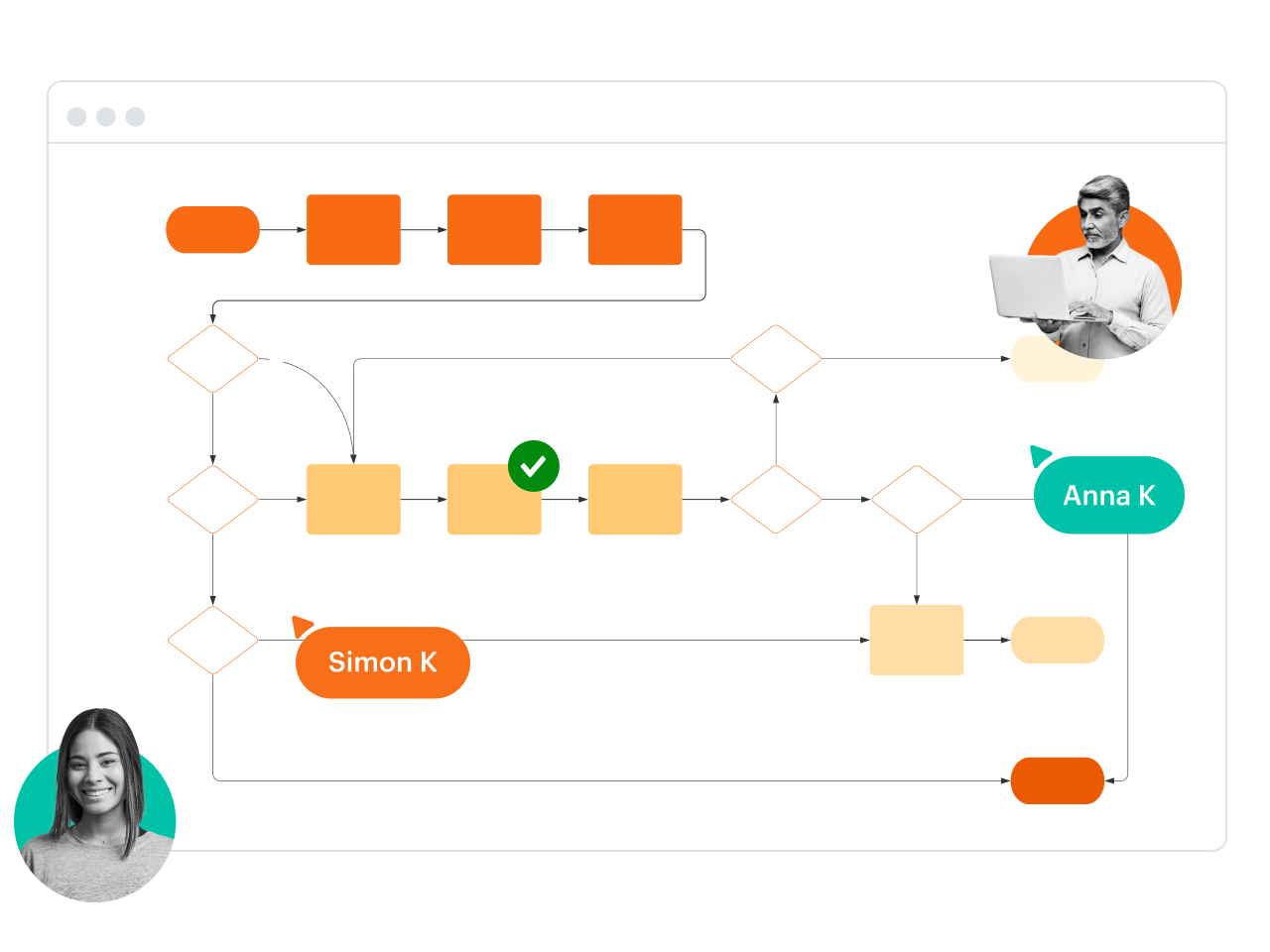
Technical experts prefer Lucidchart because it allows them to transform complex data into actionable insights. For example, you can use data linking to connect the steps of a process to actual data, or use formulas with custom data fields for calculations. Miro doesn’t offer these data capabilities. In fact, Lucid is years ahead of Miro with data and automation.

Technical diagrams with greater detail
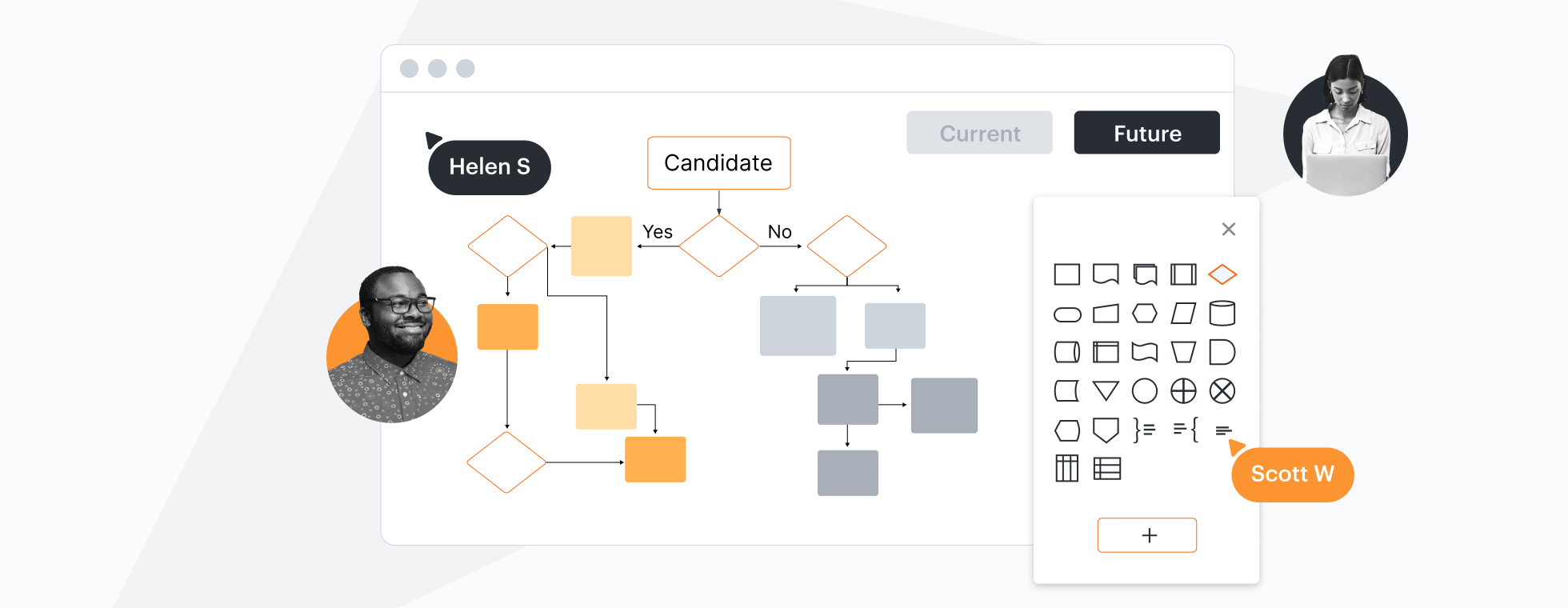
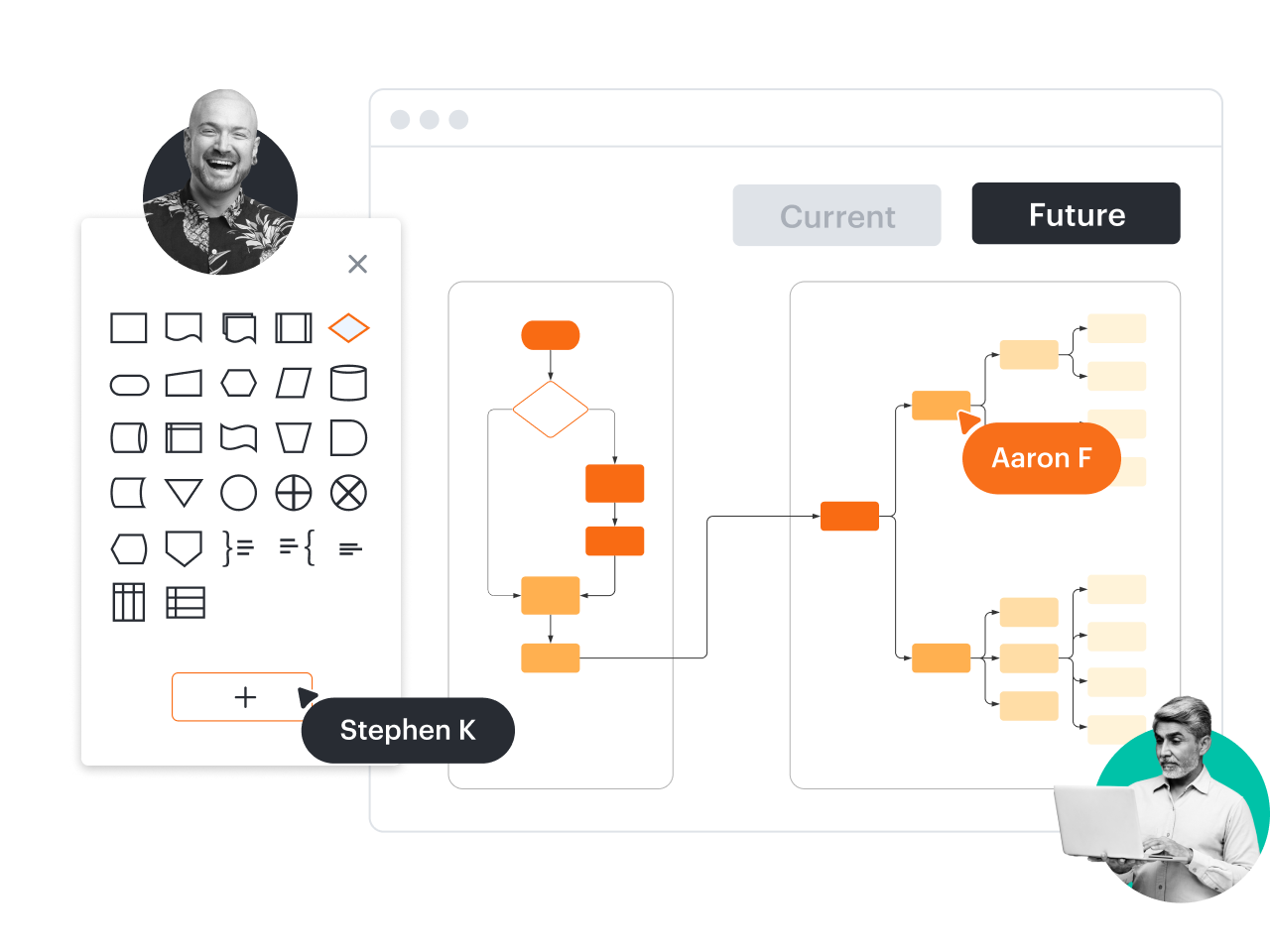
In addition to industry-standard shape libraries, Lucidchart supports custom shapes and custom shape data. Build and share shape libraries with everyone on your team to save time as you work together to standardize your documentation. Miro is limited to basic diagramming and doesn’t support custom shapes.

Time-saving org chart automation

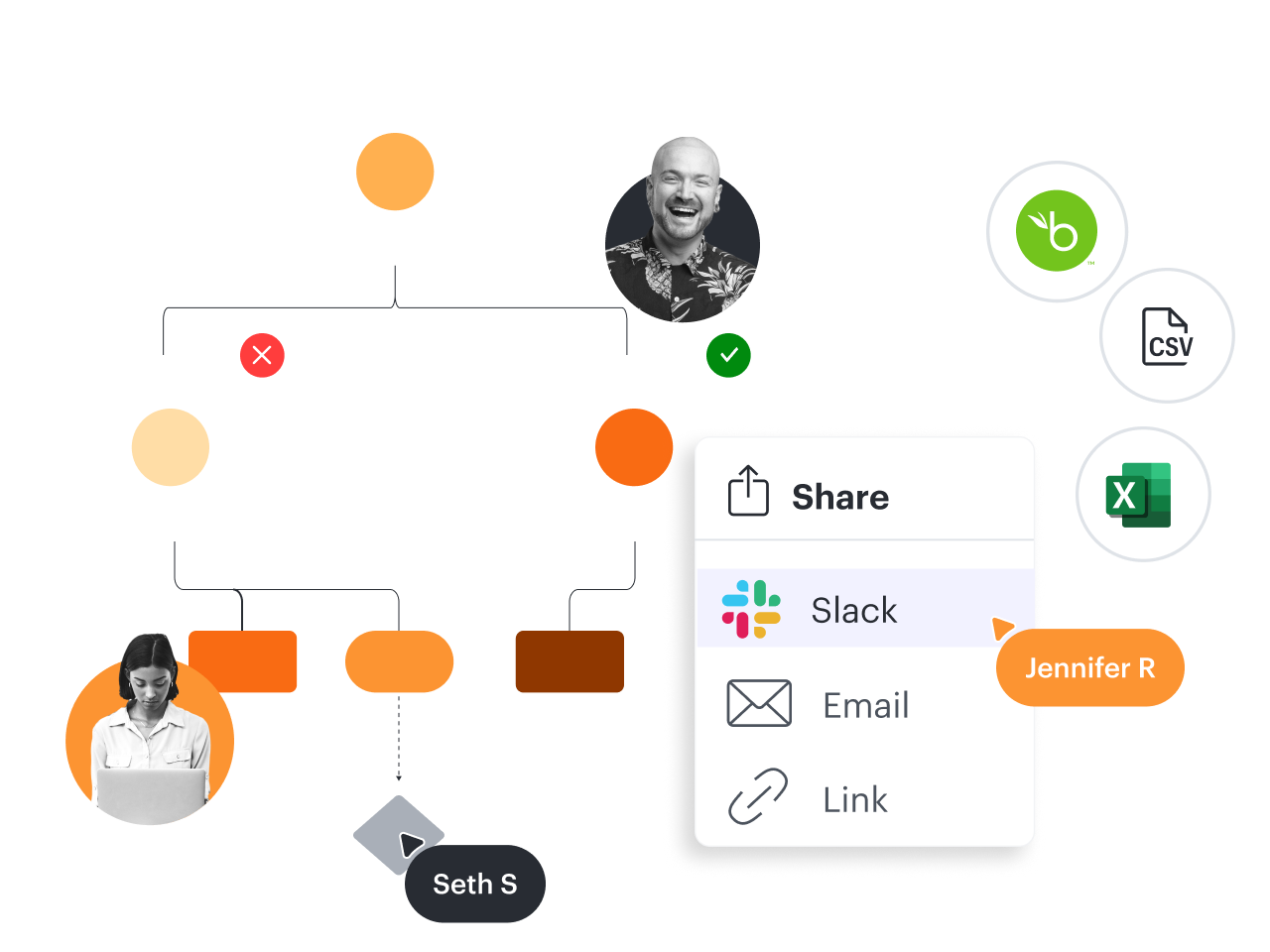
Not only does Lucidchart offer a variety of org chart templates and shapes—including photos and data fields—but it also allows you to automatically import and refresh people data from BambooHR, Google Sheets, and CSV files. To import people data in Miro, you have to download an app, which only supports basic org chart fields and doesn’t refresh data.

Account mapping to streamline sales

Many enterprise sales teams rely on Lucidchart for account mapping. This makes it possible to see and take action on key contacts, champions, blockers, decision makers, and more. With Lucidchart, you can quickly import this data from Salesforce, then drag and drop each contact onto the canvas. Miro doesn’t support this crucial use case for sales teams.

Mobile mockups for cross-team collaboration

When your product, engineering, and marketing teams need to collaborate and align with UI/UX teams, they can leverage shape libraries in Lucidchart to create Android, iOS, and general UI mockups. This makes it easy for anyone to map out a starting point for mobile app designs. Miro doesn’t provide access to Android or iOS mockup shapes.

“Lucidchart provided a way to quickly and cleanly make sense of a codebase without actually having to go through and draw current architecture and design on paper or a whiteboard. You can go back and edit it and update it later."

Randy McLain — iOS Developer at LivePerson

“Lucidchart allows me to gain visibility into something that was once convoluted and opaque. It allows me to see a level deeper. I’m managing 150 deals at any given time, yet with Lucidchart, I can jump in and immediately pick out the missing economic buyer needed to close the deal."

Riley Thomas — SVP of Revenue at Built Technologies

“Once I started using Lucidchart, I’ve never gone back. It’s the best tool out there for collaborating between team members and for providing a really great enterprise-level solution.”

Jeff Morgan — CEO at HyperX Media

FeaturesLucidchartMiro
Advanced diagramming features
Process diagram

Feature is included

Feature is included

Templates

Feature is included

Feature is included

Layers

Feature is included

Feature is not included

Tasks

Feature is included

Feature is not included

Shape actions

Feature is included

Feature is included

Sticky notes

Feature is included

Feature is included

Org chart shapes with data and photos

Feature is included

Feature is not included

Org chart group view

Feature is included

Feature is not included

Compare versions

Feature is included

Feature is not included

Compare docs

Feature is included

Feature is not included

Revision history with versioning

Feature is included

Feature is included

Data overlay

Feature is included

Feature is not included

Data refresh

Feature is included

Feature is not included

Mobile (iOS/Android) mockup shape libraries

Feature is included

Feature is included

Data and automation features
Shape libraries

Feature is included

Feature is included

Basic swimlanes

Feature is included

Feature is included

Formulas

Feature is included

Feature is not included

Custom shape data fields

Feature is included

Feature is not included

Conditional formatting

Feature is included

Feature is not included

Data linking

Feature is included

Feature is not included

Data-linked dashboards and reports

Feature is included

Feature is not included

Dynamic shapes

Feature is included

Feature is not included

Smart containers

Feature is included

Feature is not included

Integrations for advanced diagramming use cases
BambooHR

Feature is included

Feature is not included

ERD import and export from SQL

Feature is included

Feature is not included

Salesforce shape library or template

Feature is included

Feature is not included

ServiceNow integration

Feature is included

Feature is not included

LeanIX integration

Feature is included

Feature is not included

Sharing and collaboration
Download

Feature is included

Feature is included

Email and link sharing

Feature is included

Feature is included

Join ID

Feature is included

Feature is not included

Add passcode / expiration date to share links

Feature is included

Feature is not included

Publish without password

Feature is included

Feature is not included

Print

Feature is included

Feature is not included

Offline mode

Feature is included

Feature is not included

Presentation mode

Feature is included

Feature is included

More resources to help you compare Lucidchart vs. Miro

Lucidchart checks all the boxes for visualizations that support brainstorming and building.

What is intelligent diagramming?

See how advanced Lucidchart features such as data linking enable teams to see, align, and take action on their best ideas.

Learn more

Buyer’s guide: How to evaluate visual collaboration platforms

Learn how visual collaboration capabilities can help accelerate key initiatives, and get a checklist for choosing the best platform.

Get the guide

Lucidchart template gallery

How Lucidchart compares to other competitors

See for yourself why Lucidchart is the best choice across the board.

ConceptDrawCreatelydraw.io

Lucidchart FAQ

How do Lucidchart and Miro compare on integrations?
Like Miro, Lucidchart integrates with a number of industry-leading apps such as Atlassian, Jira, Google Workspace, Microsoft 365, Slack, and more. But Lucidchart offers crucial integrations that Miro doesn’t with technologies such as BambooHR, ERD import and export from SQL, LeanIX, Salesforce, and ServiceNow. Visit the link below to see a complete list of Lucidchart integrations.
  • Learn more
How do Lucidchart and Miro compare on cost?
Lucidchart offers a lower price per license and delivers more value. Customers who choose the Lucid Visual Collaboration Suite, which bundles Lucidchart for diagramming and Lucidspark for whiteboarding, save an average of one-third on their licensing costs. Bundling these products allows organizations to collaborate visually across their entire workflow, while consolidating with one vendor to replace multiple tools in their tech stack.
Can Mac and PC users share and collaborate on Lucidchart docs?
Yes, anyone on a Mac, PC, Linux, or any mobile device can access, edit, and collaborate on a Lucidchart document from a web browser in real time—without downloading documents or dealing with versioning hassles. Visit the link below to learn more about Lucidchart system requirements.
How long does the Lucidchart free trial last?
Try Lucidchart free for seven days with no commitment. We’ll send you an email reminder before your trial expires. If you want to learn more about upgrading to an Individual, Team, or Enterprise account, contact our sales team.
  • Learn more

Start your free trial, and start building the future faster with the best choice for intelligent diagramming.

Sign up free

Get started

  • Pricing
  • Individual
  • Team
  • Enterprise
  • Contact sales
PrivacyLegalCookie privacy choicesCookie policyYour privacy choices iconYour privacy choices

© 2026 Lucid Software Inc.